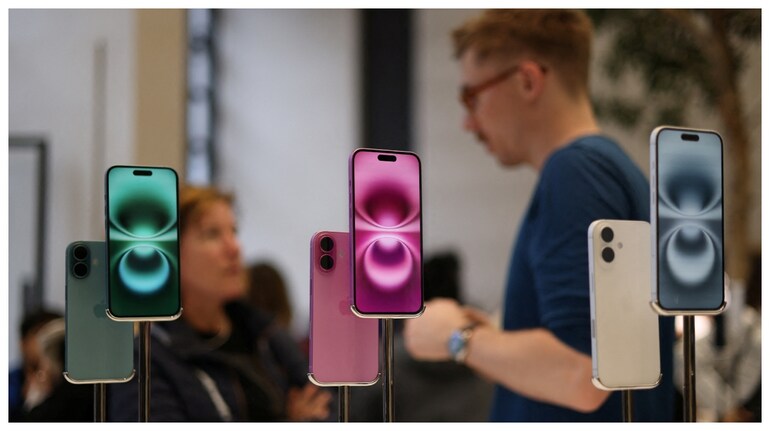
Apple released iOS 26, one of the most ambitious software updates in years, to iPhone 11 and later devices. Besides aesthetic refinements, the update includes features to block unwanted calls and text messages, better control battery life, and expand parental controls. While software updates appear incremental at times, iOS 26 is a clear shift both in how iPhones look and how they safeguard their users, the Washington Post reported.
Fighting spammers and scammers
The most practical iOS 26 update may be the redesign of call and message filtering. The new Call Screening feature will make unknown callers announce their intent before ringing the phone, so that users can block robocalls and scams. Filtered text messages from unfamiliar numbers can also be filtered into a third inbox by turning on the Screen Unknown Senders feature. Although helpful, the feature can hide legitimate one-time passcodes or messages from new contacts and thus Apple turns it off by default.
Living with Liquid Glass
Most controversial is likely iOS 26's "Liquid Glass" overhaul, the most visually significant redesign since 2013. App icons and menus take on a transparent look some love and others find distracting. While the makeover cannot be skirted, Apple does offer some customization: users can long-press the home screen and modify icon designs under the Customize tab. Transparency can also be dampened under Accessibility settings, dulling the new look.
Intelligent power management
Battery drain remains one of the greatest frustrations for iPhone users. iOS 26 features Adaptive Power mode, exclusive to the iPhone 15 Pro and above, that learns user behaviour and subtly adjusts such as turning down screens or minimizing background activity. Apple also added Adaptive Power Notifications, alerting users when the system does this. It can be turned off if the mode is too restrictive, but for others, it may help prolong battery life on older phones.
Screenshots get smarter
Screenshots no longer behave as they did. Instead of immediately sliding aside, screenshots stay put as the phone's "Visual Intelligence" scans them for relevant information, such as dates or event titles, and offers options such as adding details directly to the calendar. While convenient, those who prefer the old way can restore it by disabling "Full-Screen Previews" in the Screen Capture settings.
More parental controls
Parents now have greater control on iOS 26. Children are now required to ask permission before contacting new friends, while explicit photos can be automatically blurred on FaceTime. Parents can also indicate their child's age range to apps so that only content suitable for that age is shown. These controls rely on correct configuration of Child Accounts within the Family tab on Settings, something Apple claims takes only a few taps to do.
What it does for users
Apple has introduced more than skin-deep changes with iOS 26. The launch indicates greater focus on digital safety, kid internet security, and the growing importance attached to battery life. While the new design may polarize, scam filters and dynamic power management offer genuine benefits. For the majority of iPhone owners, the installation of iOS 26 is less about having the latest looks and more about being secure and in position for the way smartphones are used today.


Discover the latest Business News, Sensex, and Nifty updates. Obtain Personal Finance insights, tax queries, and expert opinions on Moneycontrol or download the Moneycontrol App to stay updated!
Find the best of Al News in one place, specially curated for you every weekend.
Stay on top of the latest tech trends and biggest startup news.