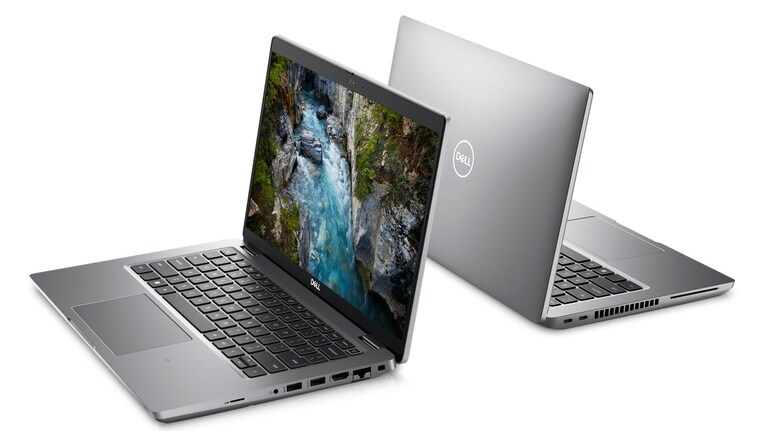
Cybersecurity researchers at Cisco Talos have unveiled a critical set of vulnerabilities, collectively called ReVault, affecting Dell’s ControlVault3 and ControlVault3+ firmware and their associated Windows APIs. These flaws can allow attackers to bypass the Windows logon screen, hijack system privileges, and maintain persistent access—even surviving operating system reinstallations. ControlVault is a hardware-based security module that securely stores passwords, biometric templates, and security codes on a dedicated daughter board, the Unified Security Hub (USH), widely found in Dell Latitude, Precision, and Rugged laptops used in enterprise and government environments.  
Which Dell laptops that are reportedly at risk
The affected devices use Dell’s ControlVault3 or ControlVault3+ modules, both powered by the Broadcom Secure Controller chip. This chip connects to and manages security peripherals such as a fingerprint reader, smart card reader, and NFC reader. According to Dell’s advisory (DSA-2025-053), more than 100 actively supported laptop models are impacted, including:
If your Dell laptop is one of these models—or another business-centric Latitude/Precision series—it may be vulnerable unless updated.
The attack scenarios
Cisco Talos disclosed five key vulnerabilities: multiple out-of-bounds flaws (CVE-2025-24311, CVE-2025-25050), an arbitrary free issue (CVE-2025-25215), a stack overflow (CVE-2025-24922), and unsafe deserialization in ControlVault’s Windows APIs (CVE-2025-24919). These flaws can be chained to execute arbitrary code within the firmware, leak secure data, implant malicious firmware, and bypass login protections.  
Post-compromise persistence – A non-administrative Windows user could exploit the APIs to inject code into the ControlVault firmware, potentially stashing a persistent implant that survives OS reinstallation and allows later re-entry. 
Physical compromise – An attacker with physical access can open the laptop, plug into the USH board via USB, and exploit the vulnerabilities to bypass authentication entirely—no admin rights, credentials, or disk encryption needed. Rogue firmware may even accept any fingerprint. 
What users can do
Cisco Talos and Dell recommend these steps to reduce risk:
Update firmware immediately
Disable unused security peripherals
If not usinga fingerprint reader, smart card, or NFC: disable ControlVault services in the Windows Service Manager or deactivate the device in Device Manager.
Limit biometric use in risky environments
When travelling or away from your device, disable fingerprint login and use a strong password/PIN with Windows Enhanced Sign-In Security (ESS).
Enable chassis intrusion detection
Turn this feature on in BIOS, if available. It alerts you to physical tampering and may require a password to proceed.
Monitor for unusual behaviours
Watch Windows logs for crashes in biometric or credential vault services. Cisco Secure Endpoint alerts under the signature “bcmbipdll.dll Loaded by Abnormal Process” may also signal compromise. 


Discover the latest Business News, Sensex, and Nifty updates. Obtain Personal Finance insights, tax queries, and expert opinions on Moneycontrol or download the Moneycontrol App to stay updated!
Find the best of Al News in one place, specially curated for you every weekend.
Stay on top of the latest tech trends and biggest startup news.