- My Alerts
- Go Ad-Free
-
My Account









iPad multitasking explained: Four key features that boost productivity
Apple has steadily evolved the iPad into a capable work machine, with multitasking features designed to rival laptops. While the experience isn’t flawless, these tools give users more flexibility when managing apps, documents and workflows. Here are four standout features of iPad multitasking:




1/4
Split View for side-by-side apps
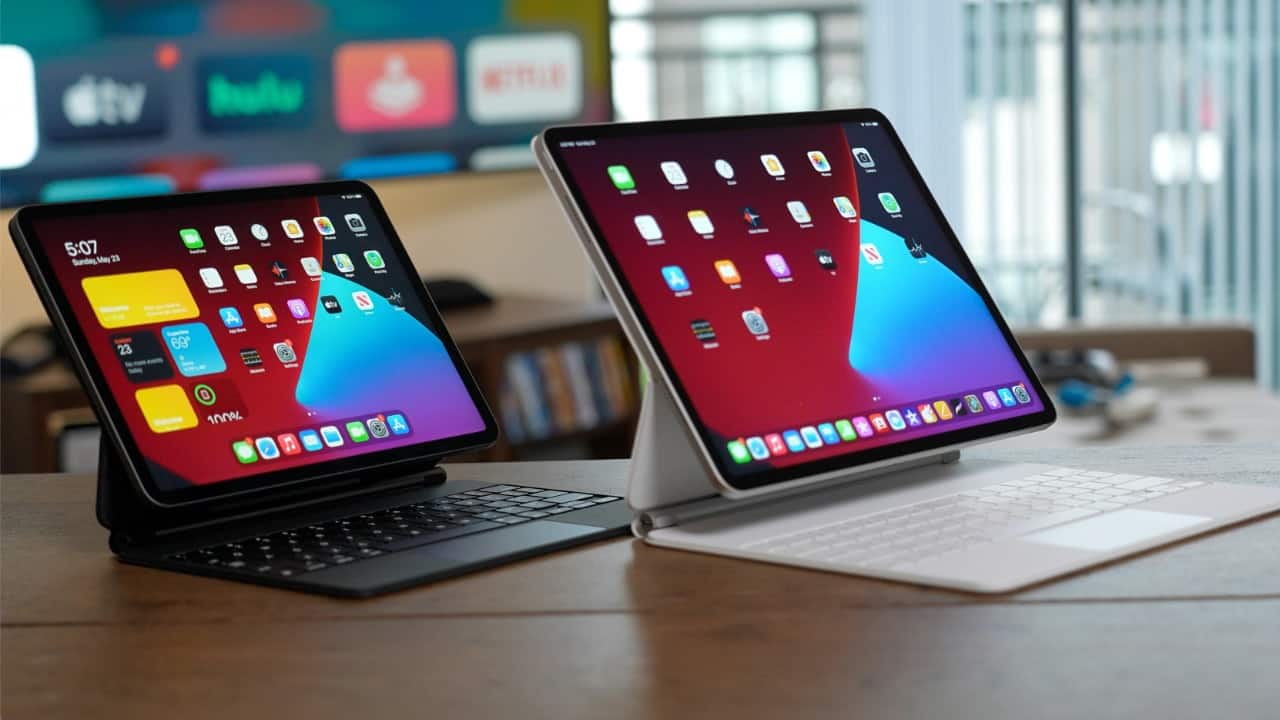
Split View allows you to run two apps simultaneously, sharing the screen between them. You can, for example, have Safari open on one side while taking notes in Apple Notes on the other. The slider between apps lets you adjust how much space each gets, making it useful for research, writing, or comparing documents without switching back and forth.
Split View allows you to run two apps simultaneously, sharing the screen between them. You can, for example, have Safari open on one side while taking notes in Apple Notes on the other. The slider between apps lets you adjust how much space each gets, making it useful for research, writing, or comparing documents without switching back and forth.
2/4
Slide Over for quick access apps
With Slide Over, a secondary app floats over your main workspace in a narrow window. This is handy for tasks like replying to a message in iMessage or checking your email while working on a spreadsheet. You can dismiss the app with a swipe or keep it tucked to the side for easy re-entry, ensuring minimal disruption to your workflow.
With Slide Over, a secondary app floats over your main workspace in a narrow window. This is handy for tasks like replying to a message in iMessage or checking your email while working on a spreadsheet. You can dismiss the app with a swipe or keep it tucked to the side for easy re-entry, ensuring minimal disruption to your workflow.
3/4
Stage Manager for desktop-style multitasking
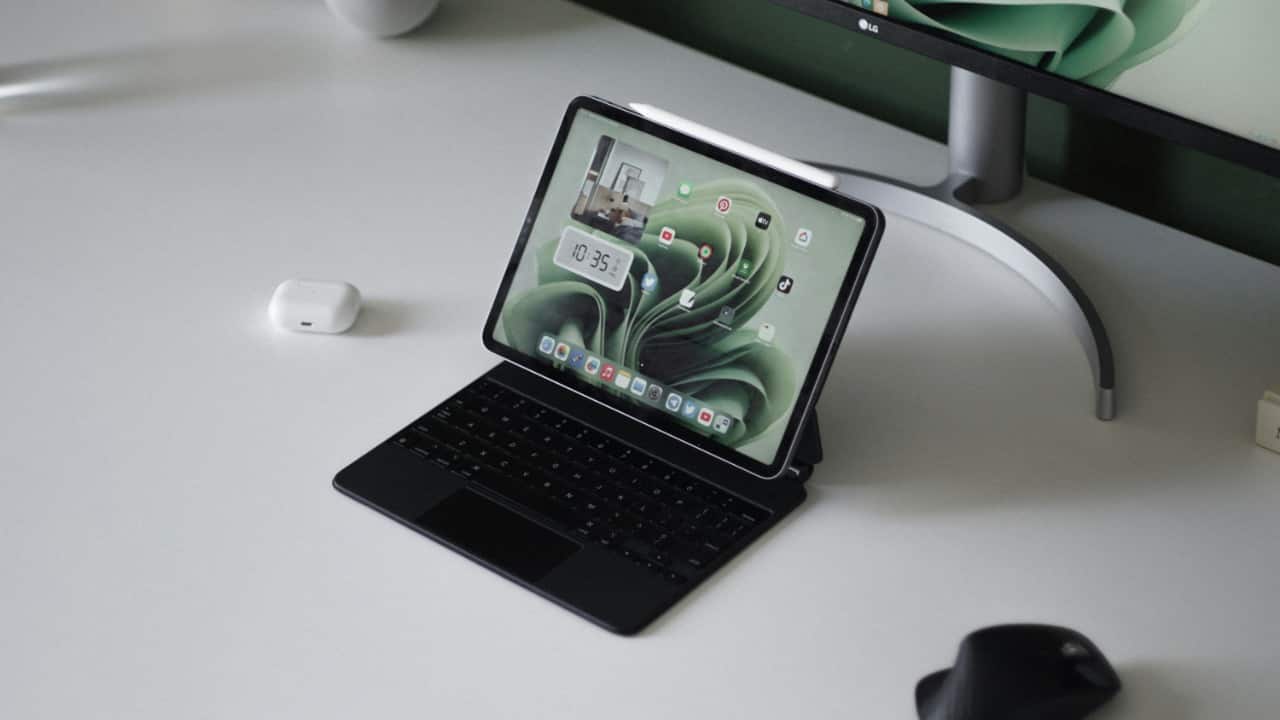
Stage Manager is Apple’s most ambitious multitasking feature, giving the iPad a more Mac-like feel. It lets you resize app windows freely and group multiple apps together, which you can switch between seamlessly. This makes the iPad far better for tasks that require juggling several apps at once, like editing photos while managing cloud storage and messaging clients.
Stage Manager is Apple’s most ambitious multitasking feature, giving the iPad a more Mac-like feel. It lets you resize app windows freely and group multiple apps together, which you can switch between seamlessly. This makes the iPad far better for tasks that require juggling several apps at once, like editing photos while managing cloud storage and messaging clients.
4/4
Picture-in-Picture for media multitasking
The Picture-in-Picture feature keeps videos or FaceTime calls running in a small, resizable window while you use other apps. It’s especially useful for students watching lectures while taking notes, or professionals attending a video call while referencing documents. The floating video can be moved around the screen, ensuring you stay engaged with media while still being productive.
The Picture-in-Picture feature keeps videos or FaceTime calls running in a small, resizable window while you use other apps. It’s especially useful for students watching lectures while taking notes, or professionals attending a video call while referencing documents. The floating video can be moved around the screen, ensuring you stay engaged with media while still being productive.
Discover the latest Business News, Budget 2025 News, Sensex, and Nifty updates. Obtain Personal Finance insights, tax queries, and expert opinions on Moneycontrol or download the Moneycontrol App to stay updated!



