- My Alerts
- Go Ad-Free
-
My Account












iOS 26 beta 4: 7 new features coming to iPhones
Apple is fine-tuning iOS 26 ahead of its final release, and Beta 4 brings a mix of design tweaks and useful feature updates. From translucent menus to smarter notification summaries, here’s what’s changed:




1/7

Liquid Glass gets its shine back
Apple is reversing course on the heavy opacity from Beta 3. App menu bars in Photos, Music, and the App Store are now more transparent again, showing off background colours more subtly — a cleaner, more dynamic look.
2/7
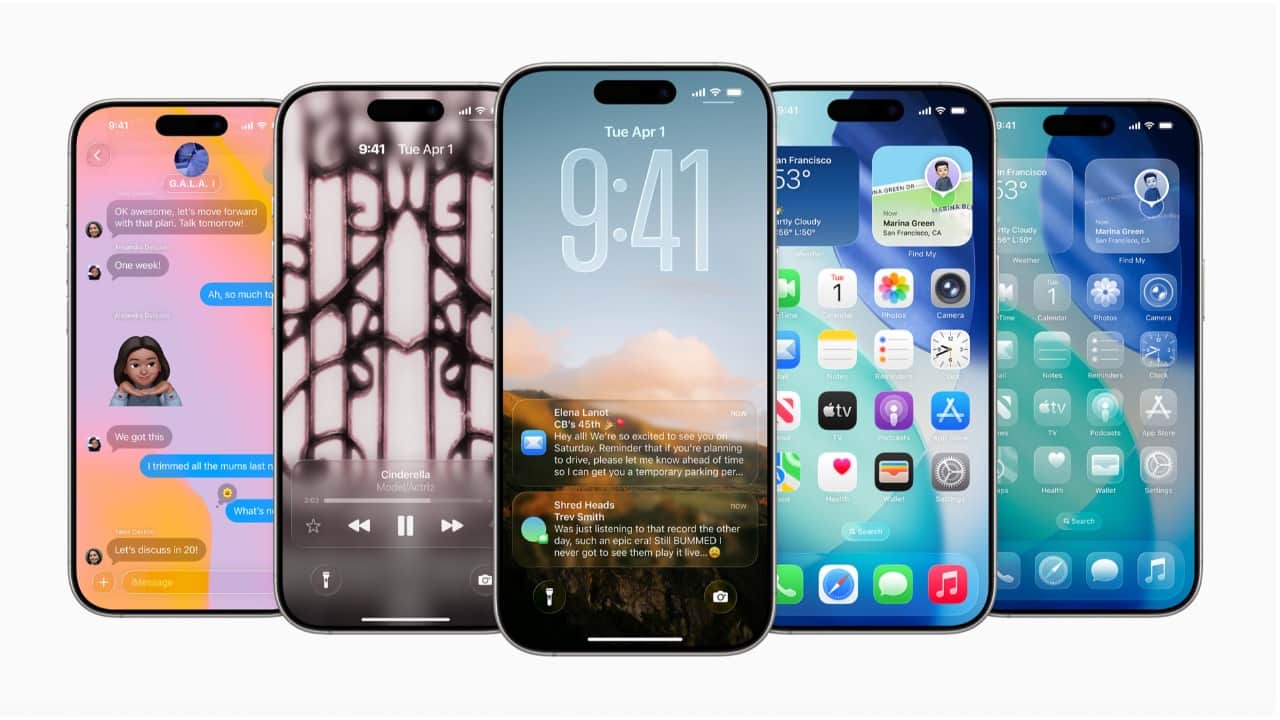
Notification Summaries return
AI-generated summaries for News and Entertainment apps are back after being pulled in January. Now marked with “Summarised by Apple Intelligence,” these opt-in recaps aim to be more accurate, avoiding the headline mix-ups that plagued earlier versions.
3/7
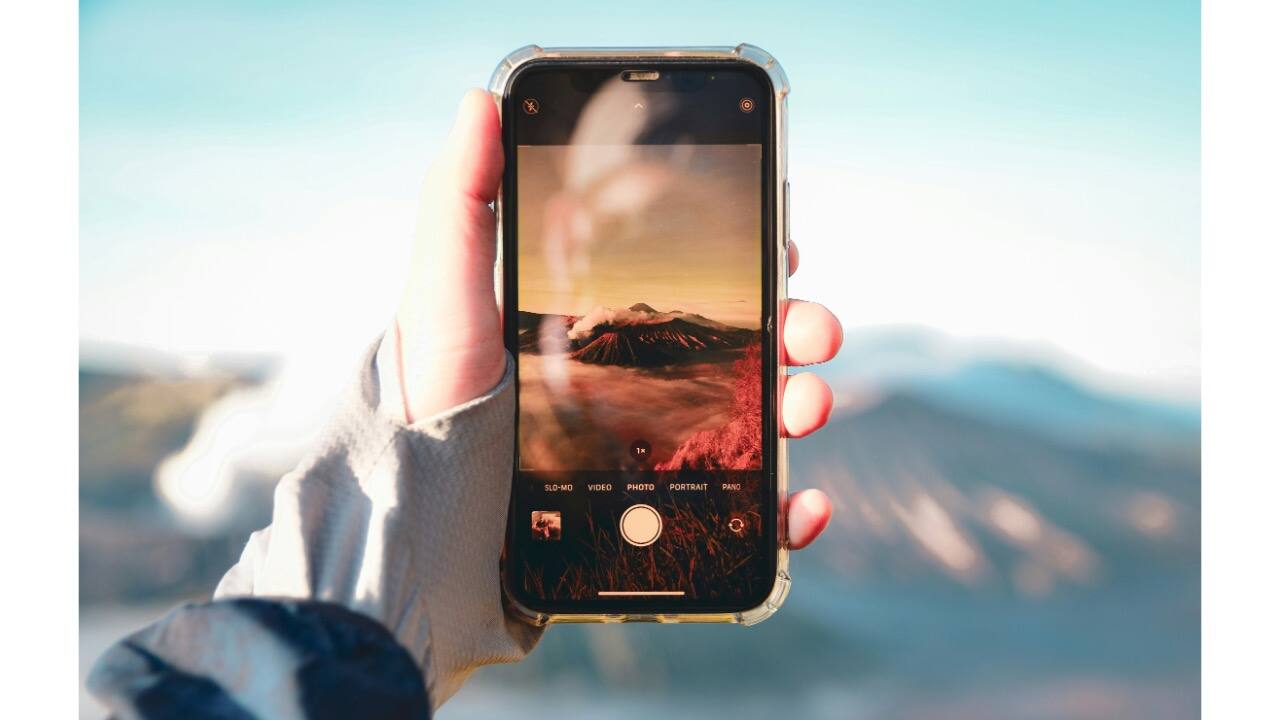
Camera app swipe behaviour tweaked
Swiping between photo and video modes now moves the selector button itself, rather than keeping it fixed. It’s a subtle change, but it feels more tactile and visually responsive.
4/7
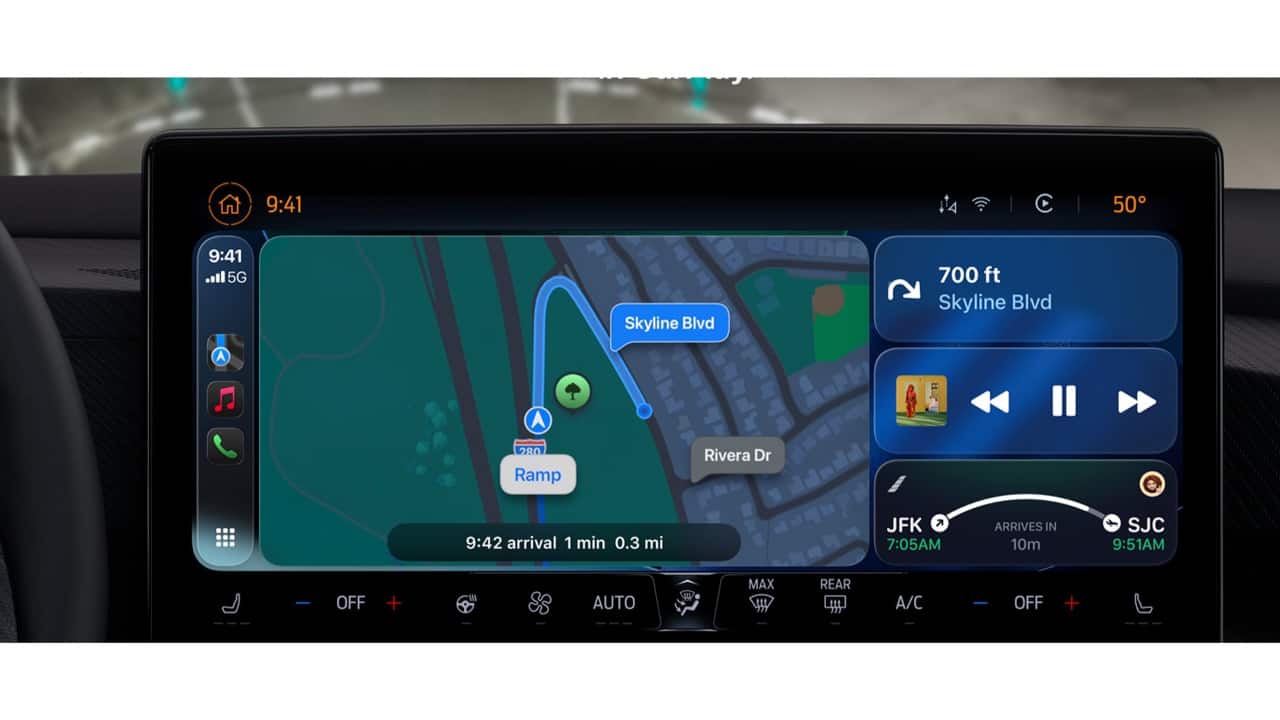
Fresh wallpapers for CarPlay
Beta 4 adds new iOS 26-style wallpapers for CarPlay in colours like blue, green, and red. They support both light and dark modes — though some older options have been removed.
5/7
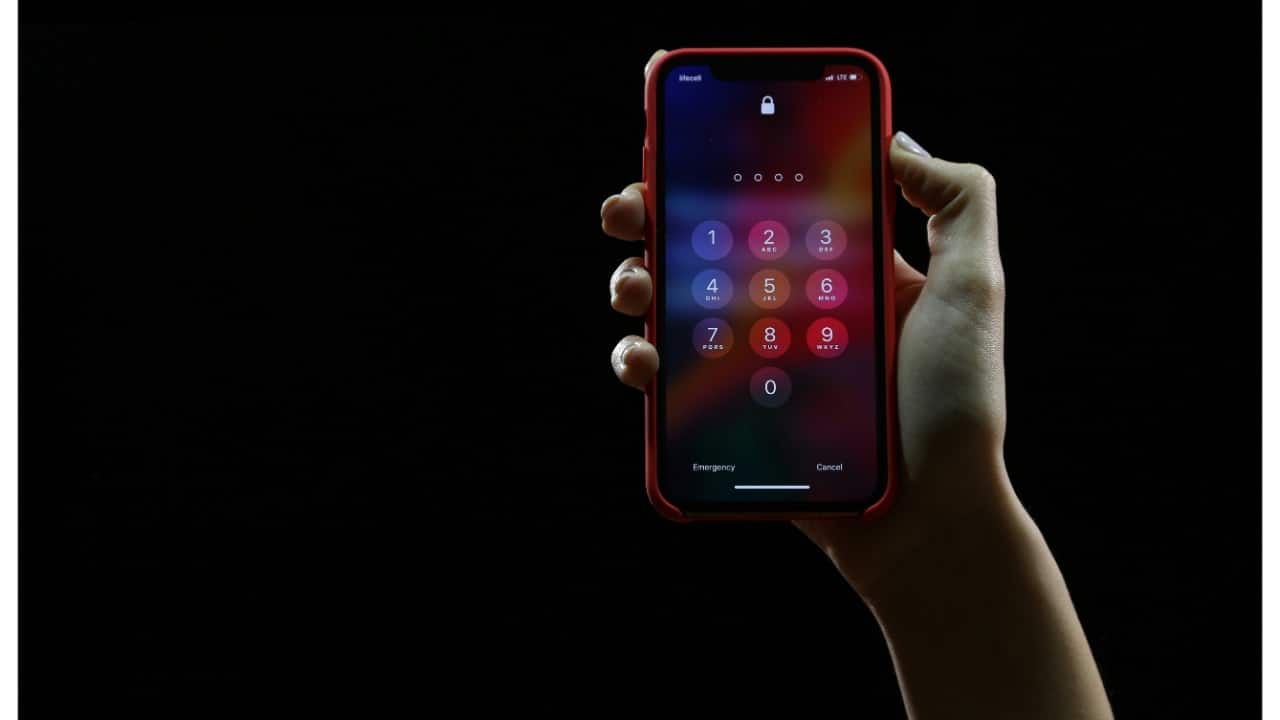
Passcode screen updated
Under Face ID & Passcode, Apple has refined the layout and added clearer prompts. It now reminds you more explicitly which passcode is needed when accessing settings.
6/7
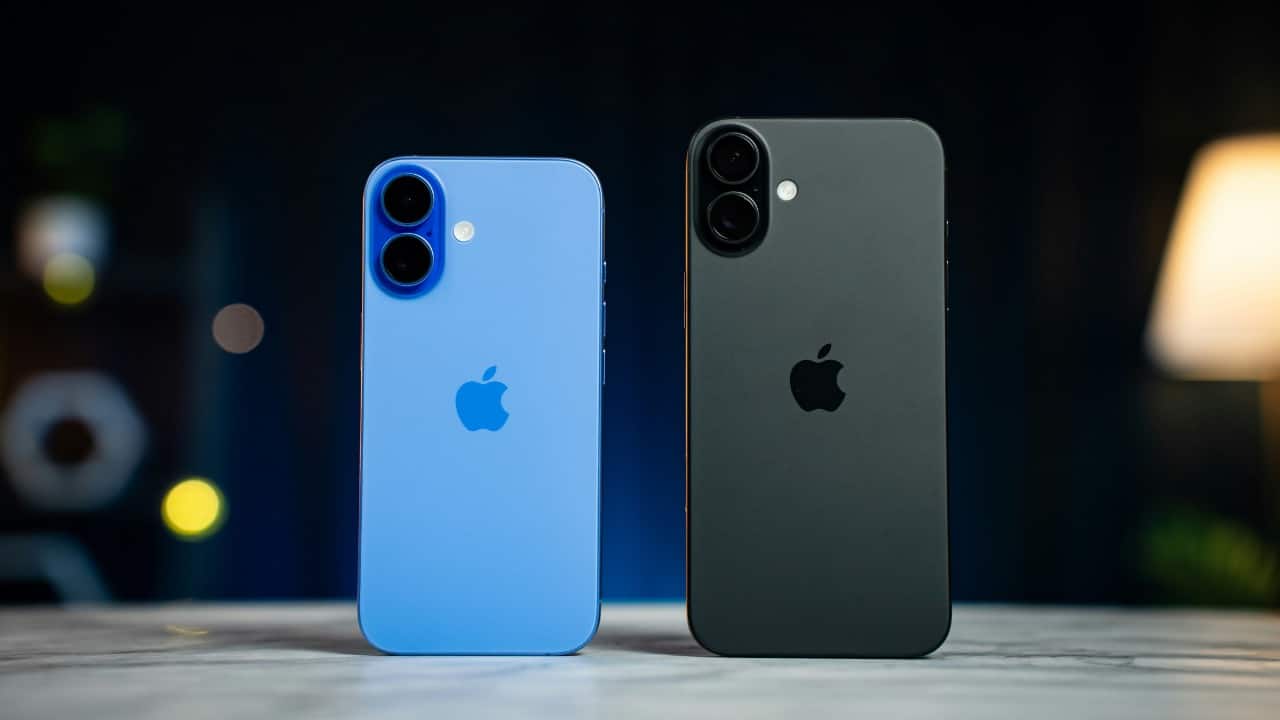
Passwords app now talks to websites
A new option lets the Passwords app connect to websites to fetch logos, show supported passkeys, and provide a cleaner interface when managing saved credentials.
7/7
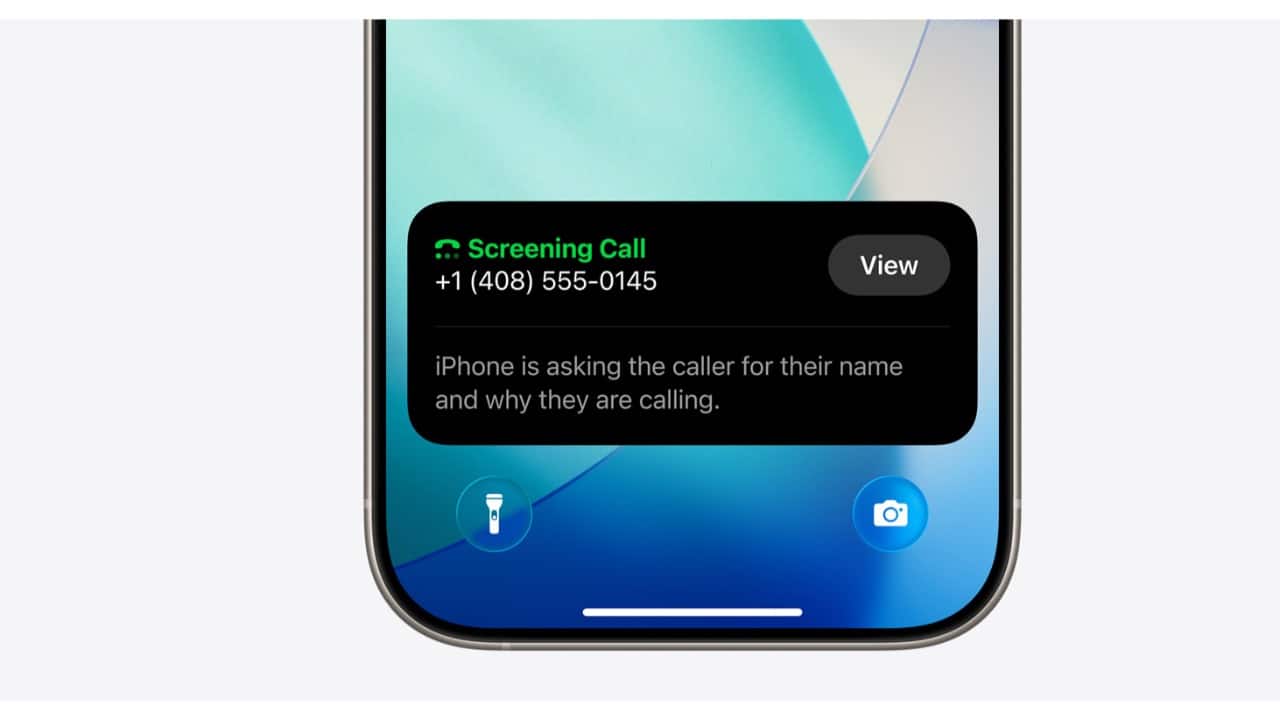
Call Screening gets smarter
“Screen Unknown Callers” now has three options: turn it off, ask callers to state their reason, or send them straight to voicemail. It’s a big step up for spam prevention.
Discover the latest Business News, Budget 2025 News, Sensex, and Nifty updates. Obtain Personal Finance insights, tax queries, and expert opinions on Moneycontrol or download the Moneycontrol App to stay updated!



