-
My Account






How to turn your selfie into a Santa message on ChatGPT
ChatGPT has a hidden Christmas feature that turns your selfie into a fun Santa message. Here’s a simple step-by-step guide on how to try the festive surprise on the ChatGPT app.




1/5
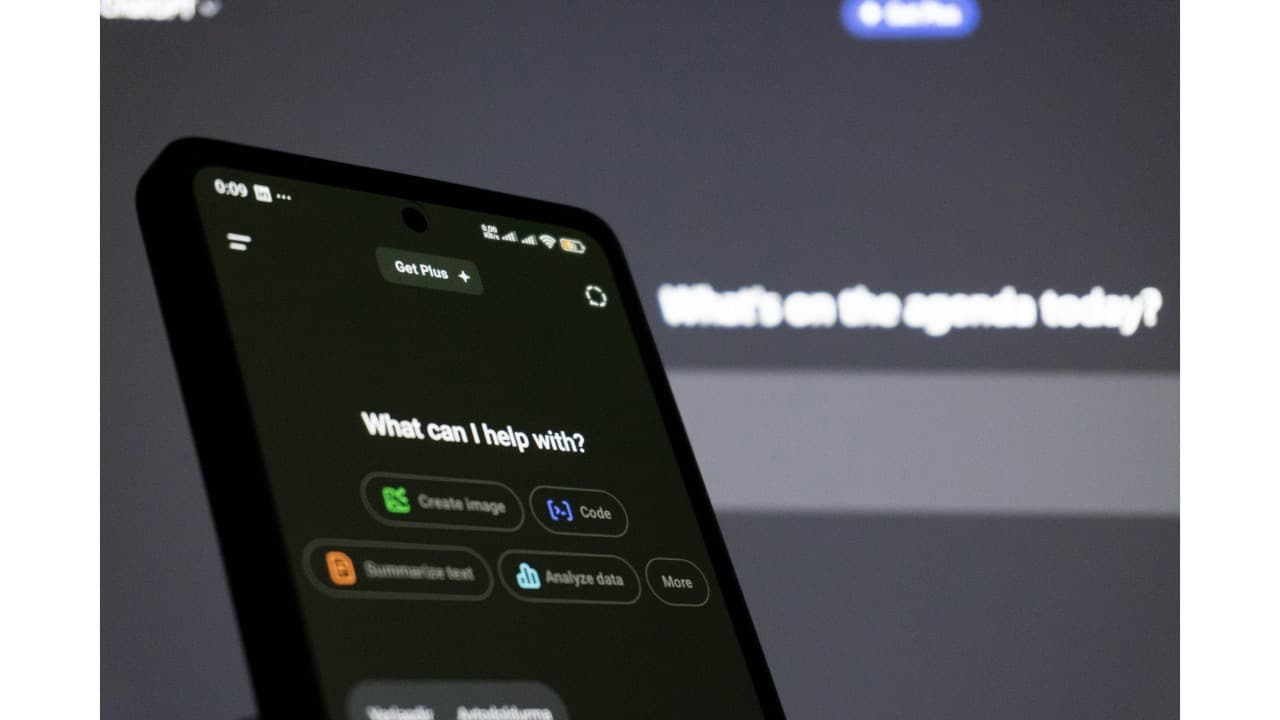
Start with a small Christmas hint
Open the ChatGPT app on your phone and begin a new chat. Send a gift emoji or mention Christmas in your message. This works like a hidden signal. If the holiday feature is active, ChatGPT will guide you to the next step automatically.
Open the ChatGPT app on your phone and begin a new chat. Send a gift emoji or mention Christmas in your message. This works like a hidden signal. If the holiday feature is active, ChatGPT will guide you to the next step automatically.
2/5
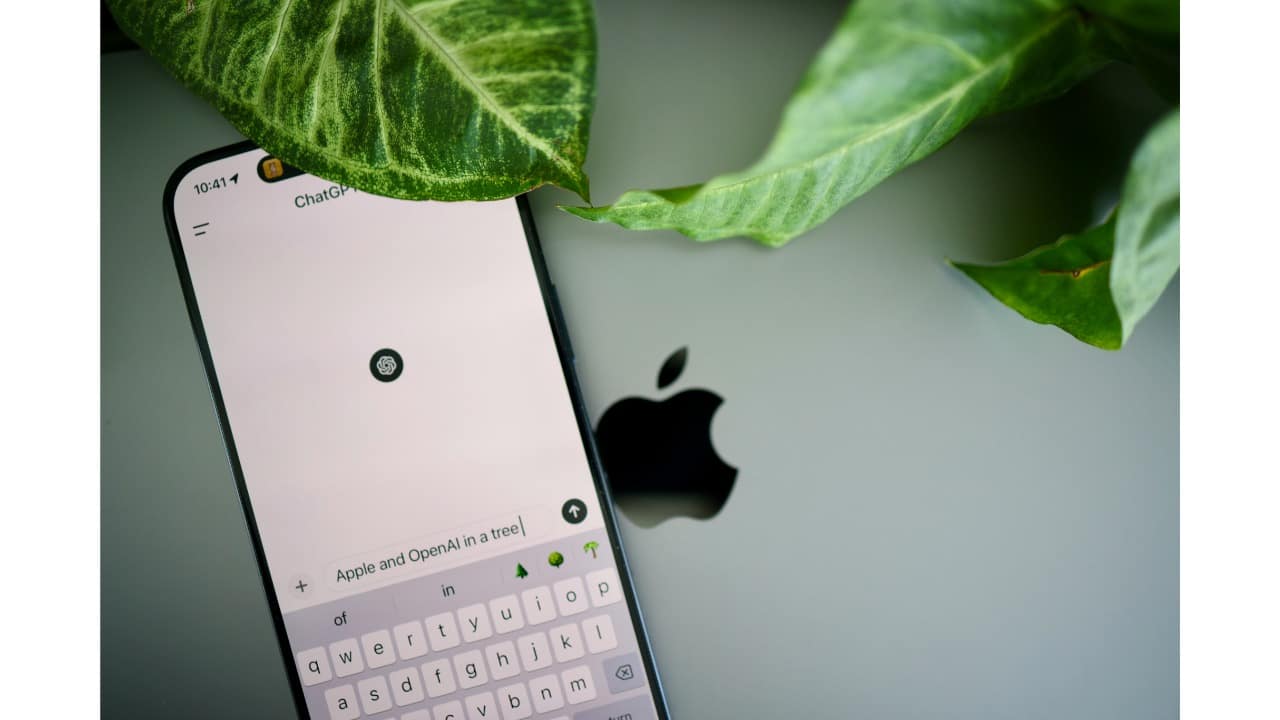
Upload a clear selfie when asked
ChatGPT will prompt you to upload a selfie. Choose a clear photo with your face visible. It does not need to be fancy or edited. This image helps the system personalise what comes next, so a simple, natural photo works best.
ChatGPT will prompt you to upload a selfie. Choose a clear photo with your face visible. It does not need to be fancy or edited. This image helps the system personalise what comes next, so a simple, natural photo works best.
3/5

Wait while the magic happens
After uploading your selfie, ChatGPT takes a few moments to process it. Behind the scenes, the image is used to create a short festive video. You do not need to do anything during this time, just wait for the result to load.
After uploading your selfie, ChatGPT takes a few moments to process it. Behind the scenes, the image is used to create a short festive video. You do not need to do anything during this time, just wait for the result to load.
4/5

Watch your personalised Santa message
Once ready, you will see a fun Santa-themed video made just for you. Santa talks directly to you, often with playful lines about your year. The message feels light-hearted and personal, making it more fun than a generic holiday greeting.
Once ready, you will see a fun Santa-themed video made just for you. Santa talks directly to you, often with playful lines about your year. The message feels light-hearted and personal, making it more fun than a generic holiday greeting.
5/5
Save it or share the festive cheer
You can watch the video again, save it, or share it with friends and family. This feature is meant purely for fun and is available for a limited festive period, so enjoy it while it lasts and treat it like a small digital Christmas surprise.
You can watch the video again, save it, or share it with friends and family. This feature is meant purely for fun and is available for a limited festive period, so enjoy it while it lasts and treat it like a small digital Christmas surprise.
Discover the latest Business News, Budget 2025 News, Sensex, and Nifty updates. Obtain Personal Finance insights, tax queries, and expert opinions on Moneycontrol or download the Moneycontrol App to stay updated!



