- My Alerts
- Go Ad-Free
-
My Account











How to download iOS 26 Public Beta on your iPhone: A step-by-step guide
iOS 26 is here with a new Liquid Glass design, revamped apps, and powerful AI features — and now, anyone can try it out. If you’re curious about what’s next for the iPhone, installing the public beta is your ticket in. Here’s how to download it in five easy steps:




1/5
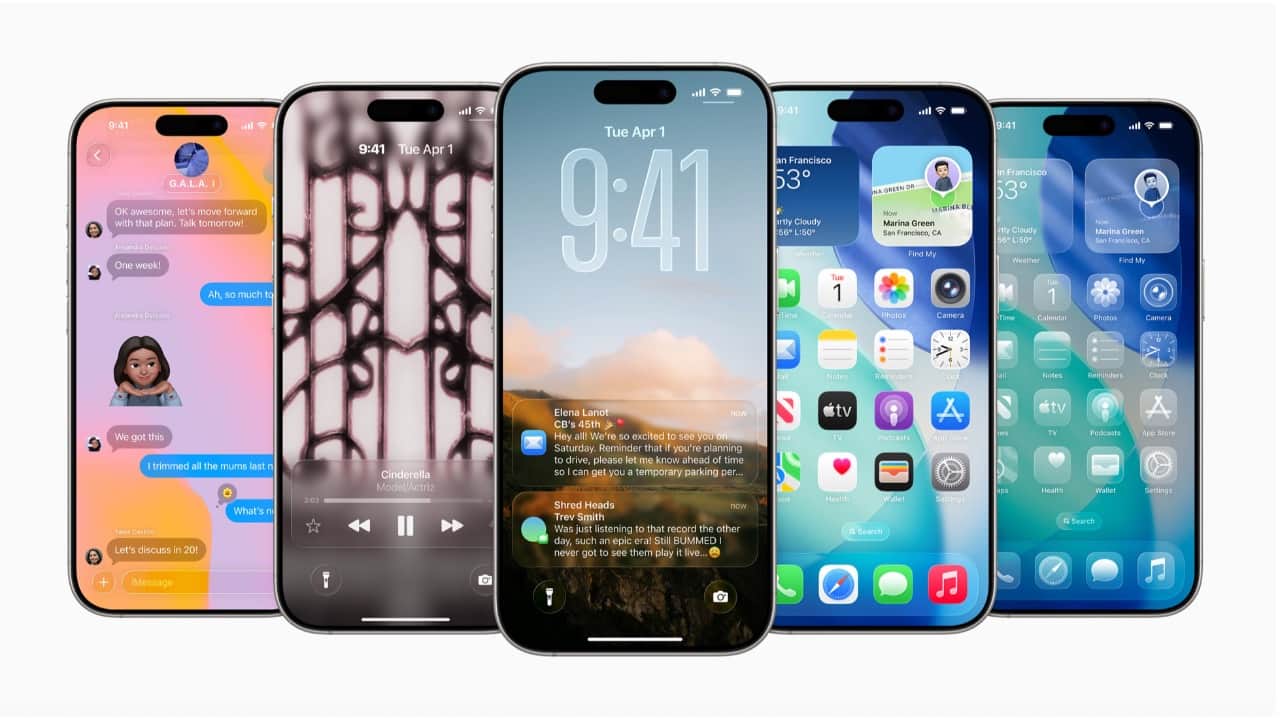
iOS 26 is here with a new Liquid Glass design, revamped apps, and powerful AI features — and now, anyone can try it out. If you’re curious about what’s next for the iPhone, installing the public beta is your ticket in. Here’s how to download it in five easy steps:
2/5
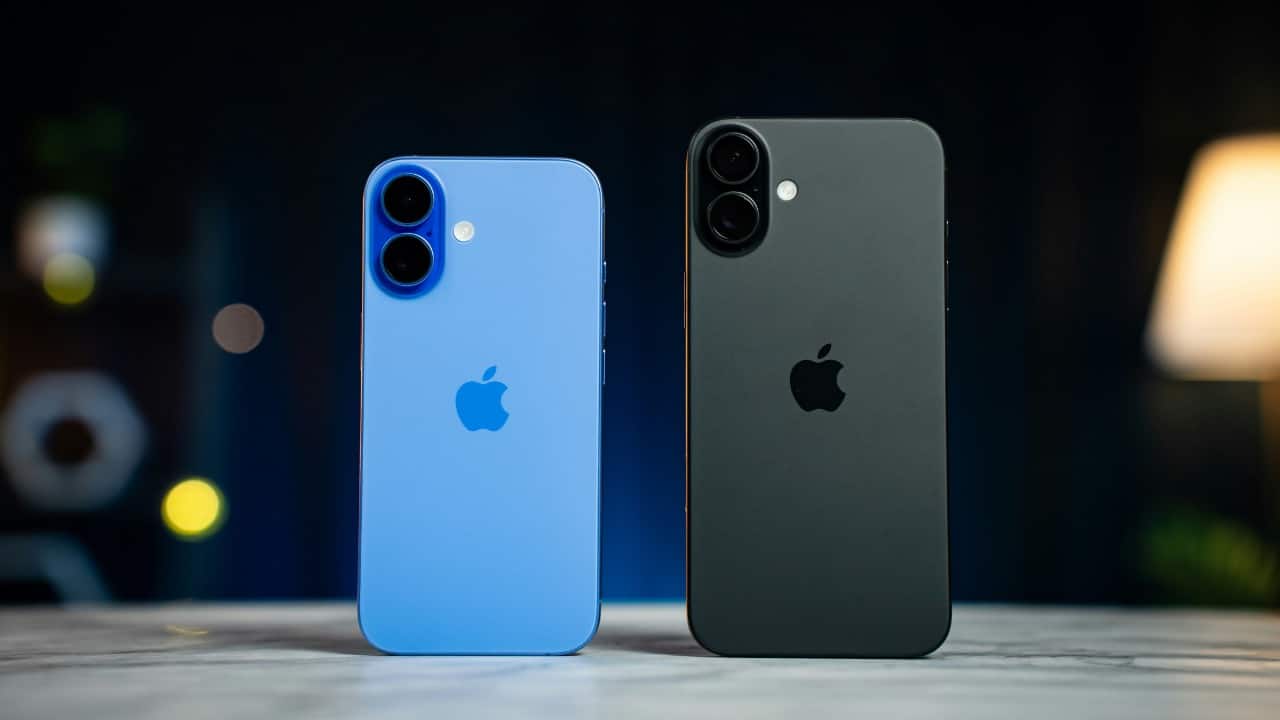
Enable Beta Updates on Your iPhone
Open Settings → General → Software Update, then tap Beta Updates.
If this option doesn’t appear, go to Automatic Updates → Download iOS Updates, turn it off, then tap Back. The Beta Updates menu should now be visible.
Open Settings → General → Software Update, then tap Beta Updates.
If this option doesn’t appear, go to Automatic Updates → Download iOS Updates, turn it off, then tap Back. The Beta Updates menu should now be visible.
3/5

Download and Install the Beta
Your iPhone will now check for updates. Once the iOS 26 Public Beta appears, tap Download and Install. Make sure you’re on Wi-Fi and your device has enough battery or is plugged in.
Your iPhone will now check for updates. Once the iOS 26 Public Beta appears, tap Download and Install. Make sure you’re on Wi-Fi and your device has enough battery or is plugged in.
4/5
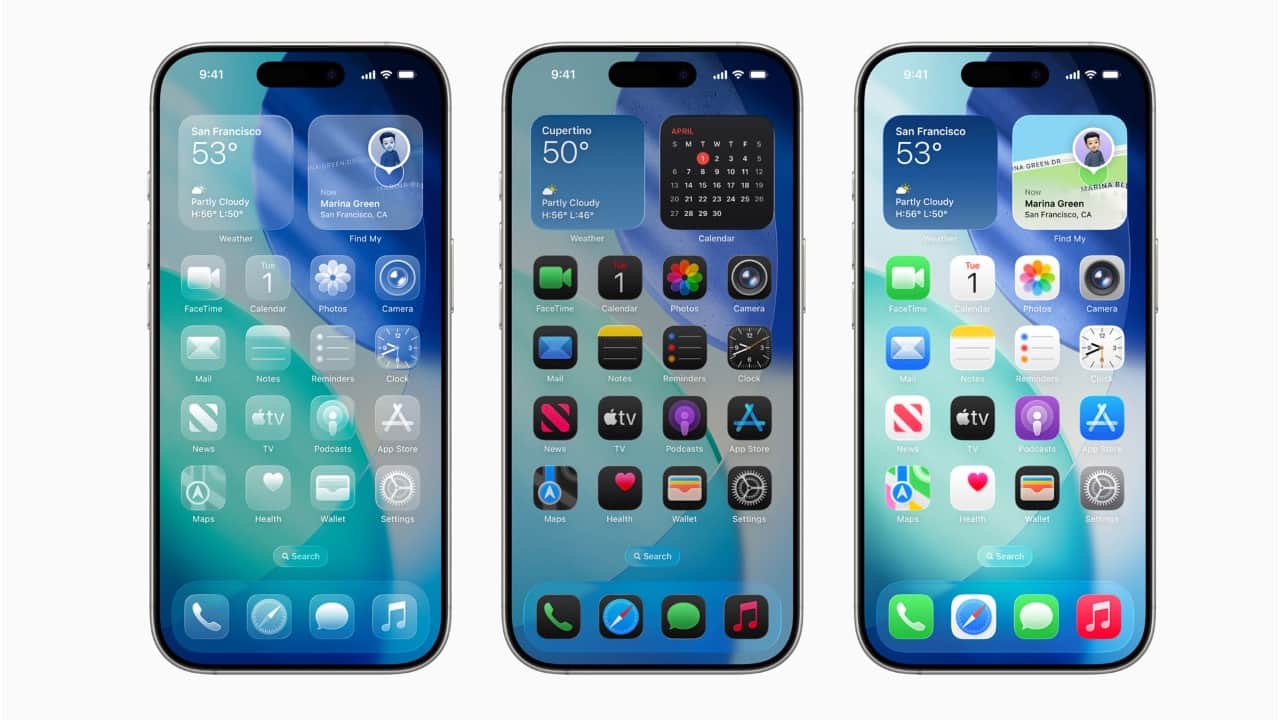
Let Your iPhone Do the Rest
Follow the on-screen instructions and be patient. The update might take a while to prepare and install. Once done, your iPhone will restart and boot into iOS 26.
Follow the on-screen instructions and be patient. The update might take a while to prepare and install. Once done, your iPhone will restart and boot into iOS 26.
5/5
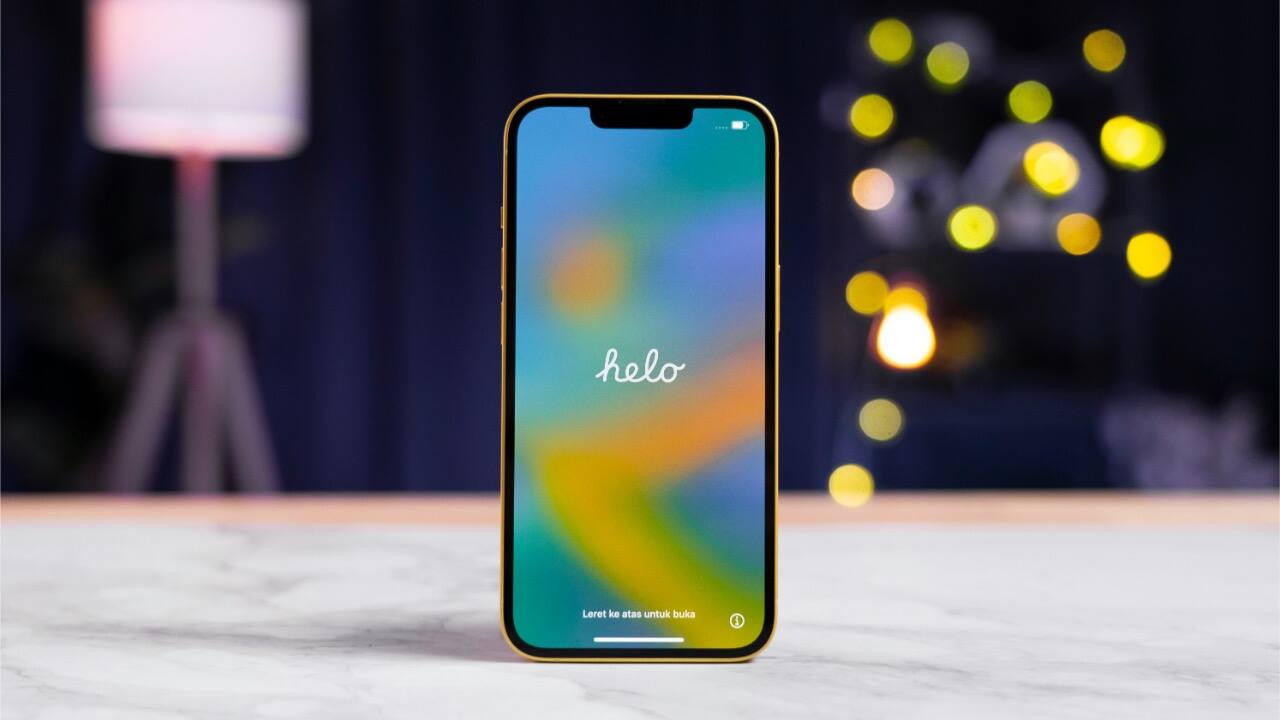
Choose iOS 26 Public Beta
Inside Beta Updates, select iOS 26 Public Beta from the list. Once selected, go back to the main Software Update screen.
Inside Beta Updates, select iOS 26 Public Beta from the list. Once selected, go back to the main Software Update screen.
Discover the latest Business News, Budget 2025 News, Sensex, and Nifty updates. Obtain Personal Finance insights, tax queries, and expert opinions on Moneycontrol or download the Moneycontrol App to stay updated!



