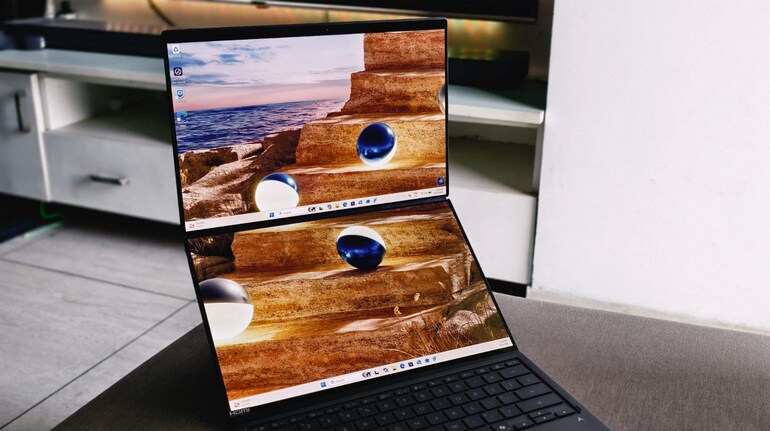

Dual-screen laptops often attract attention for their unusual design, but the real question is whether the hardware underneath can keep up with the promise of productivity as powering the two displays – high resolution – at the same time is a kind of a demanding task. The 2026 Asus Zenbook Duo (UX8407AA) is what I have here and it is powered byIntel’s latest Core Ultra X9 series processor.
While the dual OLED screens are the visual highlight, the more interesting story lies inside the chassis. Asus has paired the device with Intel’s Panther Lake-generation Core Ultra X9 processor, featuring a hybrid architecture with performance cores, efficiency cores, and low-power efficiency cores. This setup is designed to balance heavy workloads, multitasking, and battery efficiency.
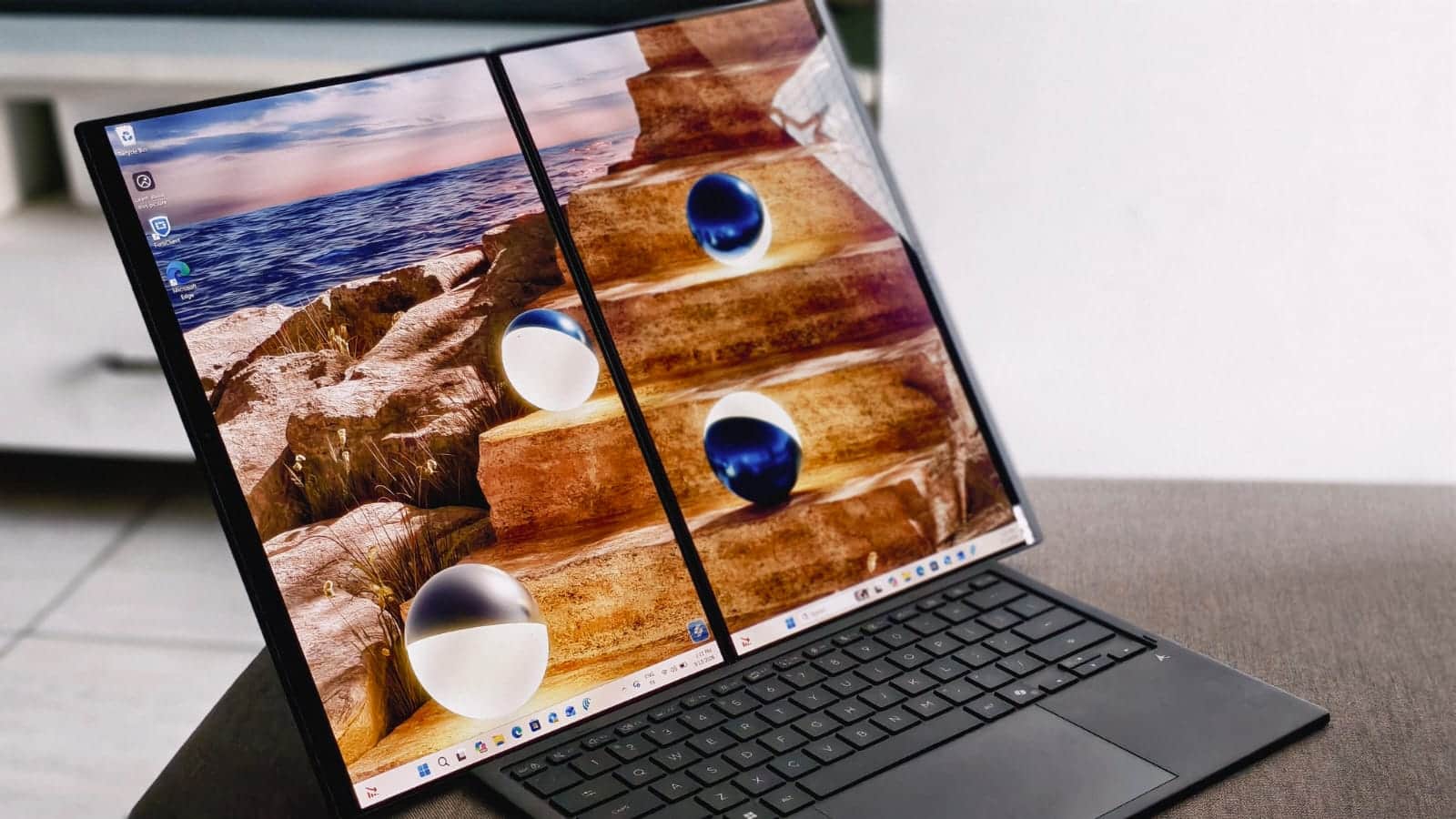 Asus Zenbook Duo (2026)
After spending time using the laptop across typical work scenarios—writing, editing photos, running multiple applications across two displays, and light content creation—it becomes clear that the processor plays a central role in shaping the experience. The Zenbook Duo is not only a design experiment; it is also an attempt to deliver workstation-like performance in a portable device.
Processor architecture
At the heart of the Asus ZenBook Duo sits Intel’s Core Ultra X9 388H, one of the first processors based on the company’s Core Ultra Series 3 platform, previously known as Panther Lake. Built on Intel’s 18A process, the chip packs 16 cores and a maximum turbo frequency of 5.1GHz, alongside Intel’s latest Arc B390 integrated GPU with 12 Xe cores. This chip uses a hybrid architecture with sixteen cores in total: four performance cores, eight efficiency cores, and four low-power efficiency cores.
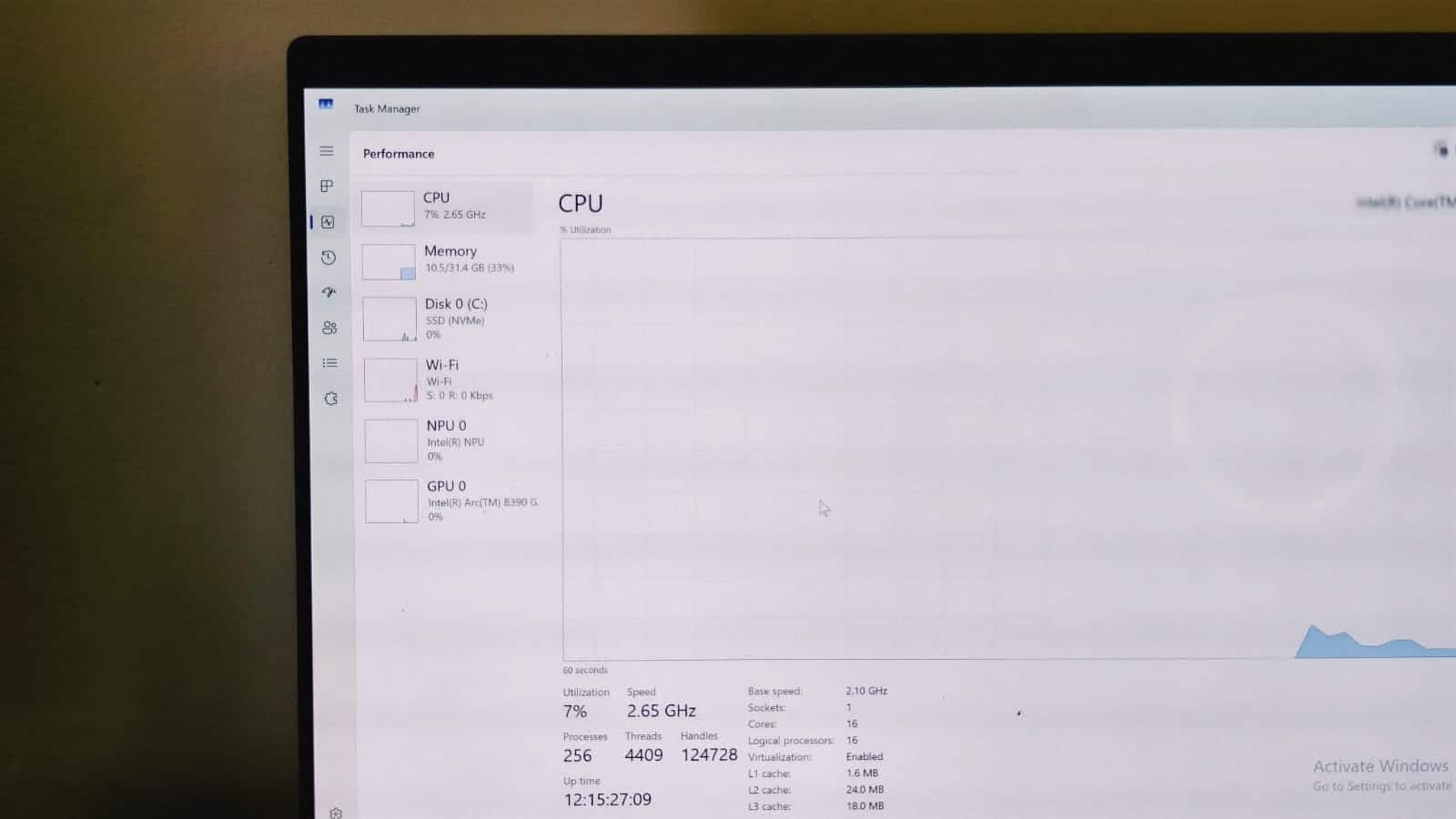 Intel’s Core Ultra X9 388H
In synthetic benchmarks, the processor shows a clear generational improvement over Intel’s previous laptop chips. While benchmark numbers are just for reference, you should see that there’s a big jump compared to the previous chips. These numbers place the Panther Lake chip ahead of competing Windows laptops powered by AMD Ryzen and Qualcomm Snapdragon processors in this comparison. In fact, it gets really close to Apple’s M5 chip in terms of multi-core performance.
Beyond synthetic scores, the processor shows consistent results in real-world productivity workloads.
The performance cores handle demanding tasks such as video editing or heavy productivity workloads. The efficiency cores manage background processes and multitasking, while the low-power cores handle lightweight tasks to improve battery efficiency.
This architecture becomes noticeable in real-world use. The laptop rarely struggles when multiple applications are running simultaneously across both displays. Opening dozens of browser tabs, editing images in Adobe Lightroom, and running productivity tools at the same time does not slow the system down significantly.
Performance
During testing, the Zenbook Duo handled tasks such as exporting high-resolution photos, rendering short video clips, and compiling documents without visible lag. Cinebench and rendering benchmarks show improvements over previous Intel mobile processors, but the more important aspect is how the performance feels in daily workflows.
The system remains responsive even when the CPU load increases. Applications open quickly, and switching between windows across the two displays feels smooth. For users who rely on multitasking, the processor’s hybrid design appears well suited to the dual-screen format or even for normal laptops or for people who love a good multiple screen setup.
But, that’s just one part of it. I also introduced a third monitor – 1440p Ultra wide – to the mix and to my surprise all three of them managed to run smooth and the processor handled the extra load or all the running tasks and powering the three high-resolution displays at the same time.
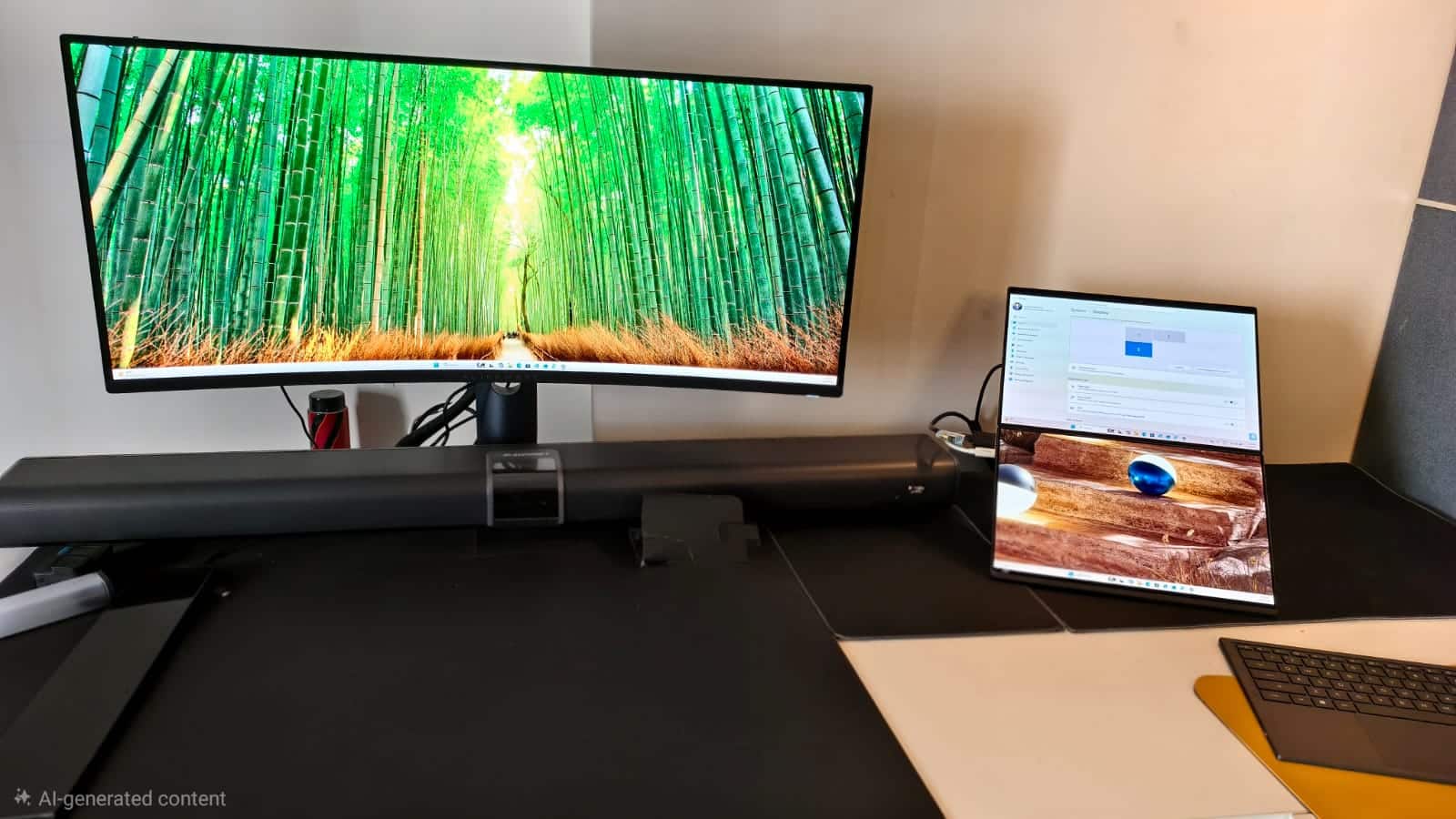 Three monitor setup
Also, the onboard Asus ScreenXpert tool does come in handy in-general and especially when dealing with three displays at the same time. In fact, you can create pairs of the apps and tools that you want to use together and fire them up all of them at once.
During the stress test, the processor’s performance cores averaged 2.86GHz, while efficiency cores ran around 2.7GHz, and low-power efficiency cores averaged 2.45GHz. These clock speeds suggest that Intel’s hybrid architecture effectively distributes workloads between different core types during sustained tasks.
However, the most noticeable improvement with Panther Lake is not the CPU itself but the integrated graphics. The Core Ultra X9 388H includes Intel’s Arc B390 iGPU, which significantly raises the bar for integrated graphics in thin laptops.
Although, the laptop isn’t meant to deal with gaming – I anyhow gave it a try. I played PUBG and it ran a good and smooth 60 frames per second on the single screen on medium settings. Also, I used it for editing videos and the performance remains consistent all the time.
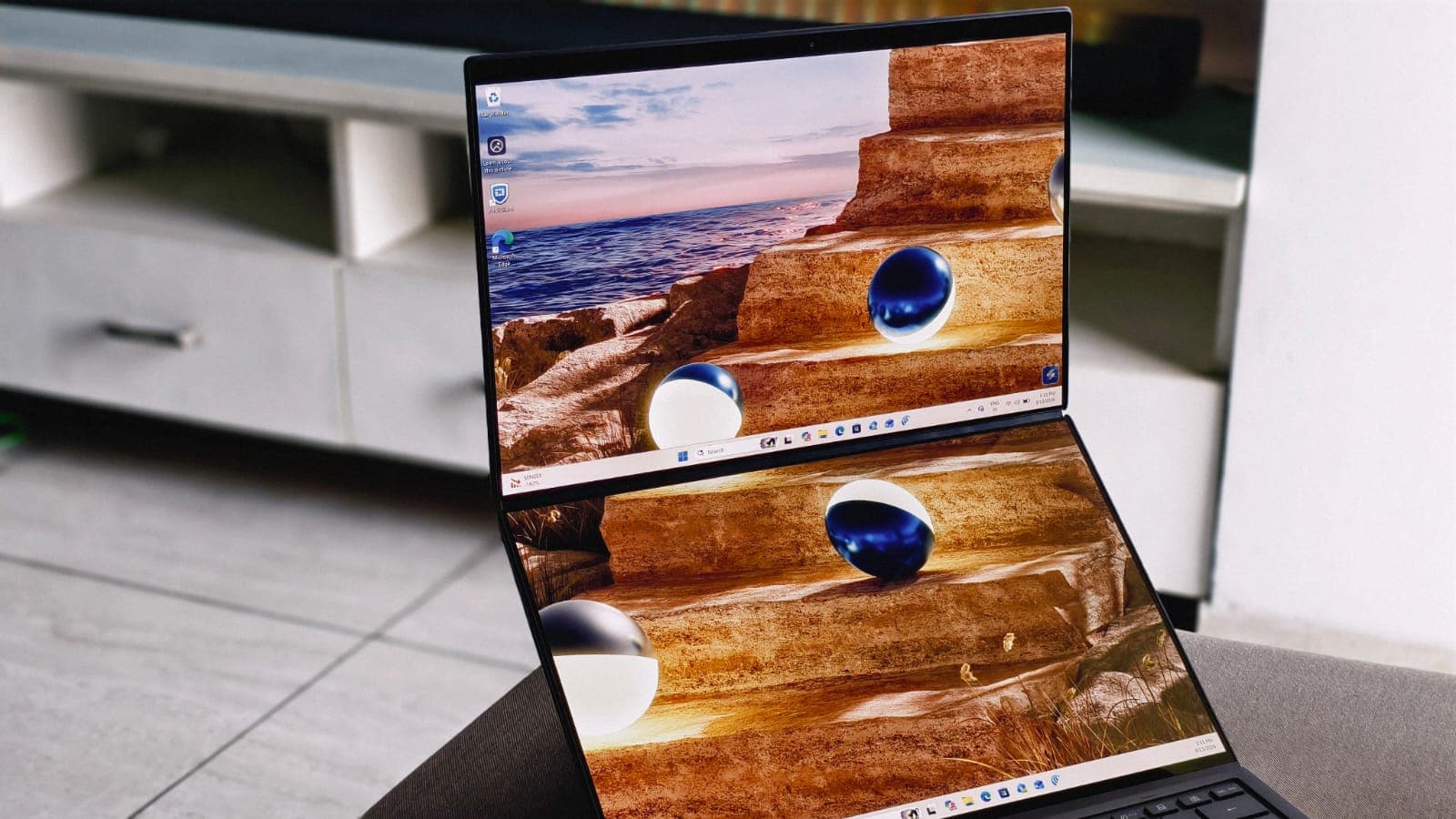 Asus Zenbook Duo (2026)
Overall, Panther Lake’s CPU improvements are measurable but incremental. The real shift comes from the graphics side, where Intel’s Arc B390 significantly expands what integrated GPUs can deliver in ultraportable laptops. For productivity users, the processor provides strong and consistent performance, but for anyone relying on integrated graphics for light gaming or GPU-accelerated workloads, the upgrade becomes far more meaningful.
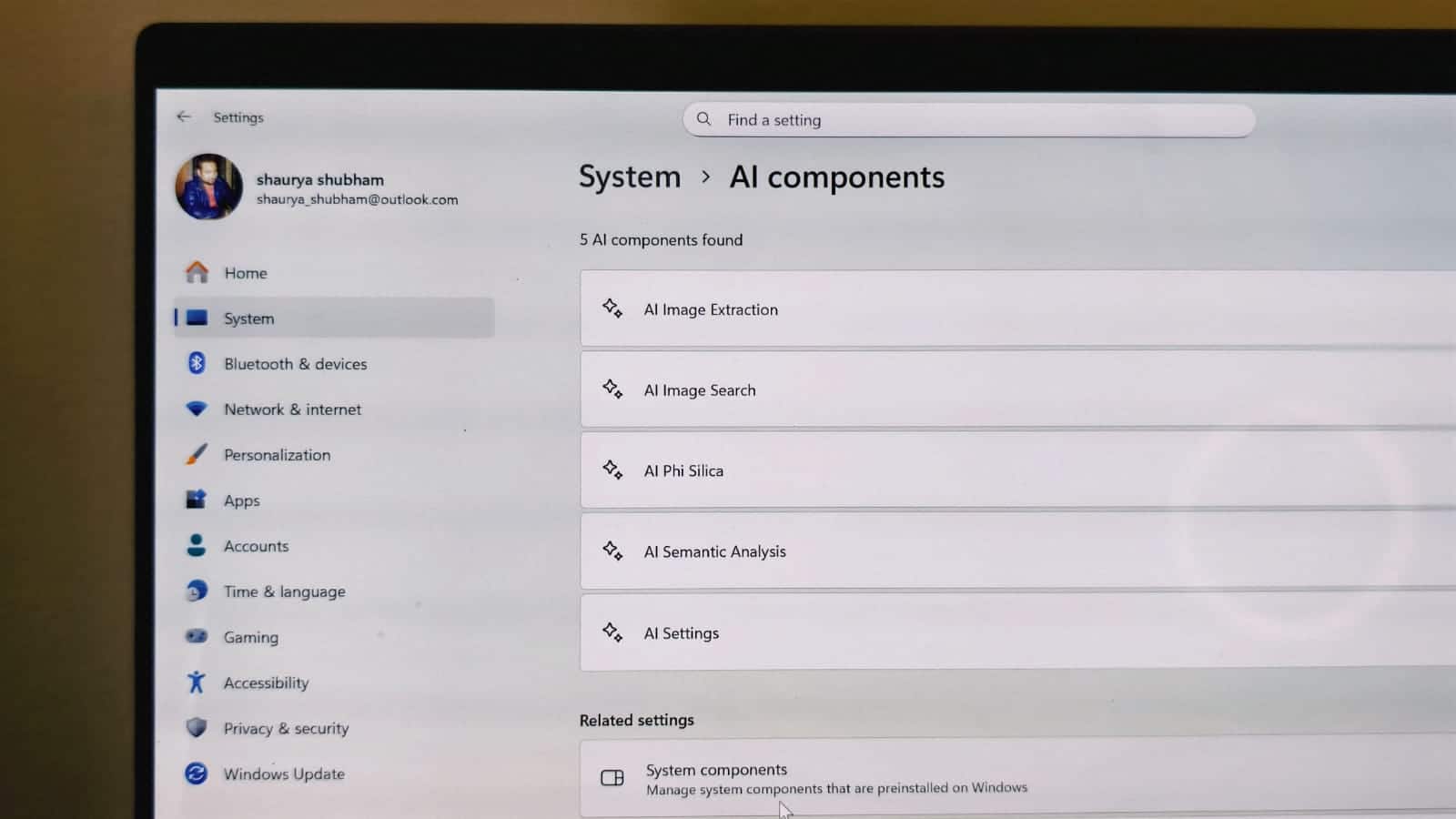
One of the newer additions to Intel’s Core Ultra platform is the dedicated Neural Processing Unit (NPU). The processor in the Zenbook Duo includes an NPU capable of delivering up to 50 TOPS of AI performance.
 Asus Zenbook Duo (2026)
In practice, the impact of the NPU depends on the software ecosystem. Some AI-accelerated features in Windows and creative tools can offload certain workloads from the CPU or GPU to the NPU, improving efficiency.
Tasks such as background blur in video calls, AI-assisted editing features, and certain on-device AI models benefit from this architecture. While these features are still evolving, the hardware indicates that Intel is preparing laptops for more AI-driven workflows.
The ZenBook Duo experience: Design, display and battery
The Zenbook Duo continues Asus’ idea of a laptop built around two equal-sized displays stacked vertically. Both screens are 14-inch OLED panels, and the hinge allows the device to function in multiple configurations: as a traditional laptop with a detachable keyboard, a dual-screen workstation, or a tablet-like setup.
Asus has refined the hinge and display alignment compared to earlier models, reducing the gap between the panels and making the entire system feel more cohesive. The detachable keyboard sits neatly over the lower display when not in use and connects magnetically.
In daily use, the dual-screen layout changes how you interact with the laptop. The top screen usually becomes the main workspace, while the lower display acts as a secondary panel for documents, timelines, chats, or reference material. For example, while writing an article, the main screen can hold the document editor, while the lower screen displays research tabs or communication tools.
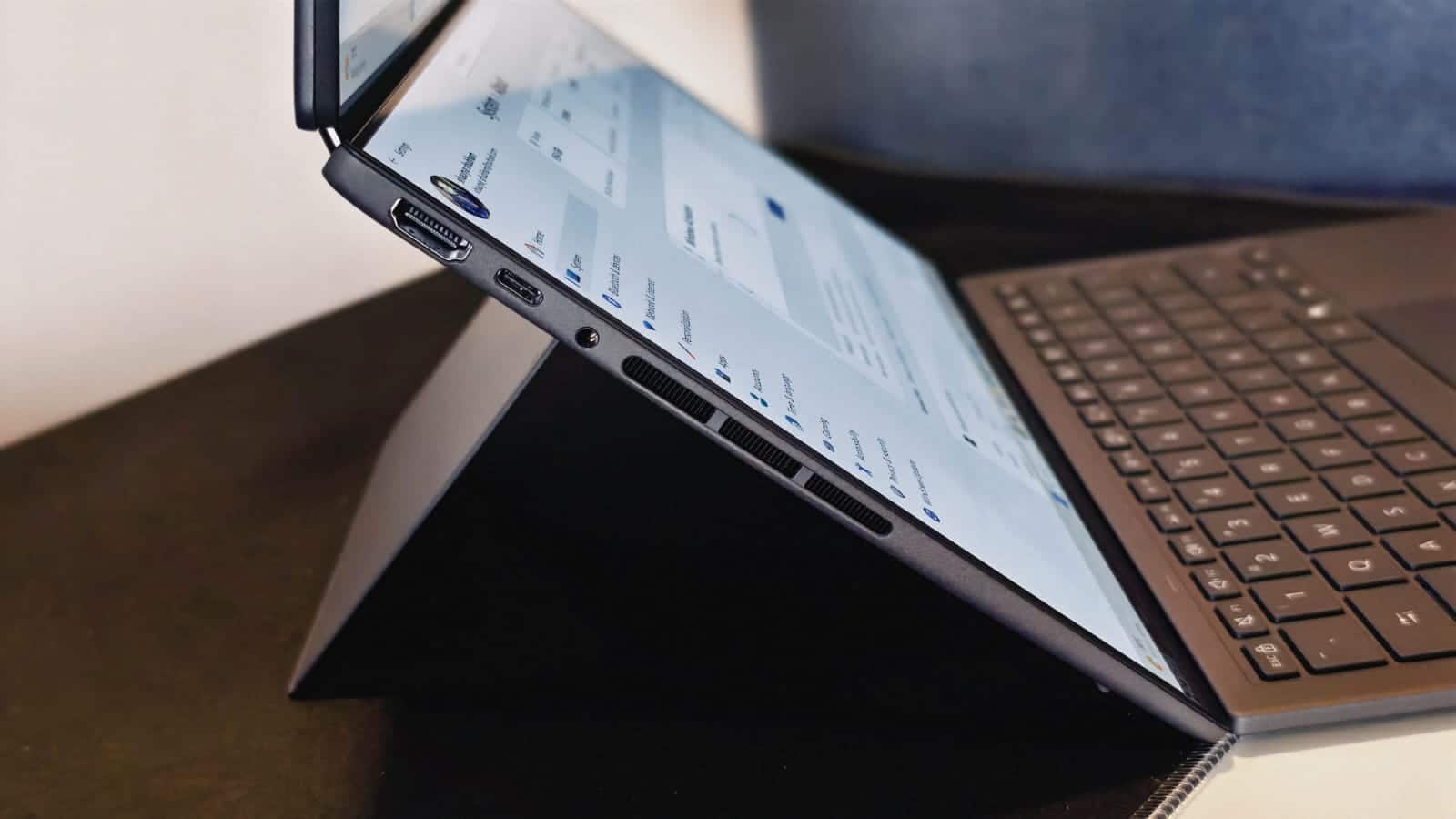 Asus Zenbook Duo (2026)
Despite the unconventional layout, the laptop does not feel fragile or experimental. The chassis remains relatively thin for a device with two displays, and the keyboard and trackpad combination works well for portable use.
Despite the presence of two OLED displays, the Zenbook Duo manages respectable battery life. Intel’s hybrid architecture helps distribute workloads efficiently between different core types, reducing unnecessary power consumption.
For typical productivity tasks such as writing, browsing, and video streaming, the laptop can last through most of a workday with moderate brightness levels. I got around 14 hours on single screen in a single charge – which is impressive for an Intel-powered Windows laptop. And, with both the screens – the laptop delivered around 11 hours of battery life.
Of course, running both OLED displays continuously consumes more power than a traditional single-screen laptop. However, the processor’s efficiency cores and low-power cores help keep energy consumption manageable.
Another good thing that I noticed is that the battery drain during the sleep was close to 1% and that also ensure that you wake up next day with nigligible battery drain and start working instead of hunting down the charger just to power up the machine.
Verdict
The Asus Zenbook Duo (2026) shows how far the idea of a dual-screen laptop has evolved. What once felt experimental now works as a practical productivity tool, and a big part of that shift comes from Intel’s new Core Ultra X9 processor. The Panther Lake chip delivers consistent performance across heavy multitasking, creative workloads, and everyday productivity tasks, while the Arc B390 integrated GPU significantly improves graphics capabilities for an ultraportable machine.
Combined with two OLED displays and respectable battery life, the Zenbook Duo becomes a compelling option for users who rely on multiple windows, timelines, or reference material. It is not just a design showcase anymore; it is a laptop that meaningfully supports modern multitasking workflows.


Discover the latest Business News, Sensex, and Nifty updates. Obtain Personal Finance insights, tax queries, and expert opinions on Moneycontrol or download the Moneycontrol App to stay updated!
Find the best of Al News in one place, specially curated for you every weekend.
Stay on top of the latest tech trends and biggest startup news.