- My Alerts
- Go Ad-Free
-
My Account











8-point guide on how to clean your AirPods safely and effectively
Apple AirPods are perhaps the most popular true wireless earbuds. People wear them on buses, trains, airplanes, gyms, in offices — they are omnipresent. AirPods — like other devices — need to be kept clean so that their longevity is ensured. Here isa 8-point guide to clean your AirPods.




1/8

Use a Soft, Lint-Free Cloth
Start with a microfibre or lint-free cloth—dry or slightly damp with water. Gently wipe the AirPods’ exterior to remove dirt, smudges, and earwax residue.
2/8
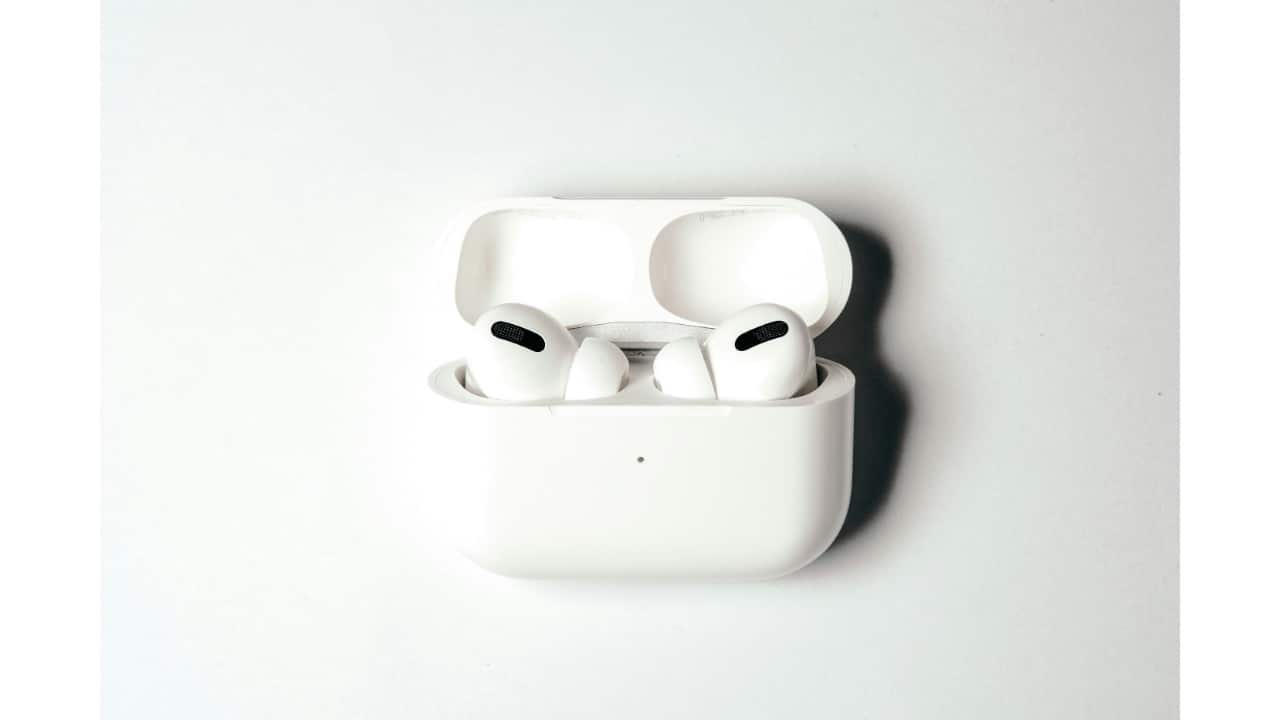
Avoid Harsh Liquids or Compressed Air
Don’t use alcohol, bleach, or aerosol sprays directly on the AirPods. And never use compressed air—it can damage internal components.
3/8
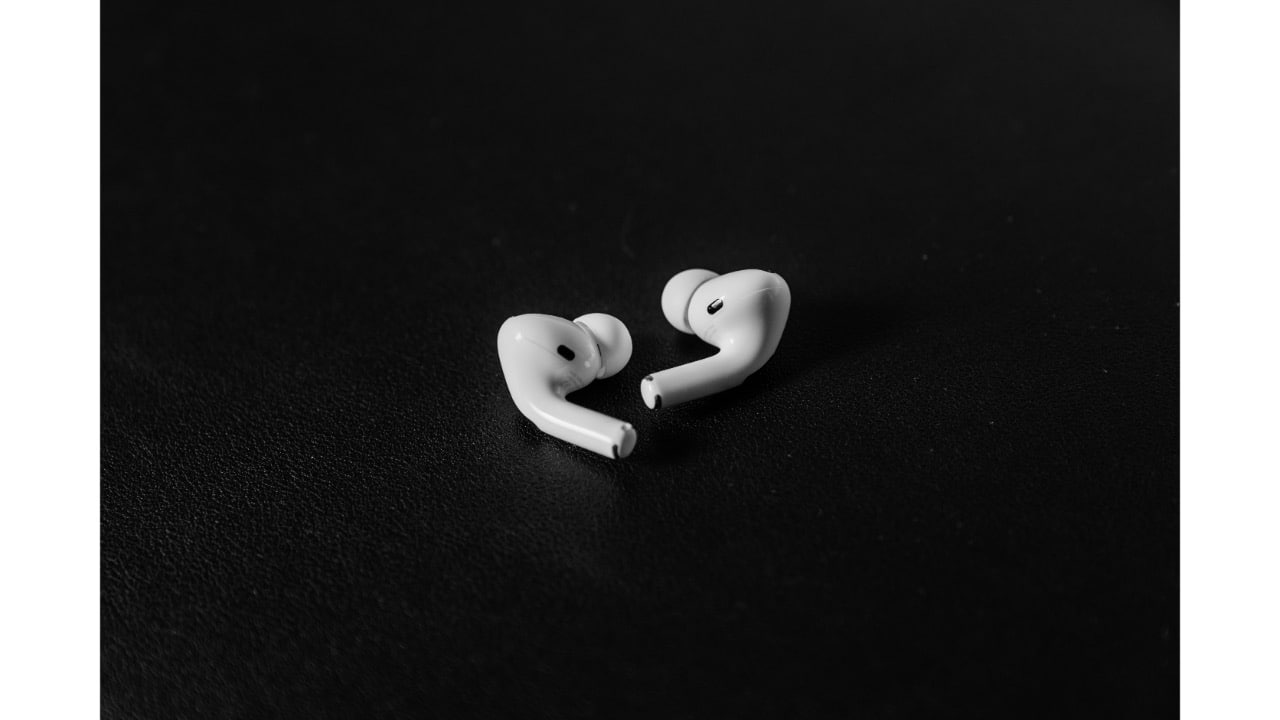
Clean the Speaker Mesh Carefully
Use a dry cotton swab or a soft-bristled brush (like a clean makeup brush or toothbrush) to gently remove debris from the speaker and microphone mesh. Avoid pushing wax deeper in.
4/8
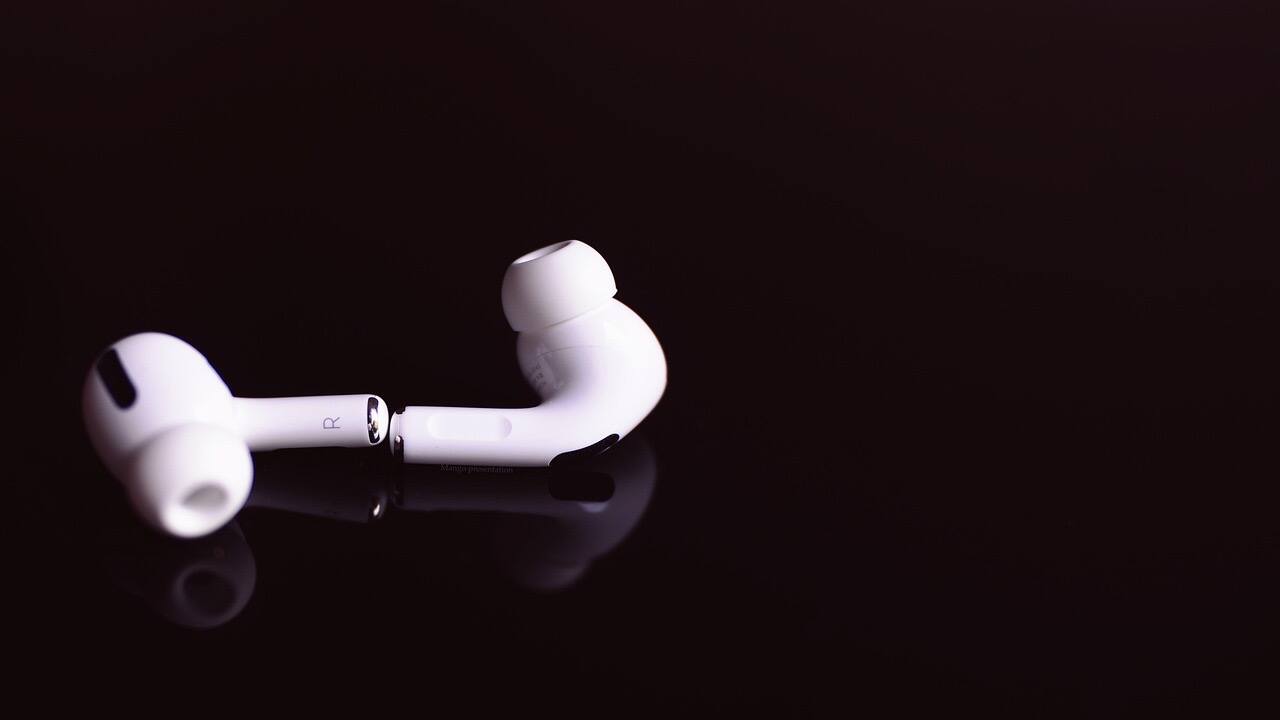
Don’t Submerge Your AirPods
Even if you have AirPods Pro with some water resistance, never run them under water or submerge them. They’re not waterproof.
5/8
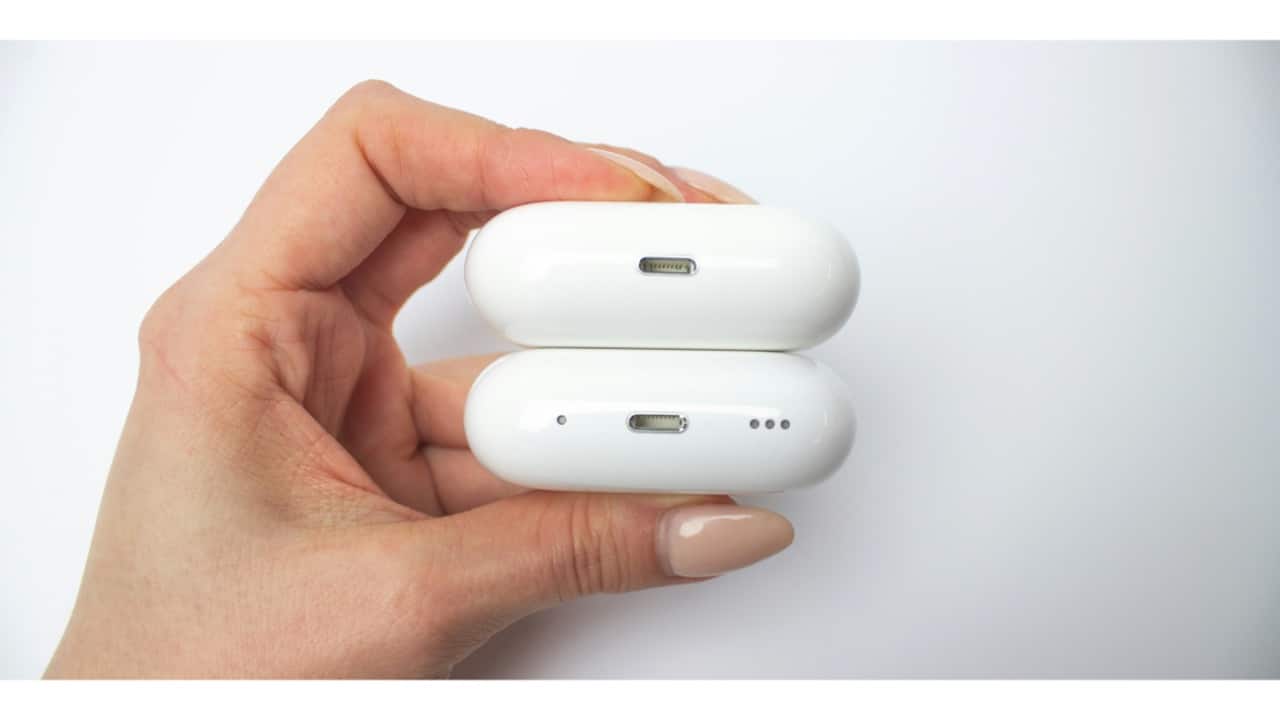
Clean the Charging Case
Wipe the outside with a microfibre cloth. For the inside, use a dry cotton swab and carefully clean the charging ports. Avoid getting moisture near the contacts.
Wipe the outside with a microfibre cloth. For the inside, use a dry cotton swab and carefully clean the charging ports. Avoid getting moisture near the contacts.
6/8
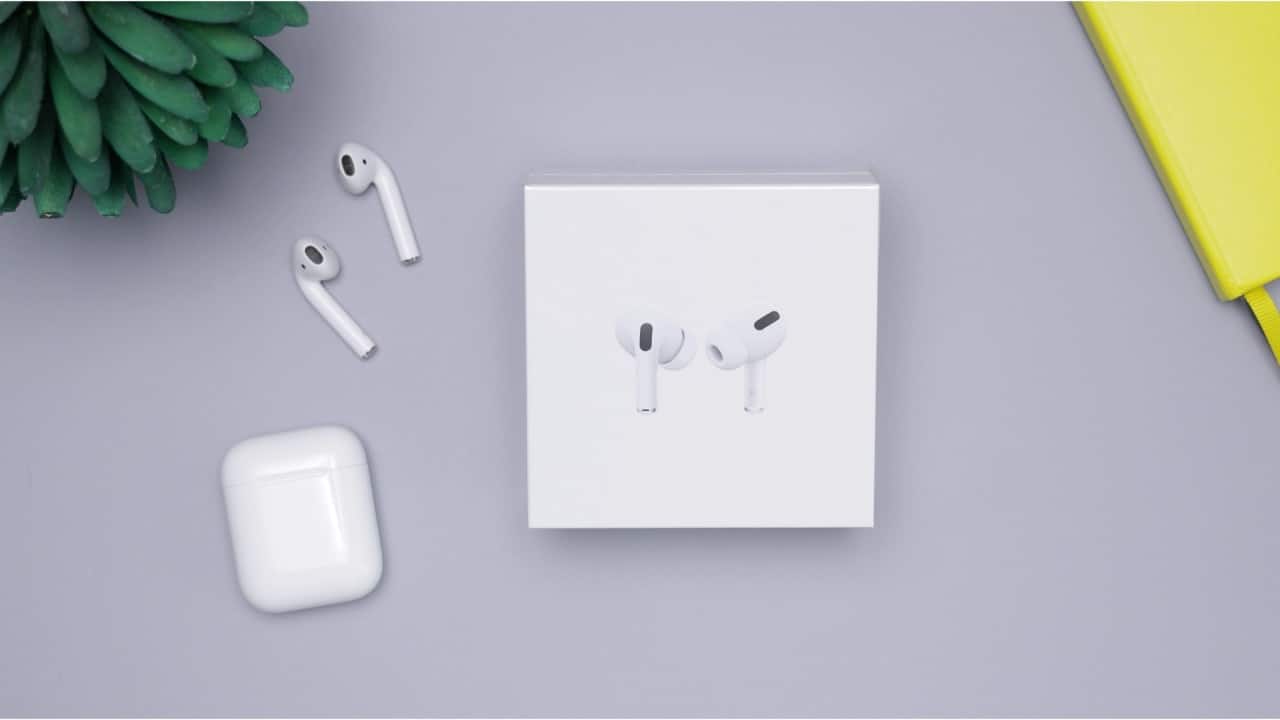
Use a Wooden Toothpick
To remove gunk around the edges of the speaker grille, use a wooden toothpick or soft plastic tool. Be very gentle—no digging.
To remove gunk around the edges of the speaker grille, use a wooden toothpick or soft plastic tool. Be very gentle—no digging.
7/8
Let Everything Dry Before Reuse
If you’ve used a damp cloth or swab, allow the AirPods and case to air dry completely before putting them back in use or in your ears.
8/8
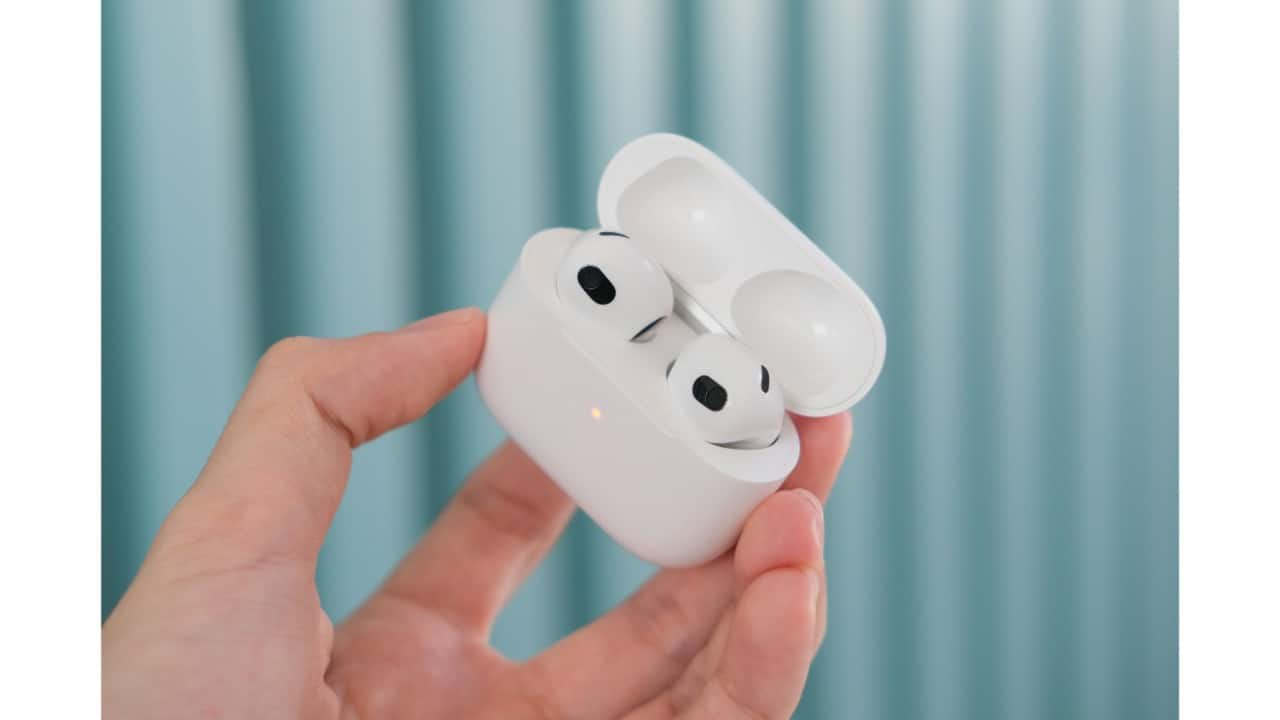
Don’t Use Them While Dirty
Built-up grime isn’t just gross—it can affect sound quality, cause charging issues, and even lead to ear infections. Make cleaning a monthly habit (or more if you’re a heavy user).
Discover the latest Business News, Budget 2025 News, Sensex, and Nifty updates. Obtain Personal Finance insights, tax queries, and expert opinions on Moneycontrol or download the Moneycontrol App to stay updated!



