- My Alerts
- Go Ad-Free
-
My Account












7 effective ways to make your Windows laptop last longer
Many Windows users often complain about their laptop getting slower as the years go by. However, there are certain things users can do to extend the life of a Windows laptop. Here are seven such tips:




1/7

Avoid Overcharging the Battery
Don’t leave your laptop plugged in 24/7. Modern batteries don’t like being at 100% all the time—try to keep the charge between 20% and 80% to extend battery life.
2/7
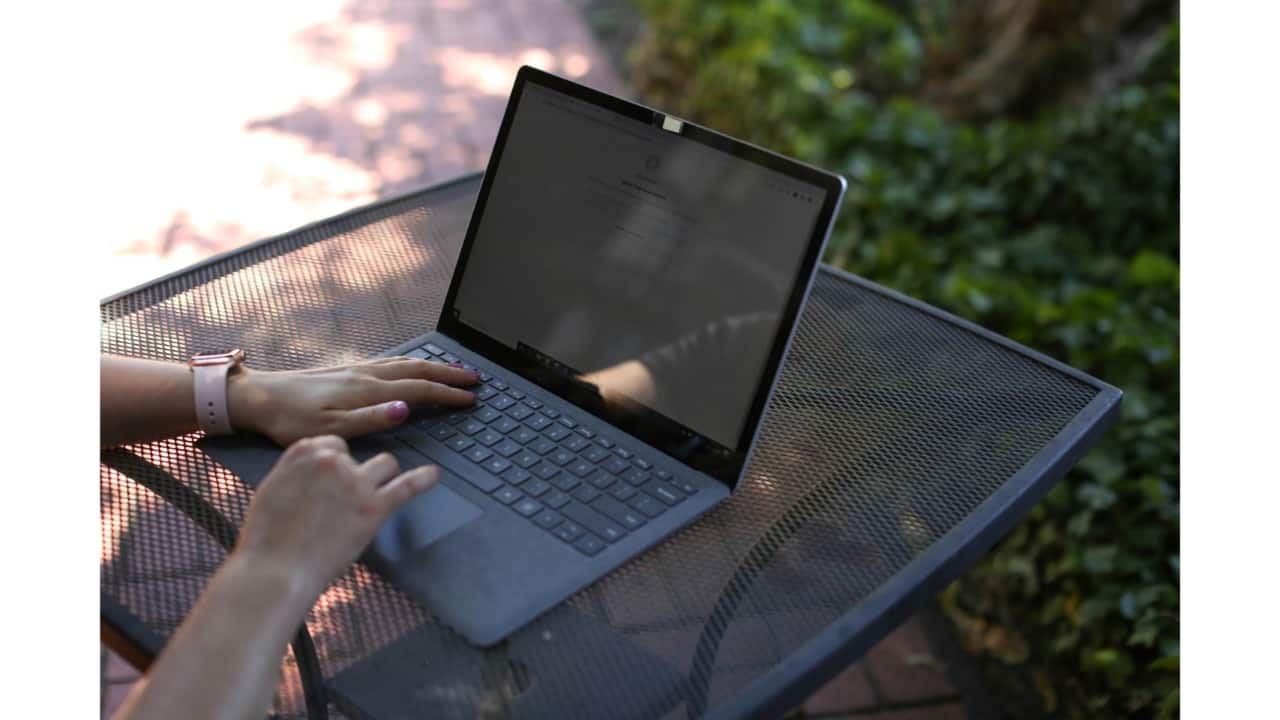
Keep It Clean — Inside and Out
Dust buildup can overheat your laptop. Clean the vents and keyboard regularly, and run a software cleanup (like Disk Cleanup or Storage Sense) every few weeks.
Dust buildup can overheat your laptop. Clean the vents and keyboard regularly, and run a software cleanup (like Disk Cleanup or Storage Sense) every few weeks.
3/7
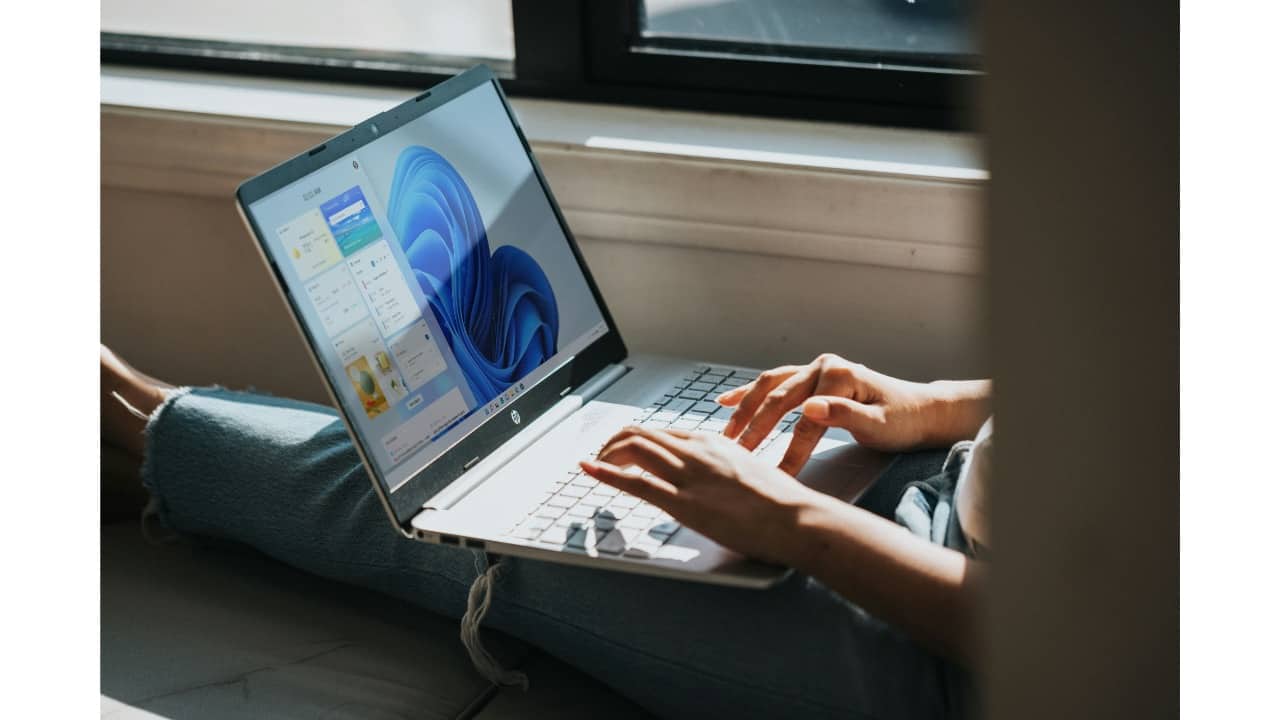
Prevent Overheating
Use your laptop on a hard, flat surface, not on beds or cushions. Invest in a cooling pad if you use it heavily for gaming or editing.
4/7
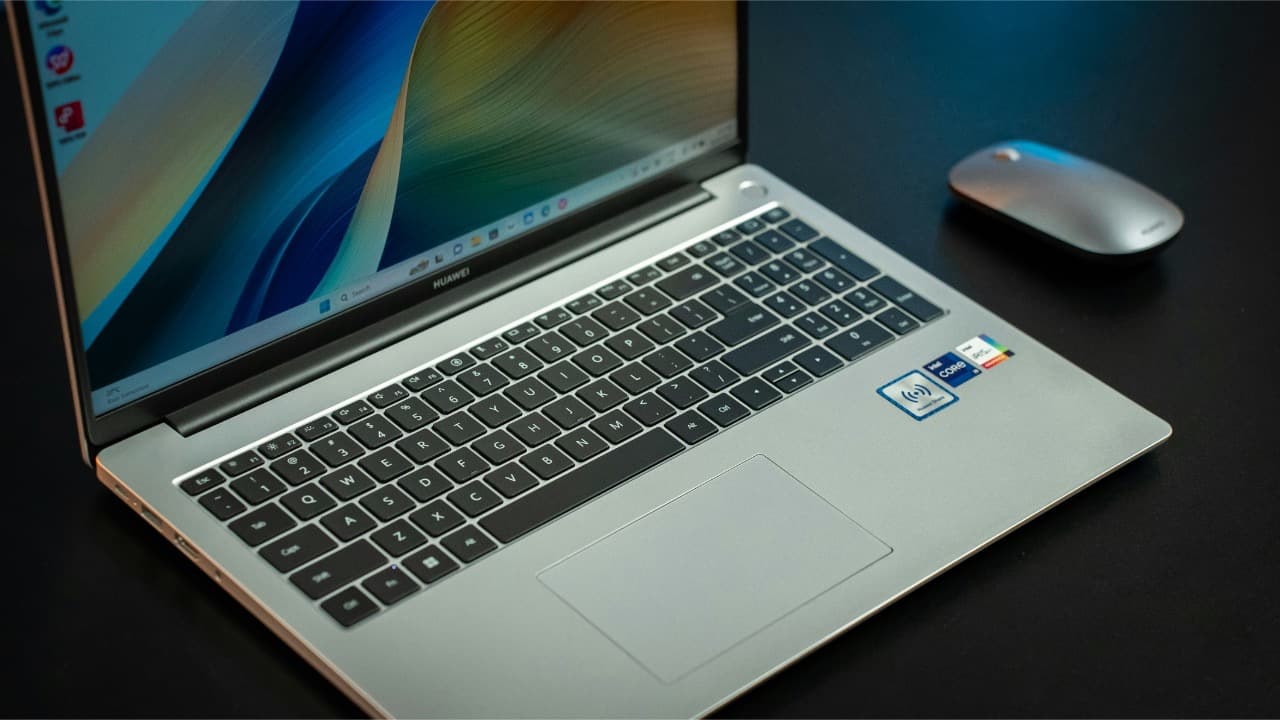
Uninstall What You Don’t Use
Too many apps slow your system down. Go to Settings > Apps and remove software you no longer need. Less clutter, better performance.
5/7
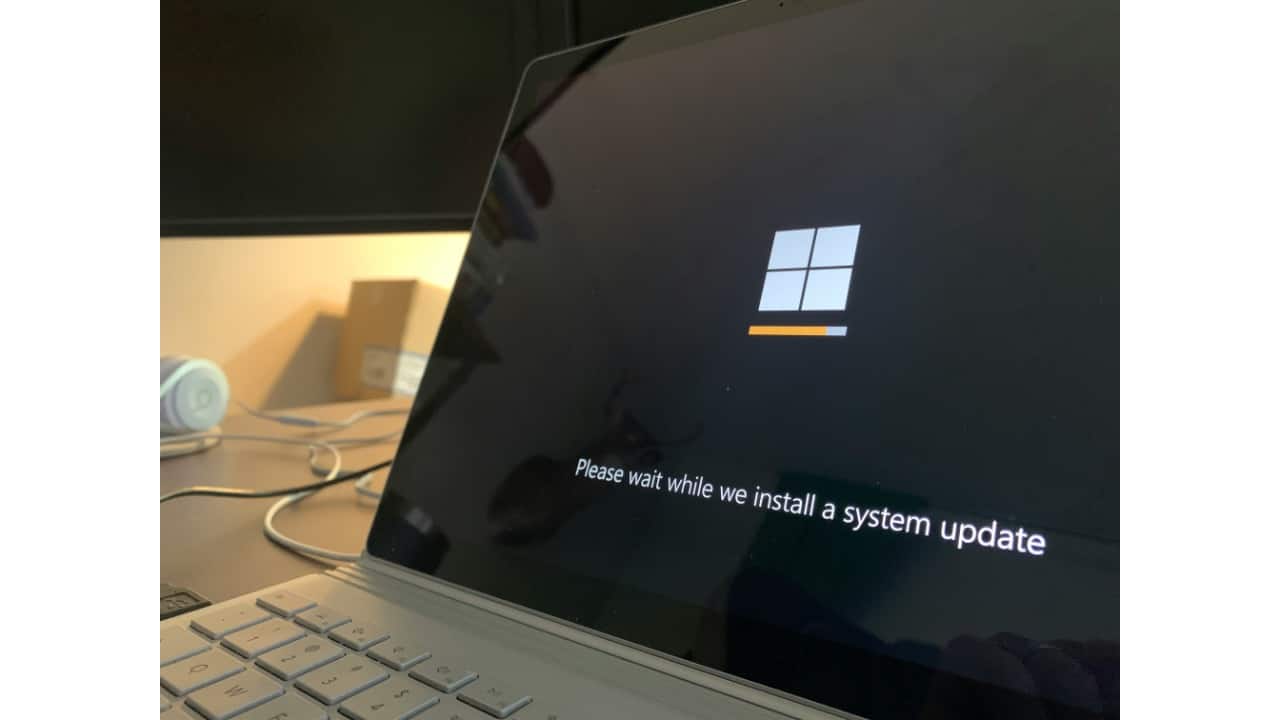
Keep Software and Drivers Updated
Update Windows, drivers, and security software regularly. Updates fix bugs, improve performance, and protect against vulnerabilities.
6/7
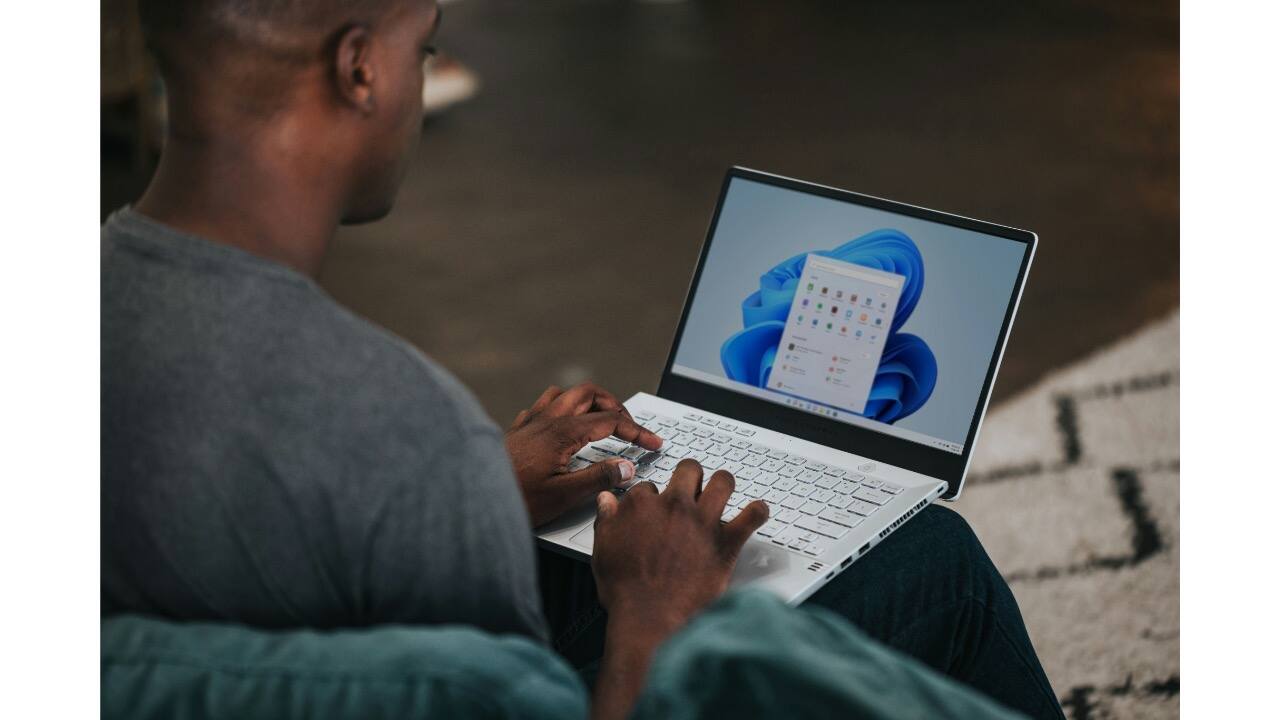
Upgrade Your RAM or Storage
If your laptop allows it, adding more RAM or switching to an SSD can dramatically improve speed and extend usability—especially for older machines.
7/7
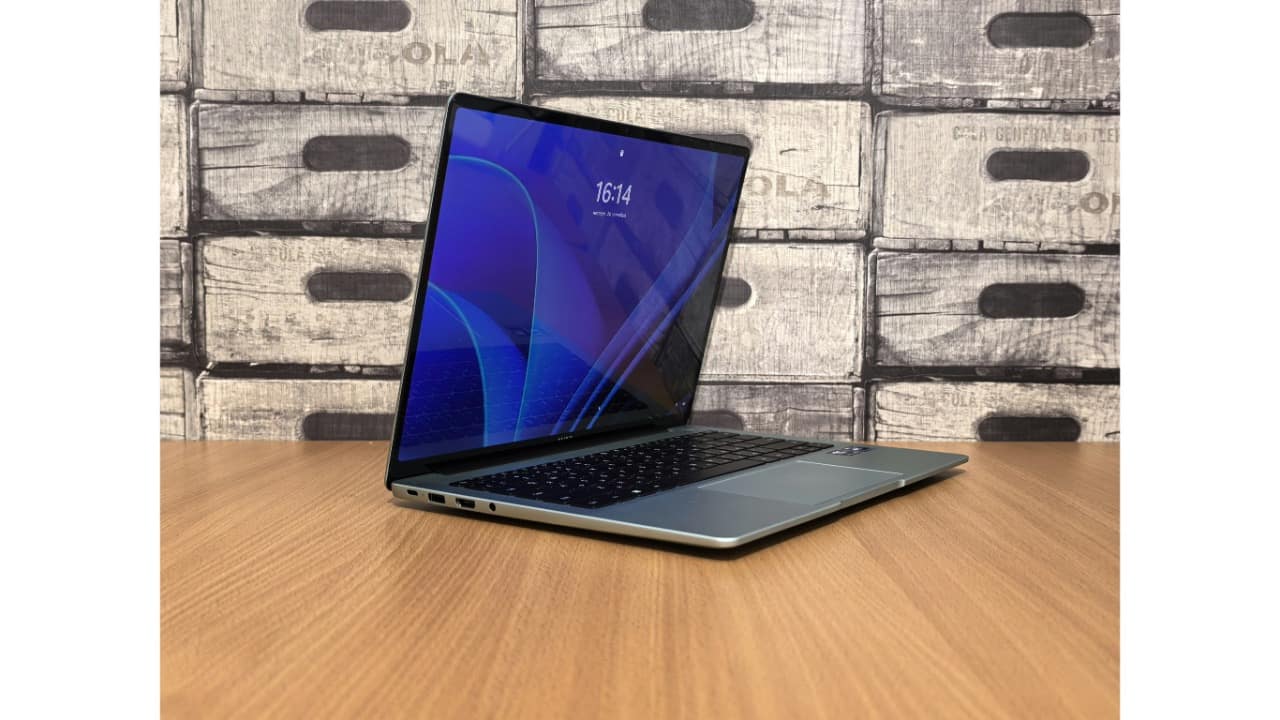
Protect Against Malware and Viruses
Use Windows Defender or a reliable antivirus program. Also, avoid clicking on suspicious links or installing unknown files.
Discover the latest Business News, Budget 2025 News, Sensex, and Nifty updates. Obtain Personal Finance insights, tax queries, and expert opinions on Moneycontrol or download the Moneycontrol App to stay updated!



