- My Alerts
- Go Ad-Free
-
My Account












5 easy steps to use focus mode and cut daily distractions
Learn how to use Focus Mode in five simple steps to reduce distractions, block unwanted apps and stay productive throughout the day on both Android and iPhone.




1/5
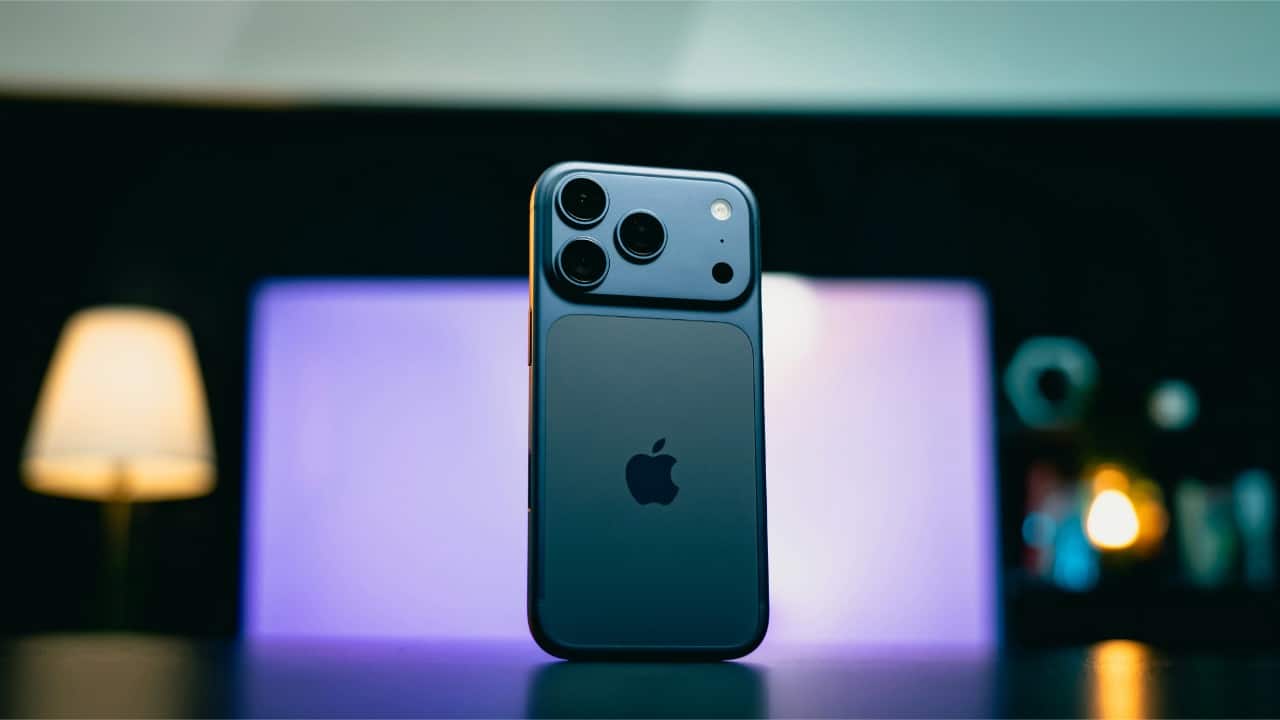
Find Focus Mode in your phone settings
Start by locating Focus Mode on your device. On Android, it’s inside Digital Wellbeing. On iPhones, it’s under Focus in Settings. This feature lets you silence notifications, limit distracting apps and create a calmer environment whenever you need to work, study or simply take a break.
Start by locating Focus Mode on your device. On Android, it’s inside Digital Wellbeing. On iPhones, it’s under Focus in Settings. This feature lets you silence notifications, limit distracting apps and create a calmer environment whenever you need to work, study or simply take a break.
2/5
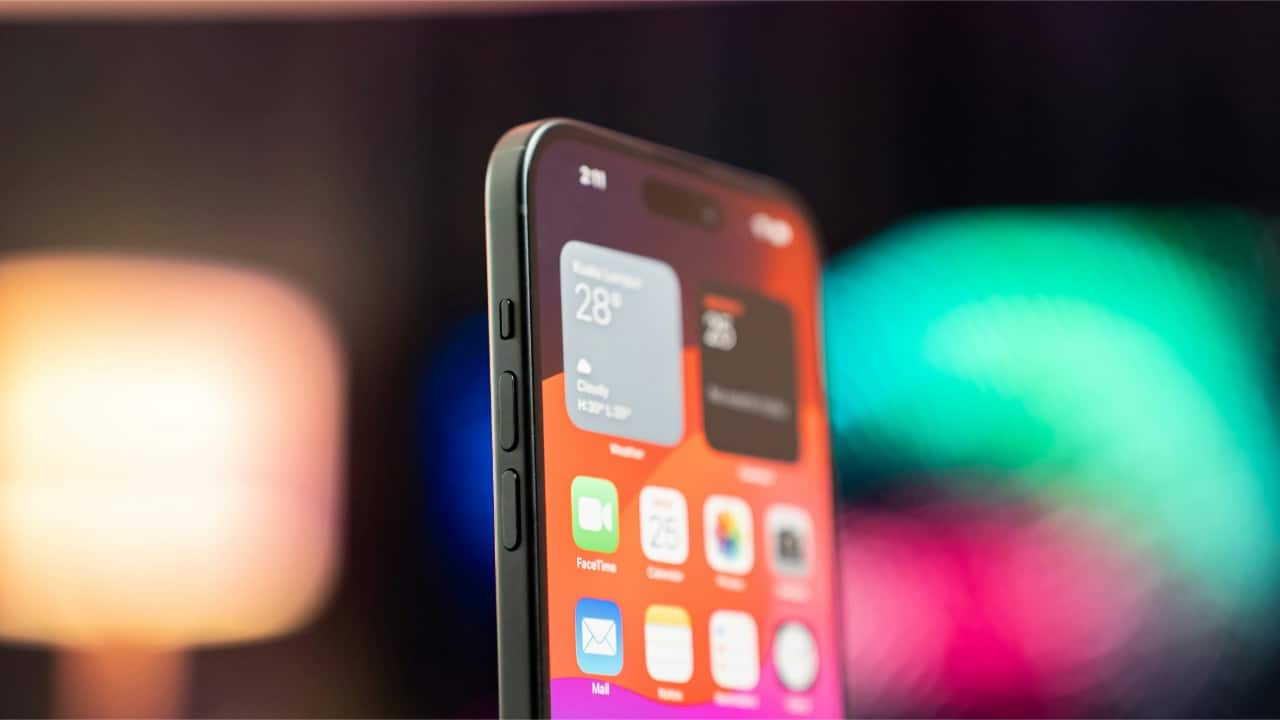
Choose which apps you want to block
Focus Mode works best when you select the apps that distract you the most. Pick social media, games or any app you tend to open without thinking. Once selected, these apps will turn grey or pause completely during Focus Mode, helping you stay on track without constant interruptions.
Focus Mode works best when you select the apps that distract you the most. Pick social media, games or any app you tend to open without thinking. Once selected, these apps will turn grey or pause completely during Focus Mode, helping you stay on track without constant interruptions.
3/5
Set a schedule for when you need focus
You can turn Focus Mode on manually, but scheduling makes it even easier. Set it to activate during work hours, study sessions or nighttime. Your phone will automatically limit distractions at those times, allowing you to build a routine and avoid the urge to constantly check notifications.
You can turn Focus Mode on manually, but scheduling makes it even easier. Set it to activate during work hours, study sessions or nighttime. Your phone will automatically limit distractions at those times, allowing you to build a routine and avoid the urge to constantly check notifications.
4/5

Allow only essential notifications
You don’t have to silence everything. Focus Mode lets you allow important calls or messages from selected people. Add family members, close friends or work contacts you cannot miss. This keeps the mode practical, ensuring you don’t overlook crucial updates while still blocking unnecessary pop-ups from other apps.
You don’t have to silence everything. Focus Mode lets you allow important calls or messages from selected people. Add family members, close friends or work contacts you cannot miss. This keeps the mode practical, ensuring you don’t overlook crucial updates while still blocking unnecessary pop-ups from other apps.
5/5
Use Focus Mode across all your devices
If you use multiple devices, syncing Focus Mode can make a big difference. On iPhone, Focus settings sync across iPad and Mac. On Android, some devices offer similar features. When Focus Mode is active everywhere, distractions drop dramatically, helping you stay fully present and more productive.
If you use multiple devices, syncing Focus Mode can make a big difference. On iPhone, Focus settings sync across iPad and Mac. On Android, some devices offer similar features. When Focus Mode is active everywhere, distractions drop dramatically, helping you stay fully present and more productive.
Discover the latest Business News, Budget 2025 News, Sensex, and Nifty updates. Obtain Personal Finance insights, tax queries, and expert opinions on Moneycontrol or download the Moneycontrol App to stay updated!



