- My Alerts
- Go Ad-Free
-
My Account











5 cool MacBook features that will save you time every day
Think you know your MacBook inside out? Think again. From using Spotlight as a calculator to signing documents right on your trackpad, there are plenty of hidden features that can make your everyday tasks faster and easier. Here are five simple MacBook tricks we bet you didn’t know.




1/5

Use Spotlight as a calculator
No need to open the Calculator app every time. Just press Command (⌘) + Spacebar to bring up Spotlight, then type your math problem. It instantly gives you the answer right there. You can even use it for quick conversions like currency or measurements.
No need to open the Calculator app every time. Just press Command (⌘) + Spacebar to bring up Spotlight, then type your math problem. It instantly gives you the answer right there. You can even use it for quick conversions like currency or measurements.
2/5
Preview files without opening apps
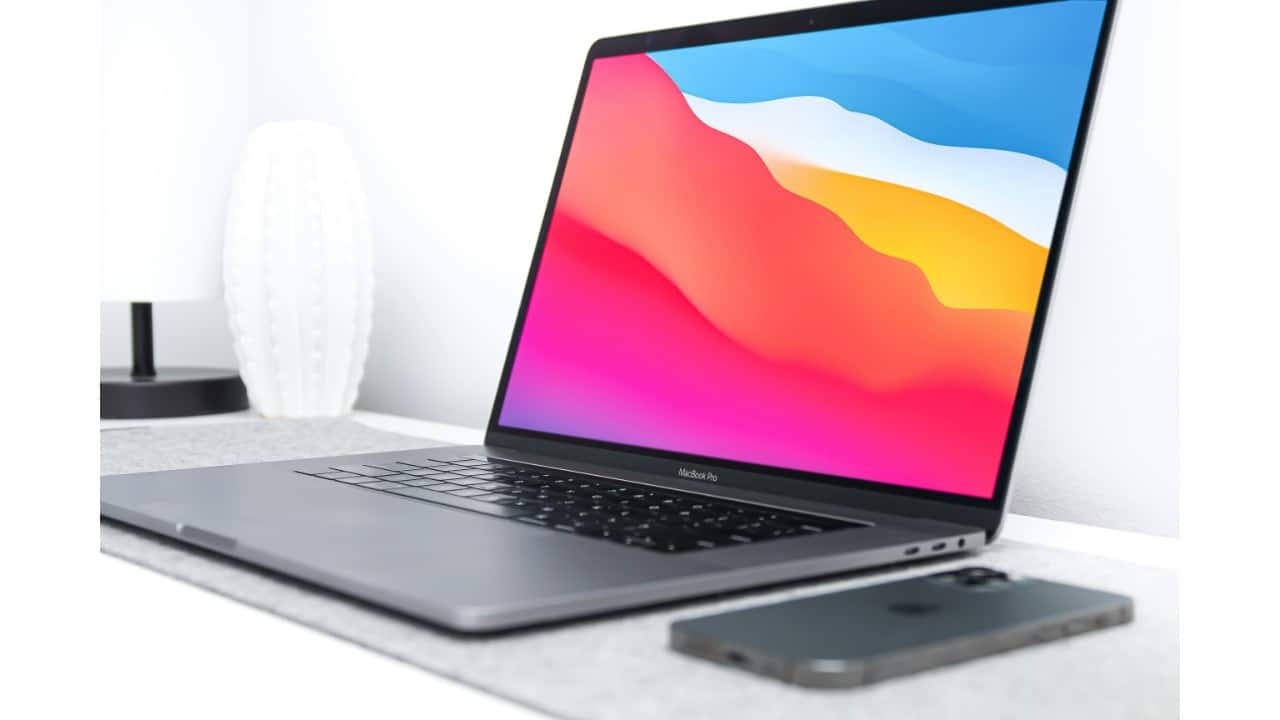
Want to peek at a file without opening Word, Photoshop, or Preview? Just select the file and press the Spacebar. macOS will show you a clean preview, whether it’s a PDF, image, video, or document. It’s a huge time-saver when browsing through files.
Want to peek at a file without opening Word, Photoshop, or Preview? Just select the file and press the Spacebar. macOS will show you a clean preview, whether it’s a PDF, image, video, or document. It’s a huge time-saver when browsing through files.
3/5

Split-screen multitasking
Working on two apps side by side is easy. Hold down the green button at the top-left corner of any window, and select “Tile Window to Left/Right of Screen.” Now you can work in split-screen mode, perfect for research, writing, or comparing documents.
Working on two apps side by side is easy. Hold down the green button at the top-left corner of any window, and select “Tile Window to Left/Right of Screen.” Now you can work in split-screen mode, perfect for research, writing, or comparing documents.
4/5

Sign documents with your trackpad
MacBooks let you sign PDFs without printing. Open the file in Preview, click on the Markup icon, and select “Signature.” You can draw your signature on the trackpad or use your iPhone. Once saved, you can drag and drop it onto any document.
MacBooks let you sign PDFs without printing. Open the file in Preview, click on the Markup icon, and select “Signature.” You can draw your signature on the trackpad or use your iPhone. Once saved, you can drag and drop it onto any document.
5/5
Use hot corners for quick actions
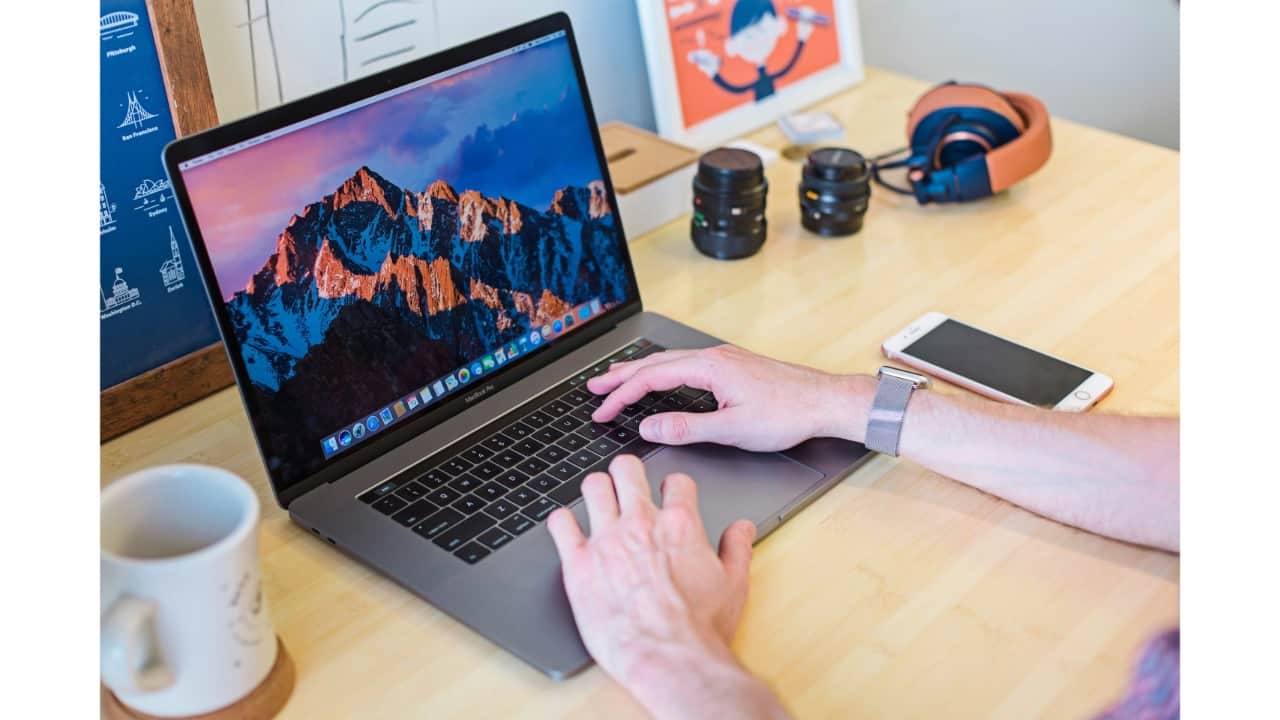
Hot Corners let you assign actions to each corner of your screen. Go to System Settings > Desktop & Dock > Hot Corners and choose actions like starting the screensaver, showing the desktop, or opening Mission Control. Just flick your cursor into a corner to trigger it.
Hot Corners let you assign actions to each corner of your screen. Go to System Settings > Desktop & Dock > Hot Corners and choose actions like starting the screensaver, showing the desktop, or opening Mission Control. Just flick your cursor into a corner to trigger it.
Discover the latest Business News, Budget 2025 News, Sensex, and Nifty updates. Obtain Personal Finance insights, tax queries, and expert opinions on Moneycontrol or download the Moneycontrol App to stay updated!



