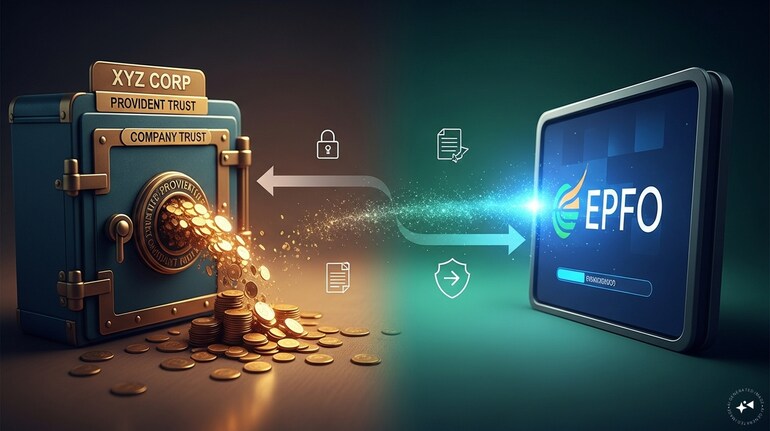

Switching jobs often means leaving behind colleagues, projects and routines. But for many employees, it can also mean leaving behind a part of their retirement savings at least temporarily.
In India’s fragmented EPF ecosystem, this situation is fairly common. While EPFO-to-EPFO transfers are largely seamless, balances held with private trusts operate under a different administrative setup. As a result, employees need to take an extra step to ensure their retirement savings continue to grow under a single account.
When leaving an organisation that maintains its own PF trust, an employee typically has two options. The first is to withdraw the accumulated amount. However, this may lead to a tax liability if the total period of continuous service is less than five years (in such a case, 10 percent TDS is deducted). The second option is to transfer the balance to the EPFO account linked with the new employer, preserving both tax benefits and continuity of service.
“PF transfer from a trust has two parts: first, initiating the PF component transfer through the trust’s portal, and second, ensuring that the pension component is transferred by repeating the transfer process through the EPFO portal,” Kunal Kabra, Founder, Kustodian.life.
“Member should submit a physical Transfer Claim Form (Form 13) to the Trust while submitting Online Transfer Claim Form (Form 13) to the PF Office for transferring your service details to new account. As you file online claim on the Portal, you have option to download Form 13 later to be physically submitted to the Trust,” said Amol Joshi, founder, PlanRupee Investment Services.
Steps to trans PF from trust to EPFO
Before starting, ensure your UAN (Universal Account Number) is activated.
Log in to the EPFO Unified Portal.
Navigate to 'Online Services' and select 'One Member – One EPF Account (Transfer Request)'.
Verify your personal and current employment details.
Click 'Get Details' for your previous employment.
Select which employer should attest your claim
Click 'Get OTP', enter the code sent to your Aadhaar-linked mobile, and click Submit.
Once you submit the online request, the system often generates two versions of Form 13.
One moves digitally to the EPFO to transfer your pension service details.
A PDF version of Form 13 will be available for download. You must print this, sign it, and submit it physically to your previous employer's Trust.
Trust Processes "Annexure K" Once the Trust receives your physical Form 13.
The Trust will verify your PF balance and initiate the payment to the EPFO.
They will issue a document called Annexure K. This is the most important document in a trust transfer as it details your total accumulation, interest, and service history.
The Trust uploads this Annexure K to the EPFO portal and sends the actual funds via NEFT/Cheque to the regional PF office.
“Since the rules and processes of individual trusts may vary, if you get rejections or face challenges, it is advisable to consult an expert to avoid multiple failures and ensure a smooth transition of service history,” Kabra said.
Experts suggest that you should ensure all personal details—such as KYC information including your name, date of birth, PAN, and bank account number with IFSC—are accurate. You should also verify employment details for both your previous and current employers.
Additionally, keep copies and acknowledgements of all submitted forms for your records, and periodically check the status of your transfer request.
How to merge multiple PF accounts
Start by visiting the official EPFO website and logging in with your UAN and password.
Next, click on the ‘One Member – One EPF Account’ option, which will open a new page. Here, enter the required details such as your UAN and registered mobile number, and then click on ‘Generate OTP’.
Once you receive the OTP on your registered mobile number, enter it to complete the verification process.
After verification, a new window will appear where you need to provide details of your previous EPF accounts that you wish to merge.
Finally, tick the declaration box and click on ‘Submit’ to complete the process.
Discover the latest Business News, Sensex, and Nifty updates. Obtain Personal Finance insights, tax queries, and expert opinions on Moneycontrol or download the Moneycontrol App to stay updated!
Find the best of Al News in one place, specially curated for you every weekend.
Stay on top of the latest tech trends and biggest startup news.