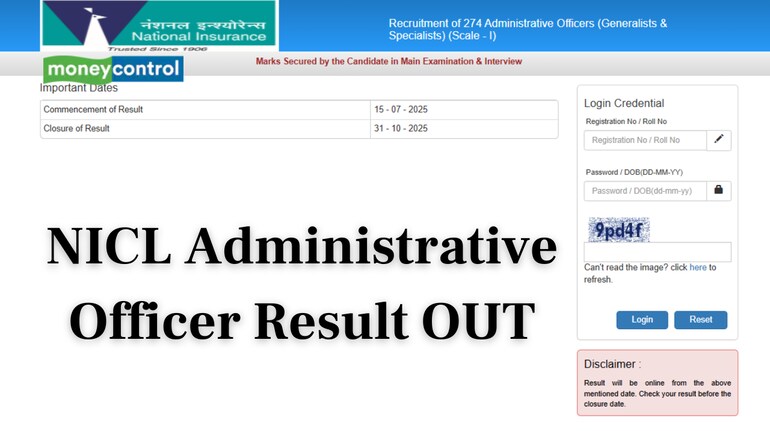
The National Insurance Company Limited (NICL) has officially announced the NICL Administrative Officer Result. Candidates who appeared for the exam can now check their results by visiting the official website nationalinsurance.nic.co.in.
The examination for the Administrative Officer post was held across various centres in India. Candidates will need their roll number and date of birth to log in and view their results. The result has been published in PDF format and displays the qualifying status of each candidate.
Steps to Check NICL Administrative Officer Result 2025
Candidates can follow the steps given below to check and download their results from the official website:
Step 1: Visit the official website: nationalinsurance.nic.co.in
Step 2: On the homepage, click on the link “NICL Administrative Officer Result 2025”
Step 3: Enter your roll number and date of birth as login credentials
Step 4: Once submitted, your result will appear on the screen
Step 5: Download and save the result for future reference
Candidates who have qualified as per the result will be notified of the next stages of the recruitment process in due course.
Direct Link to Download Result
Click here to download NICL Administrative Officer Result
For any further updates, candidates are advised to keep checking the official website of NICL regularly.
Discover the latest Business News, Sensex, and Nifty updates. Obtain Personal Finance insights, tax queries, and expert opinions on Moneycontrol or download the Moneycontrol App to stay updated!
Find the best of Al News in one place, specially curated for you every weekend.
Stay on top of the latest tech trends and biggest startup news.