-
My Account









Data Privacy Day 2025: 5 tips to protect your financial data while traveling
Celebrate Data Privacy Day 2025 with 5 essential tips to safeguard your financial data while traveling. Stay safe, secure, and worry-free on your adventures!




1/6
")
As globetrotters gear up for new adventures, Data Privacy Day, celebrated worldwide on January 28, serves as a timely reminder to prioritize personal and financial data security while traveling. With this year’s theme, "Take Control of Your Data," the focus is on empowering individuals to make smart choices about how their information is collected, shared, and protected. In an age of rising cyber threats, especially for travelers using unfamiliar networks and devices, Visa shares five practical tips to help you stay secure and protect your financial information on the go. Take a look... (Image: Canva)
2/6
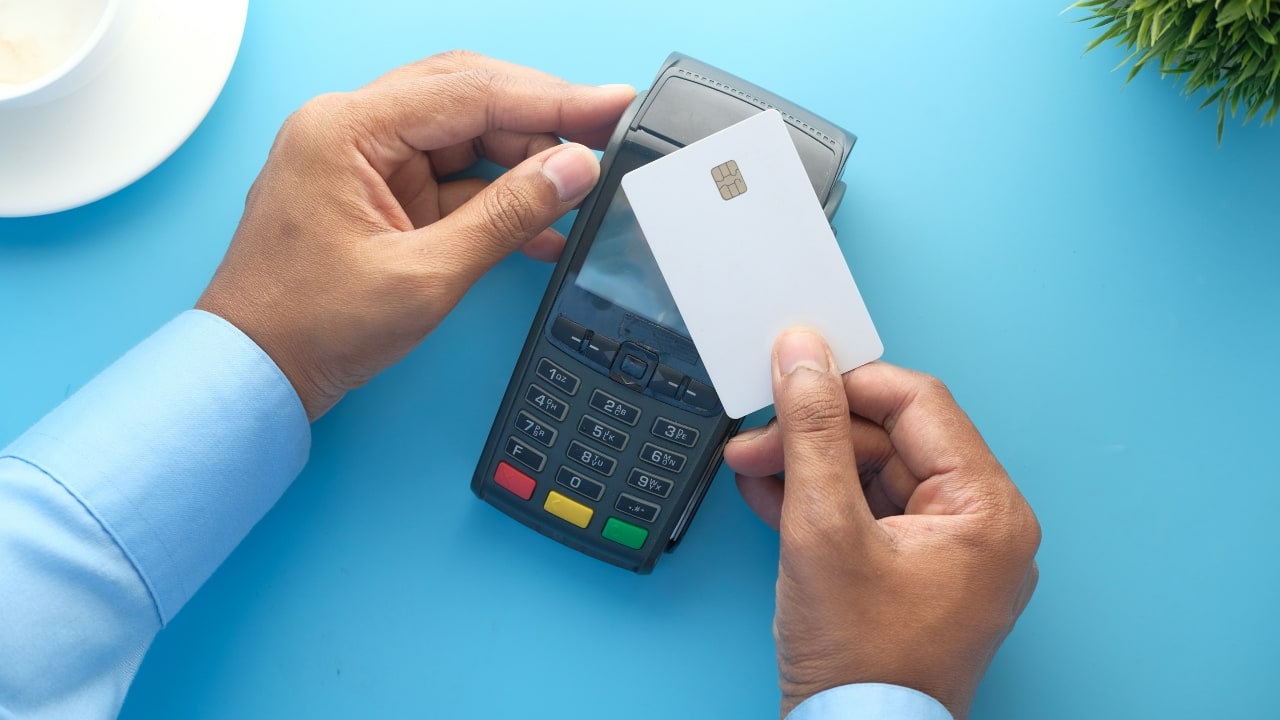
1. Go Tokenized for Secure Online Payments
Tokenization enhances payment security by replacing sensitive card details with a unique identifier (token). This technology adds an extra layer of protection against online fraud. Make sure your cards are tokenized, particularly when shopping on trusted websites for a hassle-free experience. (Image: Canva)
Tokenization enhances payment security by replacing sensitive card details with a unique identifier (token). This technology adds an extra layer of protection against online fraud. Make sure your cards are tokenized, particularly when shopping on trusted websites for a hassle-free experience. (Image: Canva)
3/6
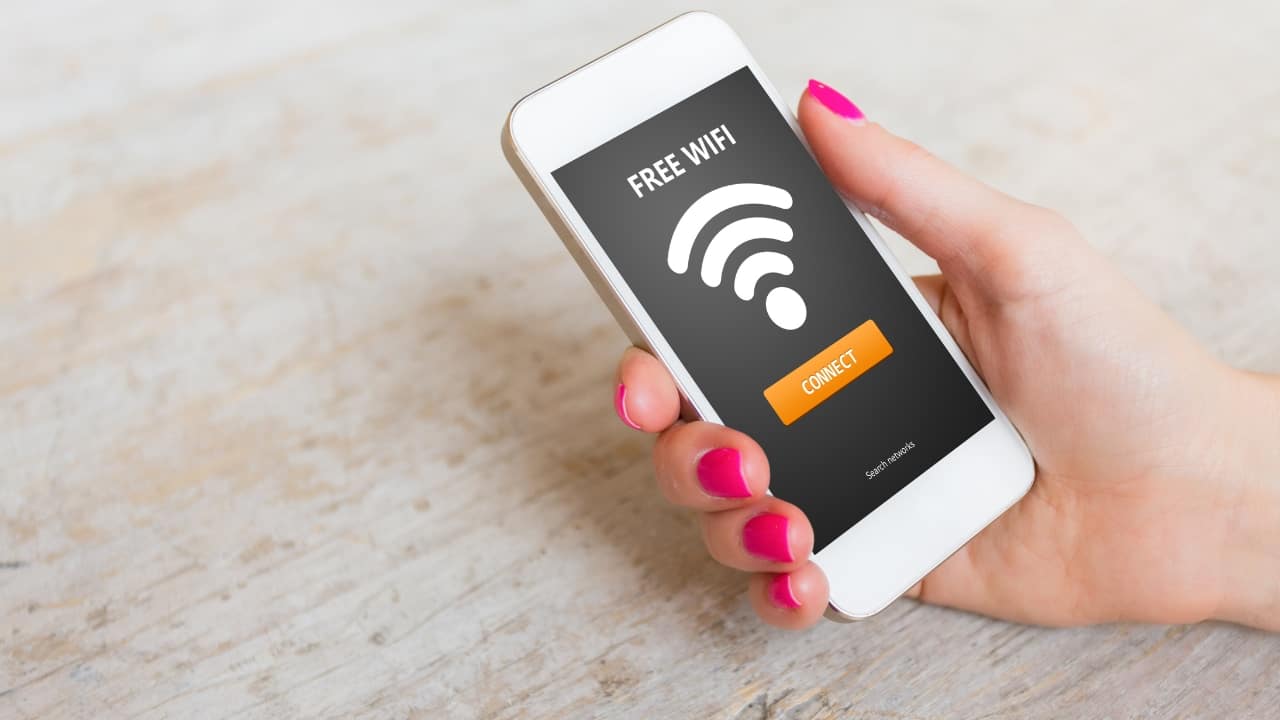
2. Avoid Public Wi-Fi for Financial Transactions
Public Wi-Fi networks are prime targets for hackers. Avoid accessing your financial accounts or making transactions over these networks. If you must connect, use a Virtual Private Network (VPN) for a secure, encrypted connection that shields your data from prying eyes. (Image: Canva)
Public Wi-Fi networks are prime targets for hackers. Avoid accessing your financial accounts or making transactions over these networks. If you must connect, use a Virtual Private Network (VPN) for a secure, encrypted connection that shields your data from prying eyes. (Image: Canva)
4/6

3. Enable Two-Factor Authentication (2FA)
Strengthen your online security by enabling 2FA, which requires an extra verification step, such as a one-time code sent to your phone or a fingerprint scan. This extra layer of protection significantly reduces the chances of unauthorized access to your accounts. (Image: Canva)
Strengthen your online security by enabling 2FA, which requires an extra verification step, such as a one-time code sent to your phone or a fingerprint scan. This extra layer of protection significantly reduces the chances of unauthorized access to your accounts. (Image: Canva)
5/6
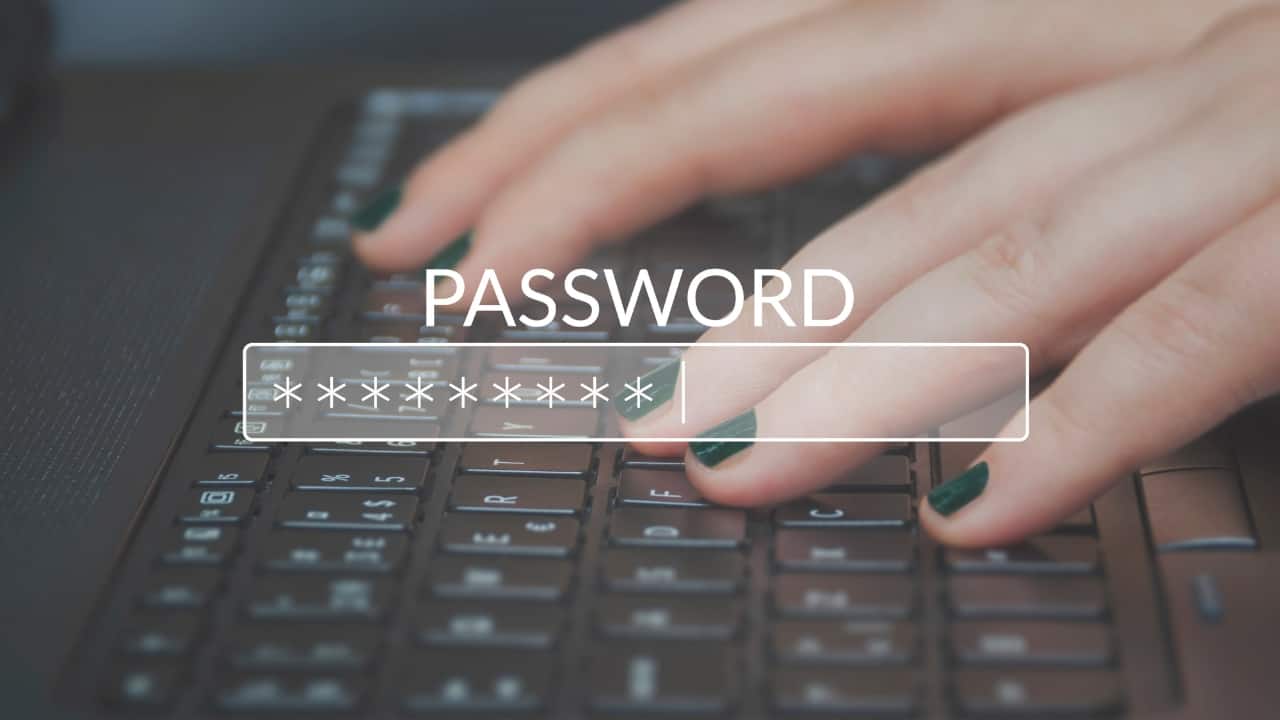
4. Create Strong, Unique Passwords
Using the same password across multiple sites makes you more vulnerable to cyberattacks. Create strong, unique passwords for each account, mixing up letters, numbers, and symbols. Avoid easy-to-guess phrases and consider using a password manager to keep track of your credentials securely. (Image: Canva)
Using the same password across multiple sites makes you more vulnerable to cyberattacks. Create strong, unique passwords for each account, mixing up letters, numbers, and symbols. Avoid easy-to-guess phrases and consider using a password manager to keep track of your credentials securely. (Image: Canva)
6/6
")
5. Stick to Secure, Trusted Websites & Apps
Before entering payment details, check if a website is secure—look for "https://" and a padlock icon in the URL. Always download apps from reputable sources like the App Store or Google Play to avoid malware and ensure your financial information stays safe. (Image: Canva)
Before entering payment details, check if a website is secure—look for "https://" and a padlock icon in the URL. Always download apps from reputable sources like the App Store or Google Play to avoid malware and ensure your financial information stays safe. (Image: Canva)
Discover the latest Business News, Budget 2025 News, Sensex, and Nifty updates. Obtain Personal Finance insights, tax queries, and expert opinions on Moneycontrol or download the Moneycontrol App to stay updated!



