-
My Account








Google Gemini Nano Banana Pro 3D caricature: 8 mistakes to avoid to get perfect output
This guide explains the eight most common mistakes users make while creating 3D caricatures with Google Gemini Nano Banana Pro, and how avoiding them can significantly improve the final output.




1/8

Uploading low-resolution images
Low-quality or blurred images make it harder for the model to accurately detect facial details. Always upload a sharp, well-lit photo with clear visibility of your face.
Low-quality or blurred images make it harder for the model to accurately detect facial details. Always upload a sharp, well-lit photo with clear visibility of your face.
2/8

Using extreme angles
Images shot from below, above, or with wide-angle distortion often confuse the model. A straight-on or slightly angled portrait works best for consistent stylisation.
Images shot from below, above, or with wide-angle distortion often confuse the model. A straight-on or slightly angled portrait works best for consistent stylisation.
3/8
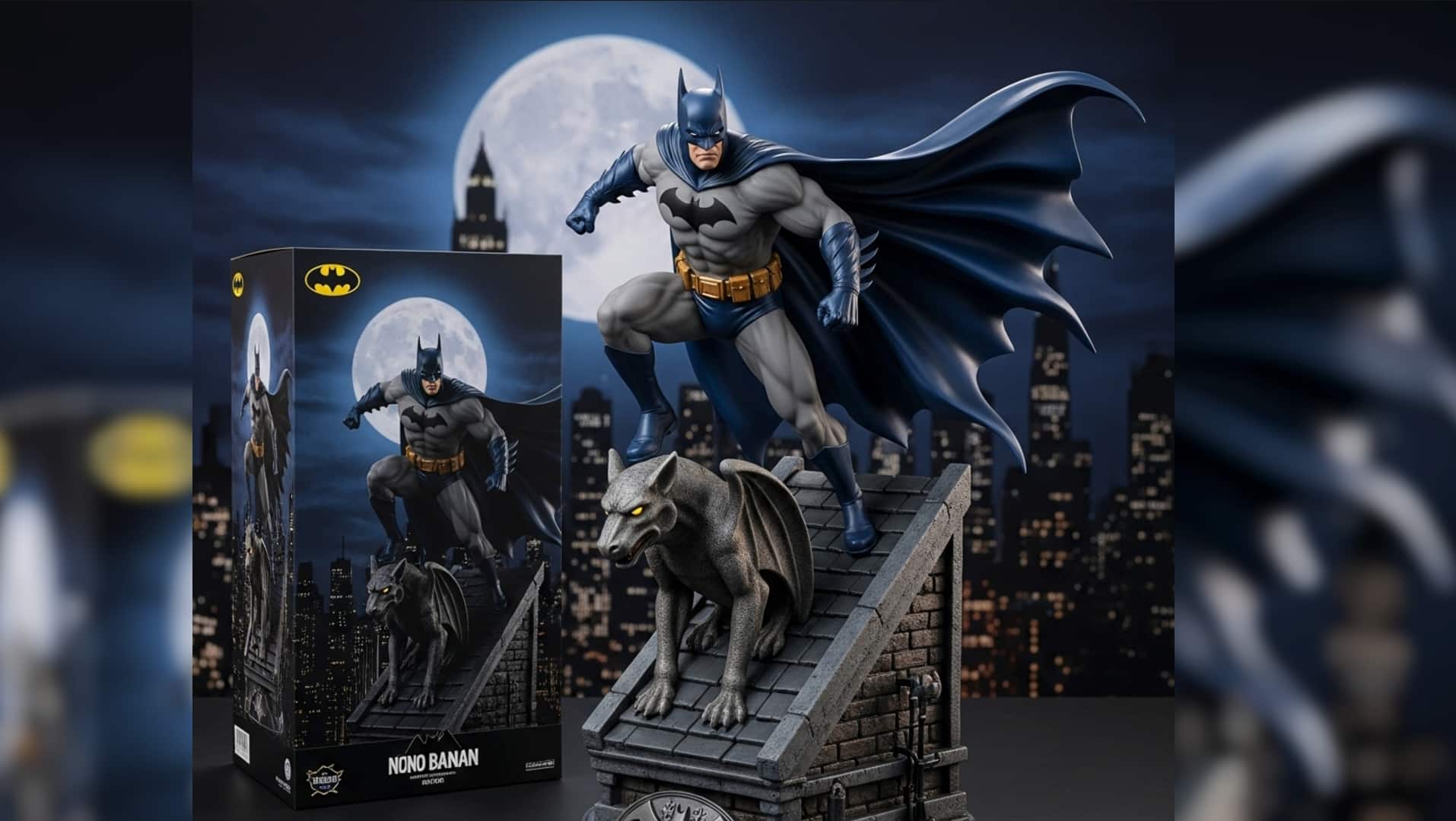
Heavy makeup or strong filters
Over-edited photos make the AI misinterpret skin texture and facial contours. Choose a natural, unfiltered picture to get accurate results.
Over-edited photos make the AI misinterpret skin texture and facial contours. Choose a natural, unfiltered picture to get accurate results.
4/8
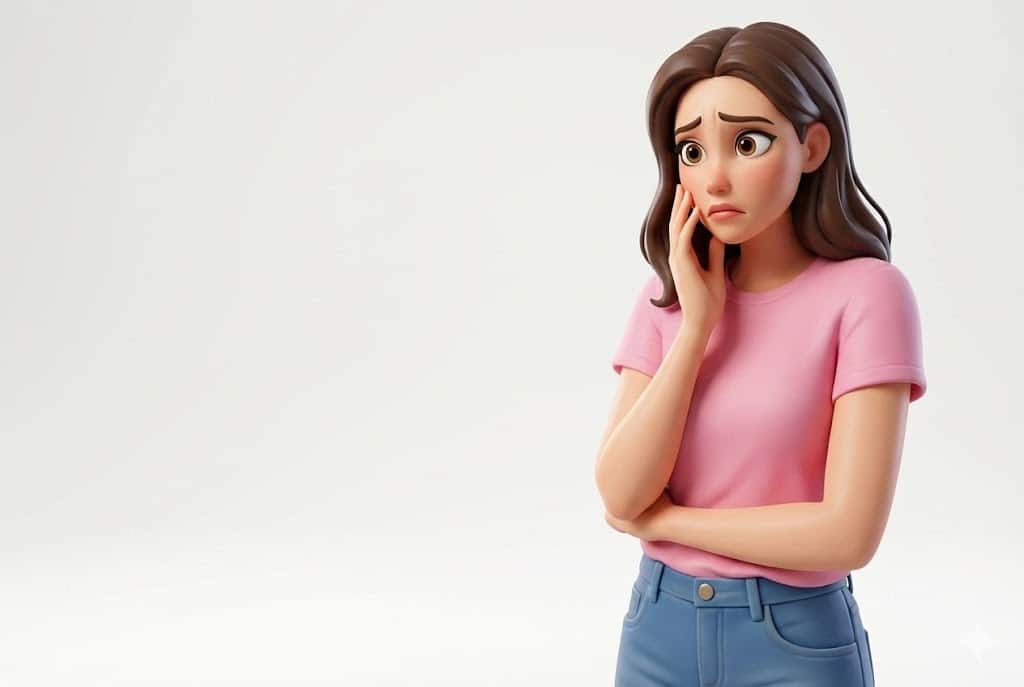
Obstructed face or accessories
Avoid photos where your face is partially covered by masks, large sunglasses, hats, or hair. Obstructions often lead to warped or inaccurate caricature shapes.
Avoid photos where your face is partially covered by masks, large sunglasses, hats, or hair. Obstructions often lead to warped or inaccurate caricature shapes.
5/8
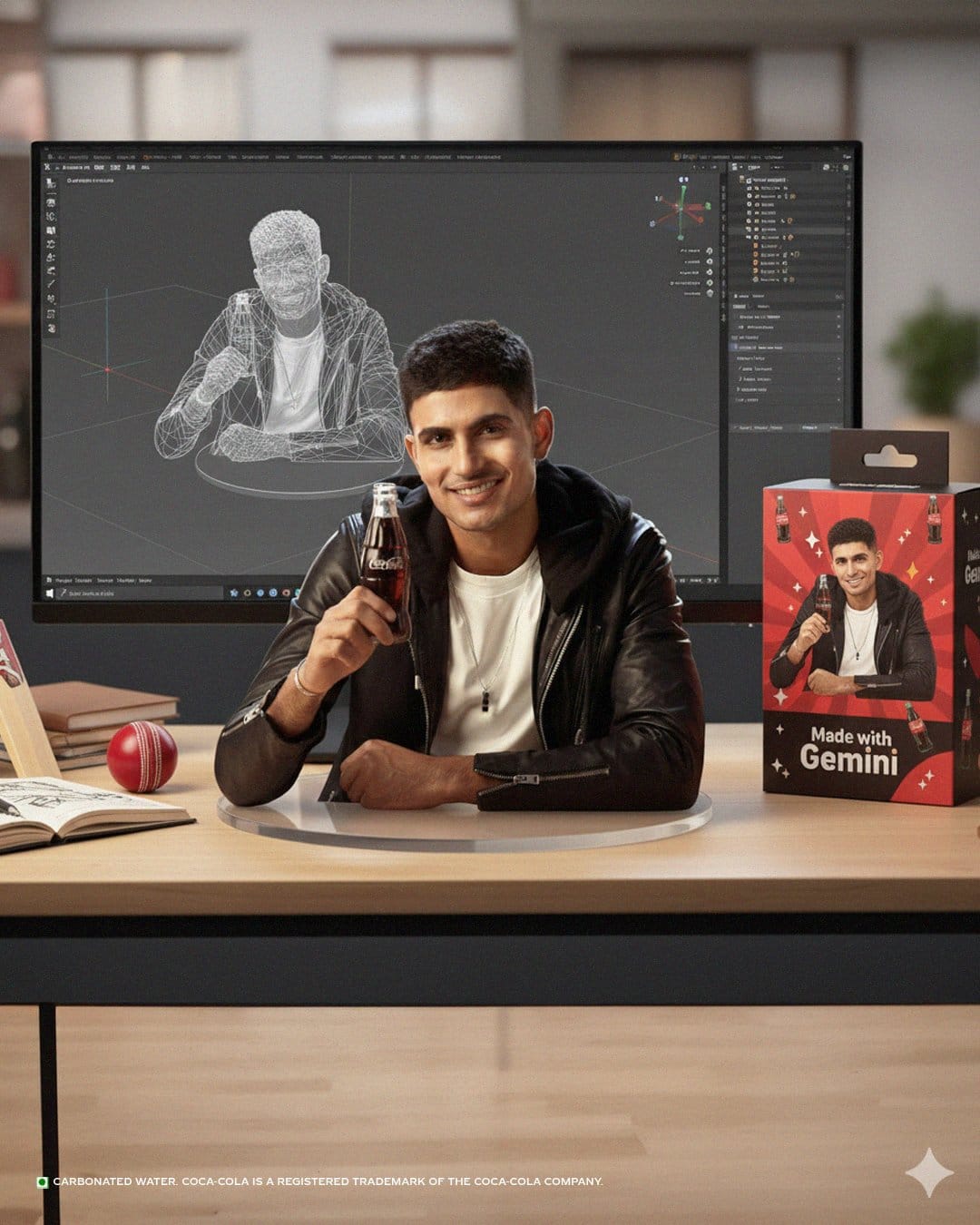
Poor background contrast
A cluttered or overly bright background can affect how the model separates your face from the scene. Use a plain or neutral background to improve extraction.
A cluttered or overly bright background can affect how the model separates your face from the scene. Use a plain or neutral background to improve extraction.
6/8

Ignoring aspect ratio
Feeding the tool with cropped or narrow images may cut off facial features. Use the original aspect ratio and avoid extreme crops to preserve structure.
Feeding the tool with cropped or narrow images may cut off facial features. Use the original aspect ratio and avoid extreme crops to preserve structure.
7/8
Wearing patterned clothing
While the focus is on the face, highly detailed clothing or distracting patterns can affect colour balance and stylisation. Solid colours ensure a smoother result.
While the focus is on the face, highly detailed clothing or distracting patterns can affect colour balance and stylisation. Solid colours ensure a smoother result.
8/8

Rushing multiple generations
Many users immediately regen the output without adjusting the prompt or image. Instead, make small tweaks, refine lighting, or change angles for a better final look.
Many users immediately regen the output without adjusting the prompt or image. Instead, make small tweaks, refine lighting, or change angles for a better final look.
Discover the latest Business News, Budget 2025 News, Sensex, and Nifty updates. Obtain Personal Finance insights, tax queries, and expert opinions on Moneycontrol or download the Moneycontrol App to stay updated!



