-
My Account









Planning to buy a new monitor? 8 big mistakes to avoid in 2025
Buying a new monitor may seem simple, but a wrong decision can lead to buyer’s remorse — especially with so many models available in 2025 offering varying features. Whether you’re a gamer, professional, or casual user, here are 10 major mistakes to avoid when choosing your next display:




1/8
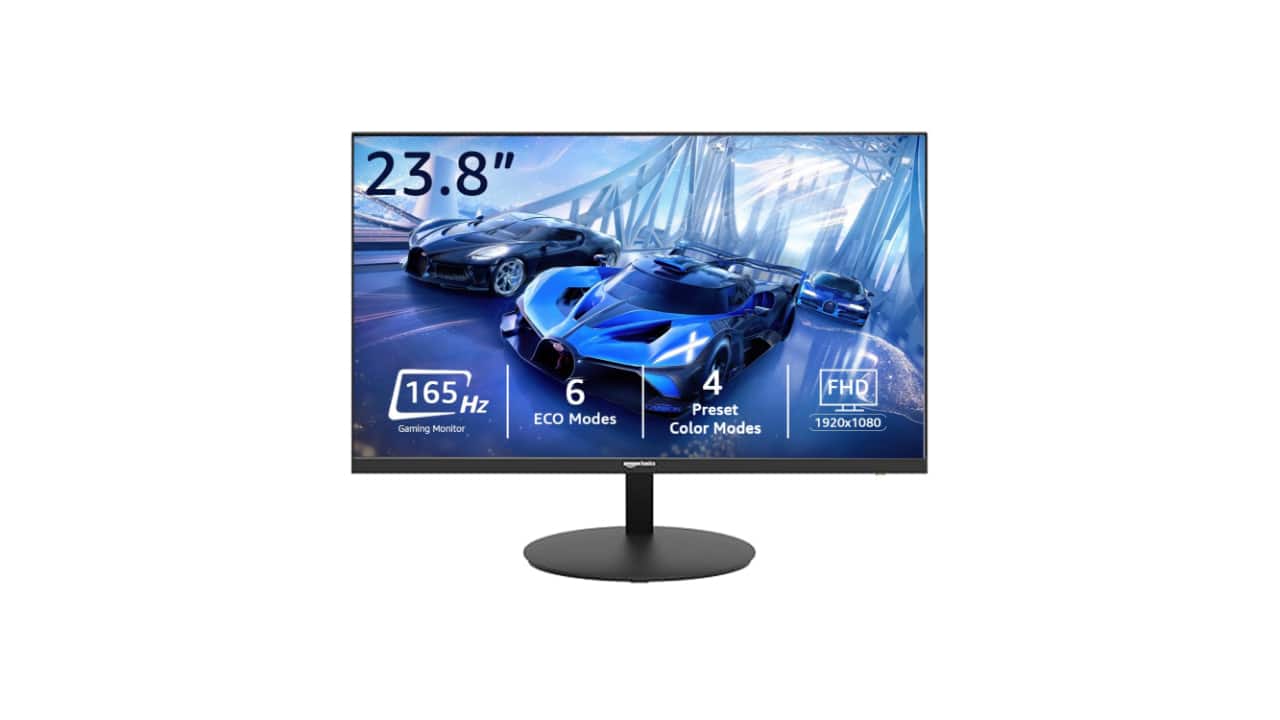
Ignoring the purpose of your use
One of the biggest mistakes is not identifying why you need the monitor. A 144Hz gaming monitor is overkill for basic office work. Similarly, a 60Hz monitor might limit your gaming experience. Always align your choice with your primary usage — gaming, content creation, productivity, or casual use.
One of the biggest mistakes is not identifying why you need the monitor. A 144Hz gaming monitor is overkill for basic office work. Similarly, a 60Hz monitor might limit your gaming experience. Always align your choice with your primary usage — gaming, content creation, productivity, or casual use.
2/8

Not checking the refresh rate and response time
In 2025, high refresh rates (120Hz or more) and low response times (1ms to 5ms) are common even in mid-range models. But many buyers still settle for 60Hz panels, especially in budget segments. For smoother visuals in games or even general UI usage, a 120Hz or 144Hz screen offers a visibly better experience. Buying monitor for content creation, then 60Hz is still good enough.
In 2025, high refresh rates (120Hz or more) and low response times (1ms to 5ms) are common even in mid-range models. But many buyers still settle for 60Hz panels, especially in budget segments. For smoother visuals in games or even general UI usage, a 120Hz or 144Hz screen offers a visibly better experience. Buying monitor for content creation, then 60Hz is still good enough.
3/8
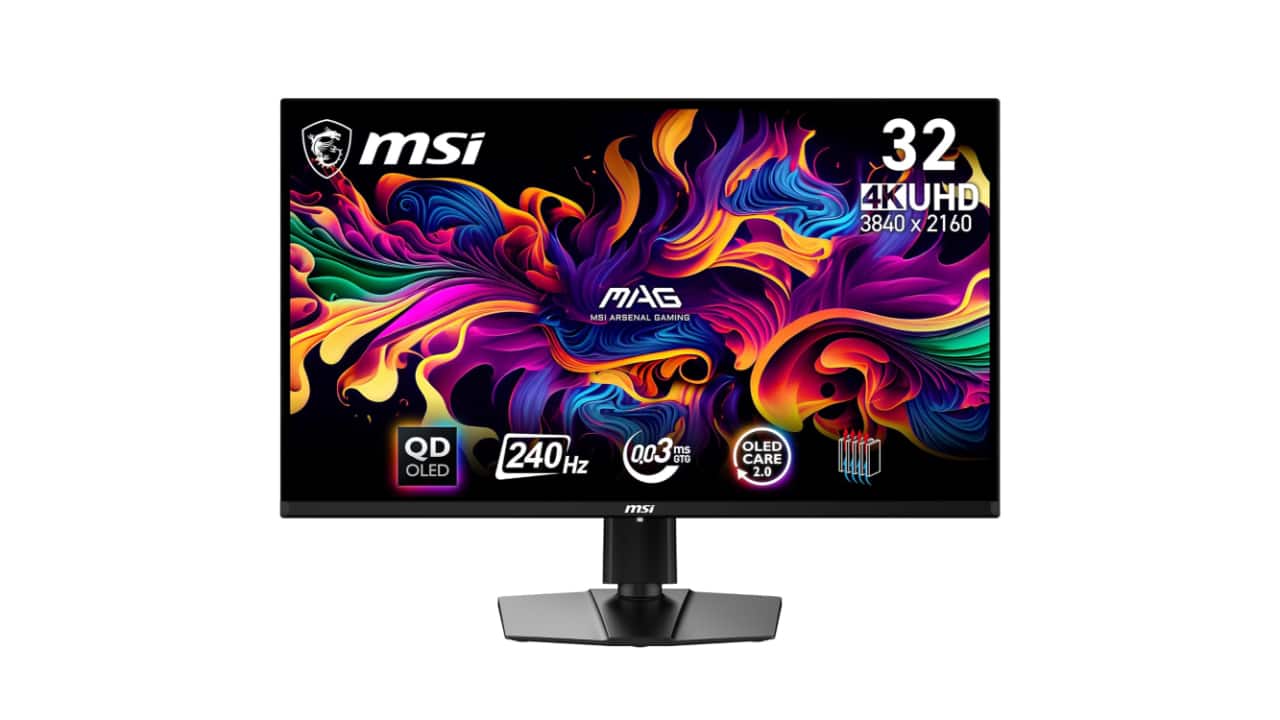
Overlooking the resolution and screen size ratio
A 1080p resolution on a 32-inch monitor can look pixelated, while a 4K resolution on a 24-inch screen may not be noticeable enough to justify the price. The best experience comes from balancing screen size and resolution — 1440p for 27-inch, and 4K for 32-inch and above is an ideal rule of thumb.
A 1080p resolution on a 32-inch monitor can look pixelated, while a 4K resolution on a 24-inch screen may not be noticeable enough to justify the price. The best experience comes from balancing screen size and resolution — 1440p for 27-inch, and 4K for 32-inch and above is an ideal rule of thumb.
4/8
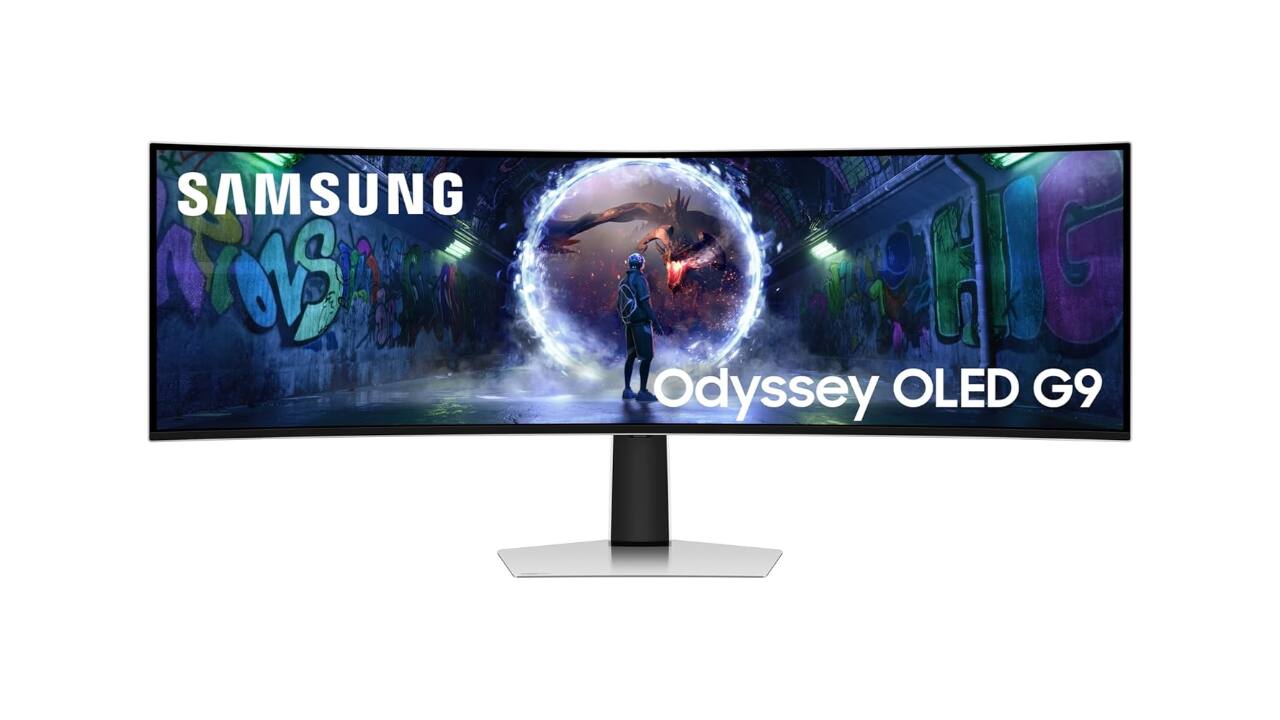
Not considering panel types (IPS, VA, TN, OLED)
Each panel type offers different pros and cons. IPS gives better color accuracy and viewing angles, VA provides better contrast, and TN panels are generally cheaper but suffer from poor color and angle performance. OLED monitors, now more common in 2025, offer the best contrast and response but are more expensive.
Each panel type offers different pros and cons. IPS gives better color accuracy and viewing angles, VA provides better contrast, and TN panels are generally cheaper but suffer from poor color and angle performance. OLED monitors, now more common in 2025, offer the best contrast and response but are more expensive.
5/8
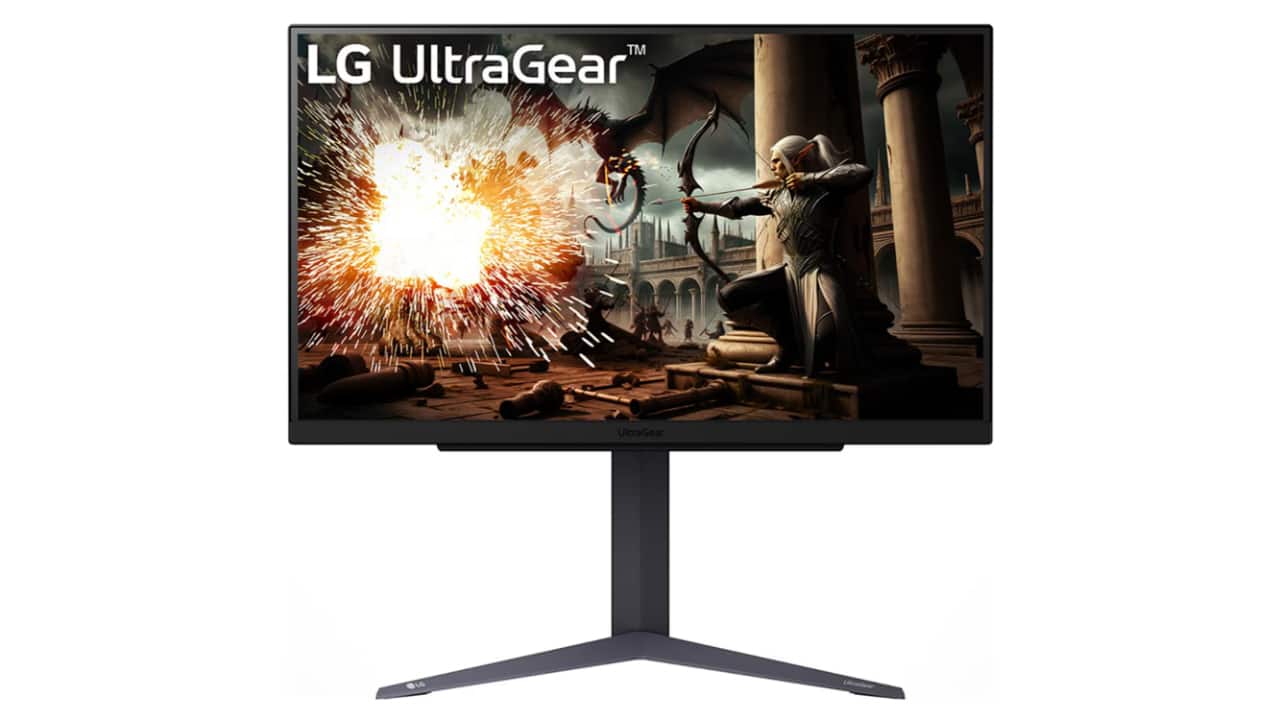
Forgetting about connectivity options
Some monitors now skip HDMI ports in favor of DisplayPort or USB-C. Make sure your monitor has the right inputs for your laptop or desktop. USB-C monitors with power delivery are also ideal for MacBook or tablet users.
Some monitors now skip HDMI ports in favor of DisplayPort or USB-C. Make sure your monitor has the right inputs for your laptop or desktop. USB-C monitors with power delivery are also ideal for MacBook or tablet users.
6/8
Not checking colour accuracy or HDR standards
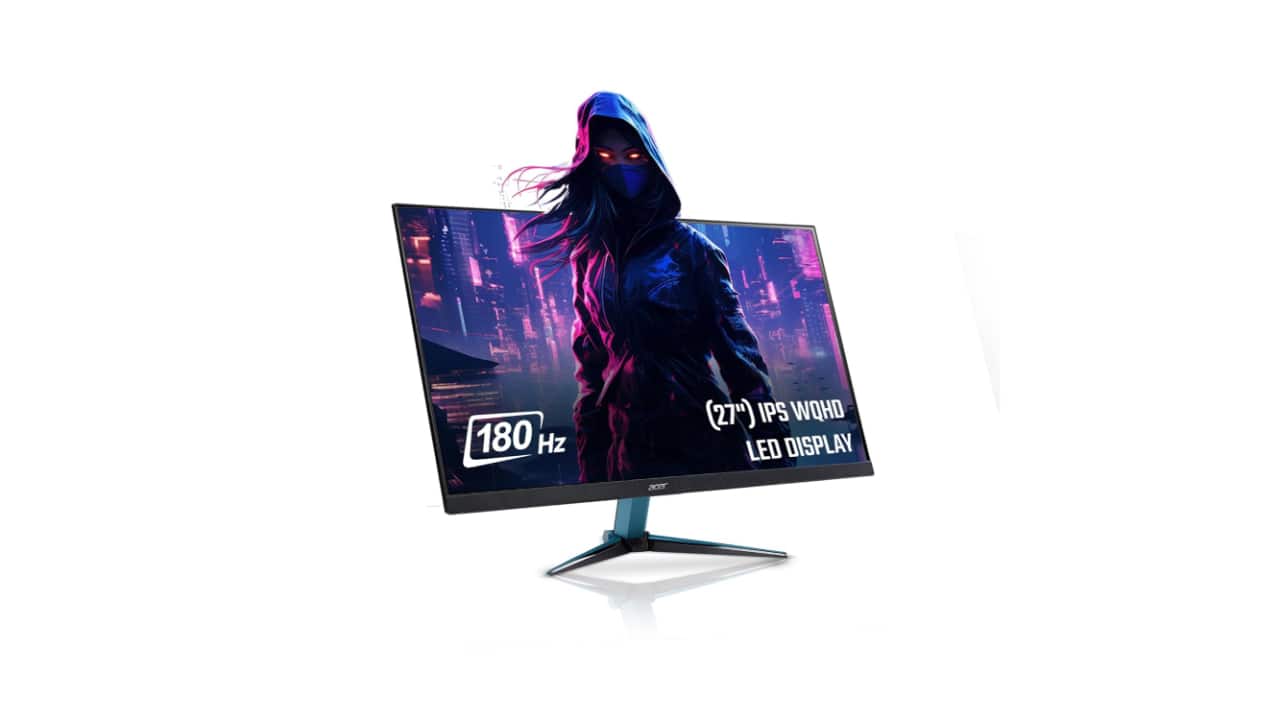
For creative professionals, colour-accurate monitors with sRGB, AdobeRGB, or DCI-P3 coverage are crucial. HDR certifications also vary — many “HDR-ready” monitors offer poor actual performance. Look for at least HDR 400 or 600 certification for true HDR visuals.
For creative professionals, colour-accurate monitors with sRGB, AdobeRGB, or DCI-P3 coverage are crucial. HDR certifications also vary — many “HDR-ready” monitors offer poor actual performance. Look for at least HDR 400 or 600 certification for true HDR visuals.
7/8
Focusing only on price
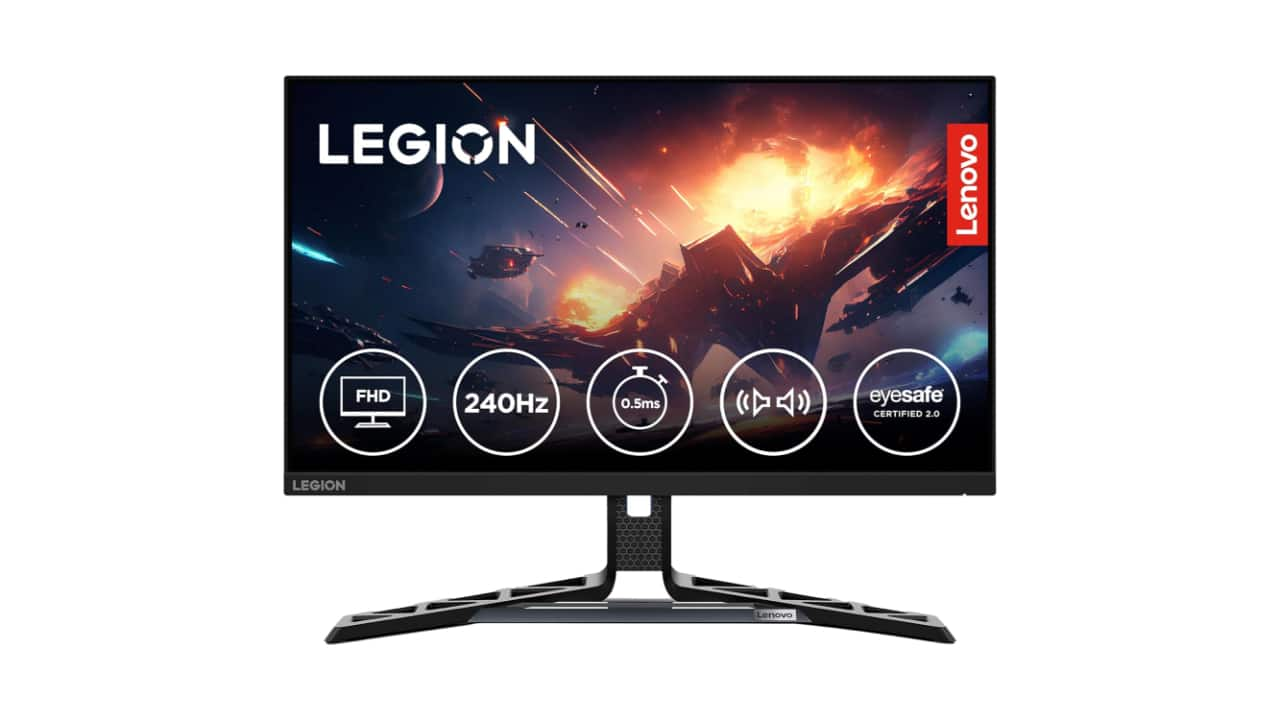
Budget matters, but don’t buy solely based on discounts. A cheaper monitor that lacks essential features might cost you more in the long run. Focus on value and usability instead of chasing the lowest price tag.
Budget matters, but don’t buy solely based on discounts. A cheaper monitor that lacks essential features might cost you more in the long run. Focus on value and usability instead of chasing the lowest price tag.
8/8
Ignoring ergonomics and mounting options
VESA compatibility, height and tilt adjustment, and swivel support make a huge difference in long-term use. Buying a fixed-stand monitor without checking comfort and adjustability can result in poor posture and neck strain.
VESA compatibility, height and tilt adjustment, and swivel support make a huge difference in long-term use. Buying a fixed-stand monitor without checking comfort and adjustability can result in poor posture and neck strain.
Discover the latest Business News, Budget 2025 News, Sensex, and Nifty updates. Obtain Personal Finance insights, tax queries, and expert opinions on Moneycontrol or download the Moneycontrol App to stay updated!



