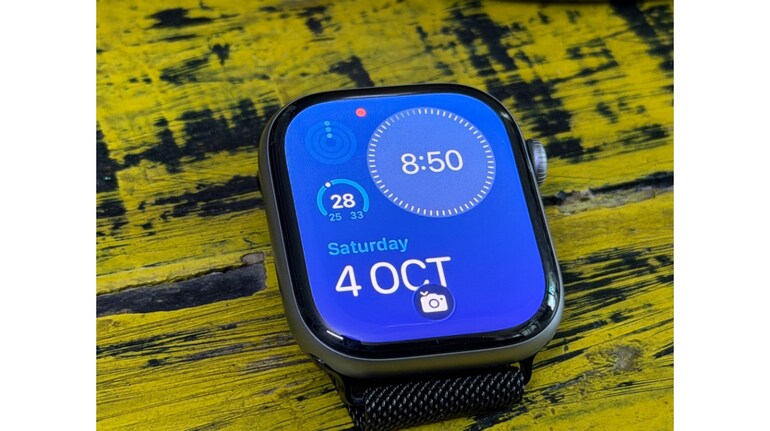
 Use your watch as a camera remoteThe Apple Watch has a built-in Camera Remote app that many users overlook. It lets you preview the shot, set a timer and click photos from your wrist. This is perfect for group pictures, tripod photography or moments when you want a steady shot without touching your iPhone. Once you try it, it becomes one of the most useful everyday tools.
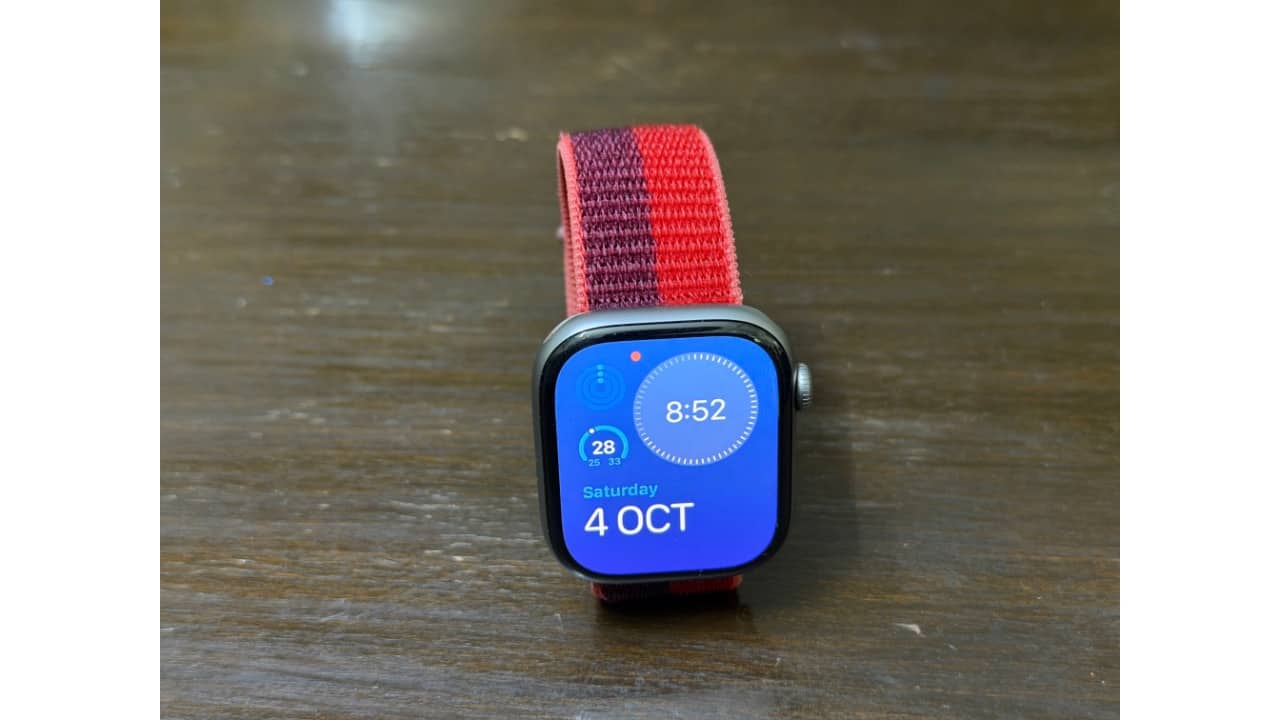 Control the watch with simple hand gesturesAssistiveTouch is one of the Apple Watch’s smartest features, yet most people never turn it on. It allows you to navigate the watch using hand gestures like pinching your fingers or clenching your fist. You can open apps, swipe menus or answer calls without touching the screen. It is extremely convenient when your hands are full, such as while cooking or carrying something.
 Use Water Lock to push out trapped waterMany users know that the Apple Watch is water-resistant, but they miss what the Water Lock mode actually does. When you turn it off, the watch ejects water from the speaker using a buzzing sound. It clears out droplets that get stuck inside after swimming or washing hands. This simple feature helps keep your speakers safe and sounding clear.
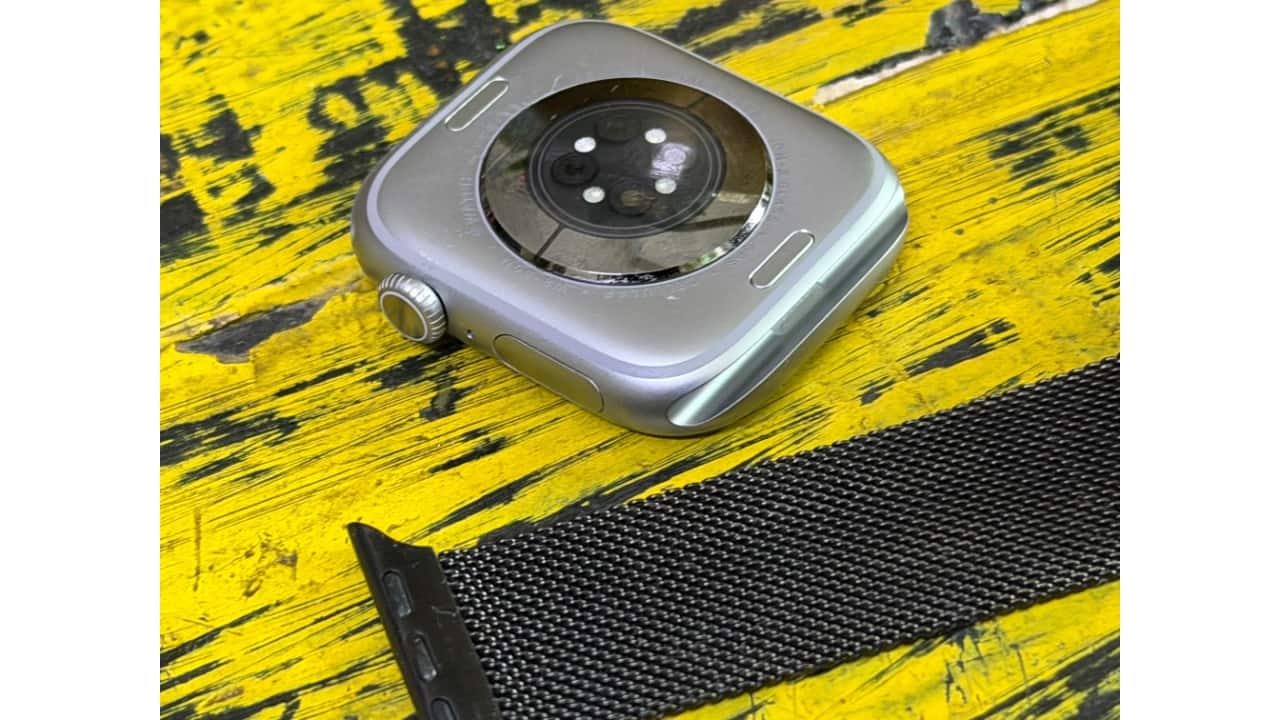 Check the time without lighting up the screenTaptic Time is a hidden feature that taps you on the wrist in a pattern to tell the time. It works silently and doesn’t wake the screen, making it great for meetings, movies or moments when you want to avoid any distraction. Since it’s buried deep in the settings menu, most users never discover it, but it’s surprisingly handy once enabled.
 Make your iPhone flash when searching for itThe “Ping iPhone” button in Control Centre is a favourite for many, but few know about the long-press trick. If you press and hold the icon, your iPhone not only makes a sound but also flashes its flashlight. This makes it much easier to find the phone in the dark, under cushions or mixed in with clothes. It's a tiny feature that solves a big everyday problem.


Discover the latest Business News, Sensex, and Nifty updates. Obtain Personal Finance insights, tax queries, and expert opinions on Moneycontrol or download the Moneycontrol App to stay updated!
Find the best of Al News in one place, specially curated for you every weekend.
Stay on top of the latest tech trends and biggest startup news.