- My Alerts
- Go Ad-Free
-
My Account












Dynamic email in Gmail: Top features Google has added to make Gmail more interactive
To enrich the user experience and make Gmail more interactive, Google has introduced dynamic email. Here's what dynamic email in Gmail entails:




1/6

Gmail has turned 15 and during the period our web experiences have changed a lot. Content is no longer static as interactive apps have risen enormously. Yet, email has remained more or less a no-frills service.
2/6
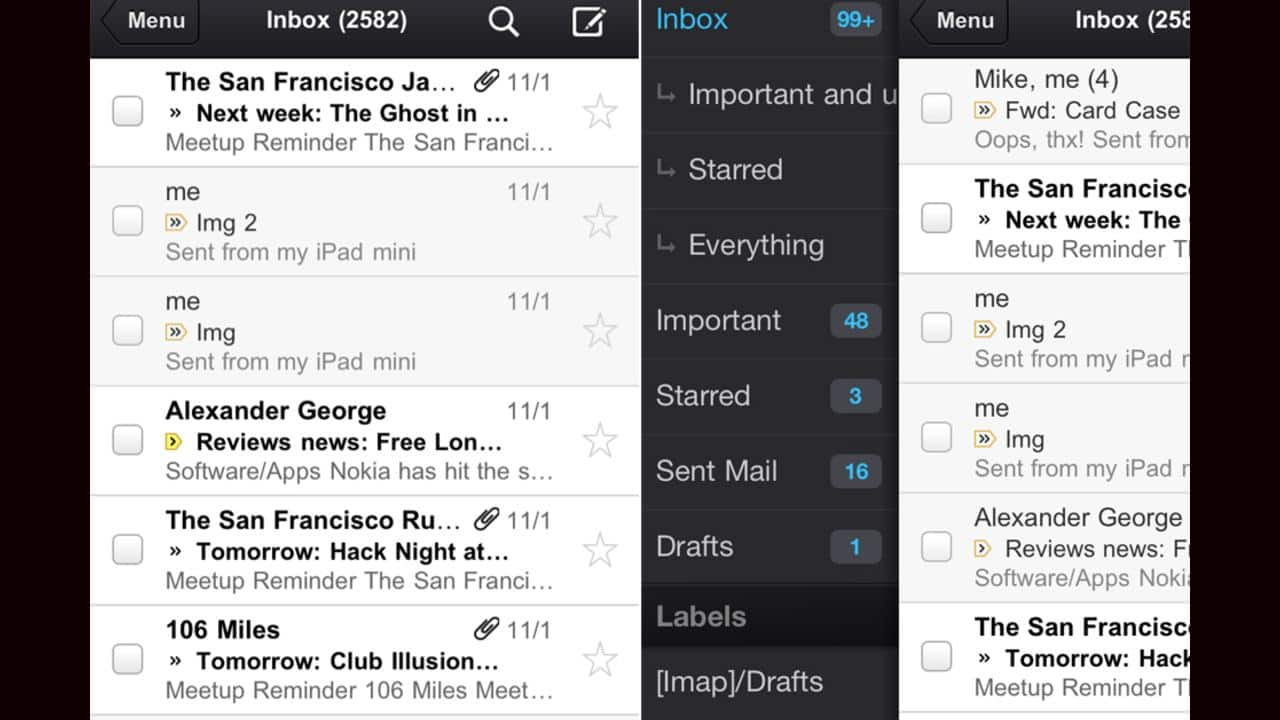
Tasks on emails usually lead to a different interface altogether. For example, Hyperlinks embedded in emails largely take you out on to a new tab. To enrich the user experience and make Gmail more interactive, Google has introduced dynamic email. Here's what dynamic email in Gmail entails:
3/6
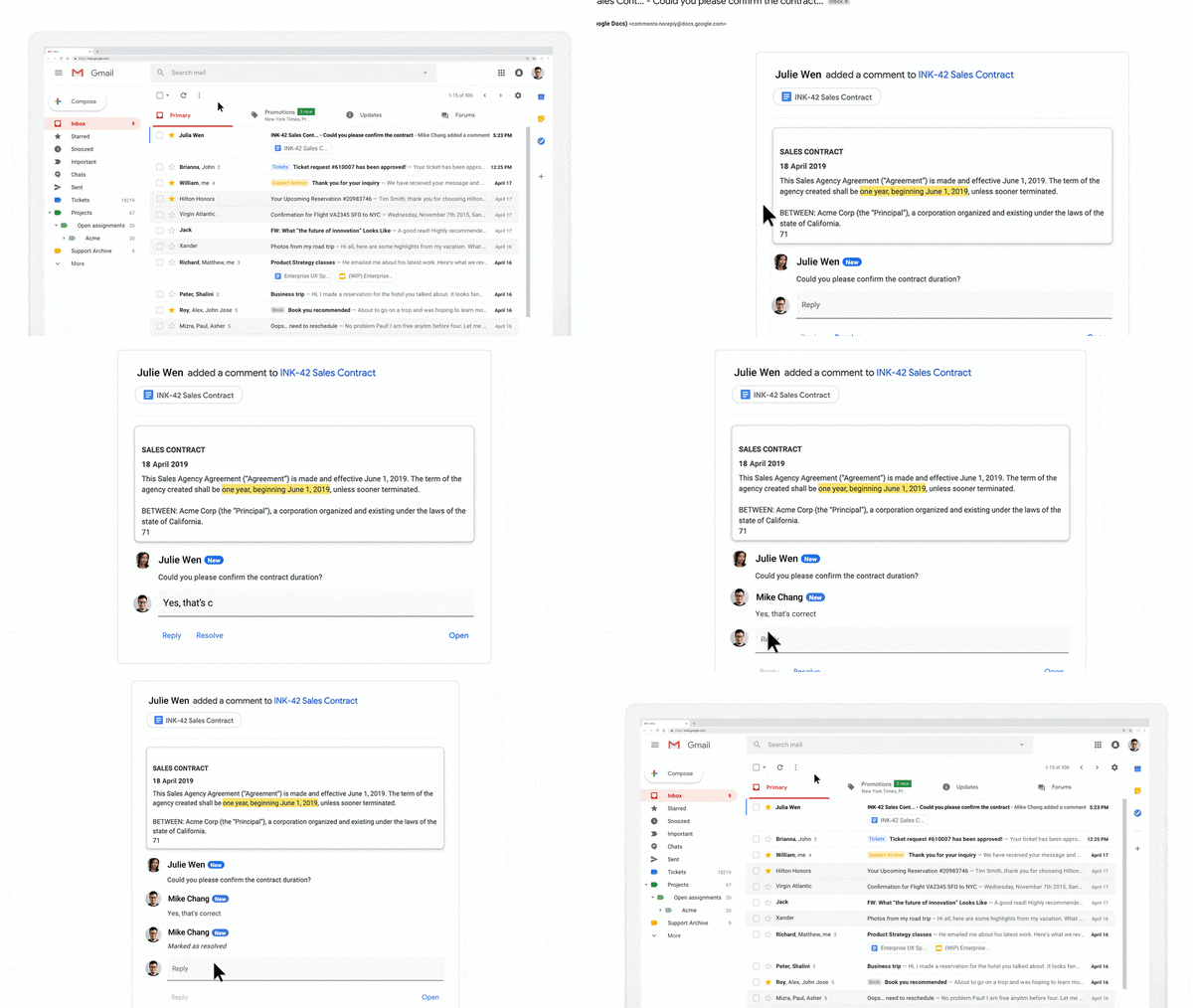
Take commenting in Google Docs, for example. Instead of receiving individual email notifications when someone mentions you in a comment, now, you’ll see an up-to-date thread in Gmail where you can easily reply or resolve the comment, right from within the message. (Image: Google)
4/6
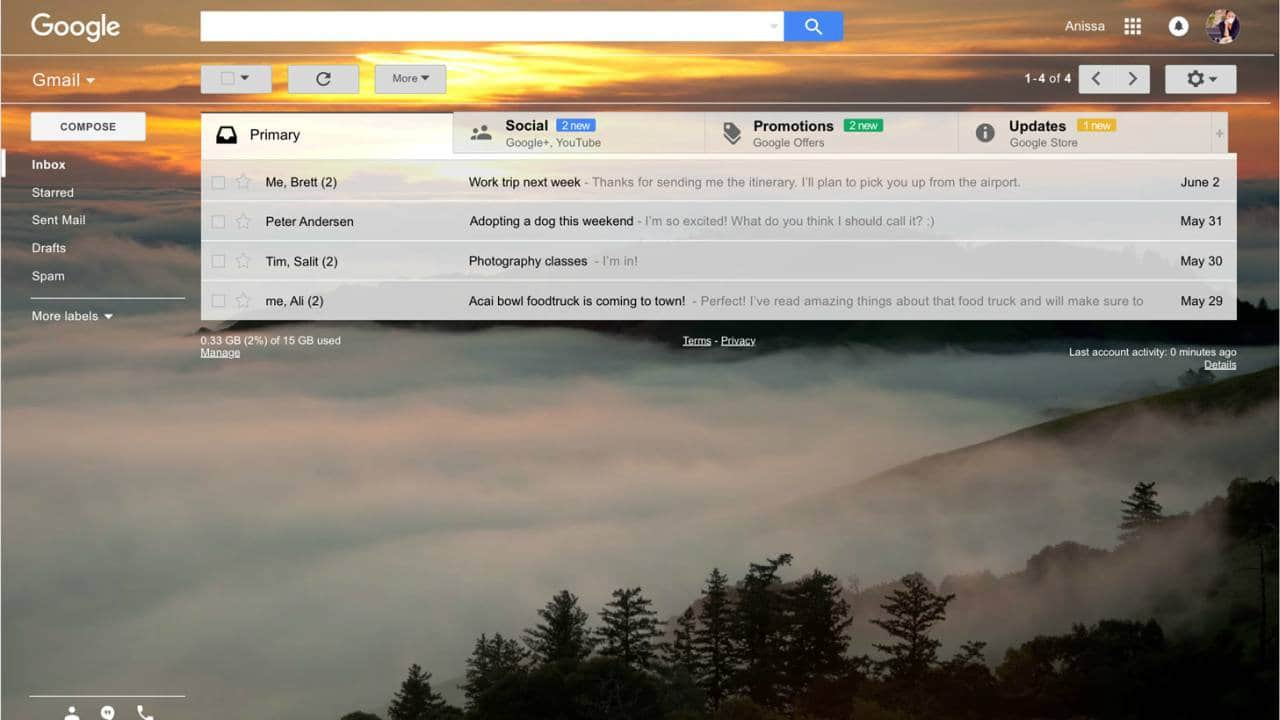
Even the likes of Booking.com, Despegar, Doodle, Ecwid, Freshworks, Nexxt, OYO Rooms, Pinterest and redBus have started using dynamic email in Gmail feature. It is now easier to discover and save ideas on Pinterest boards through Gmail. (Image: Google)
5/6
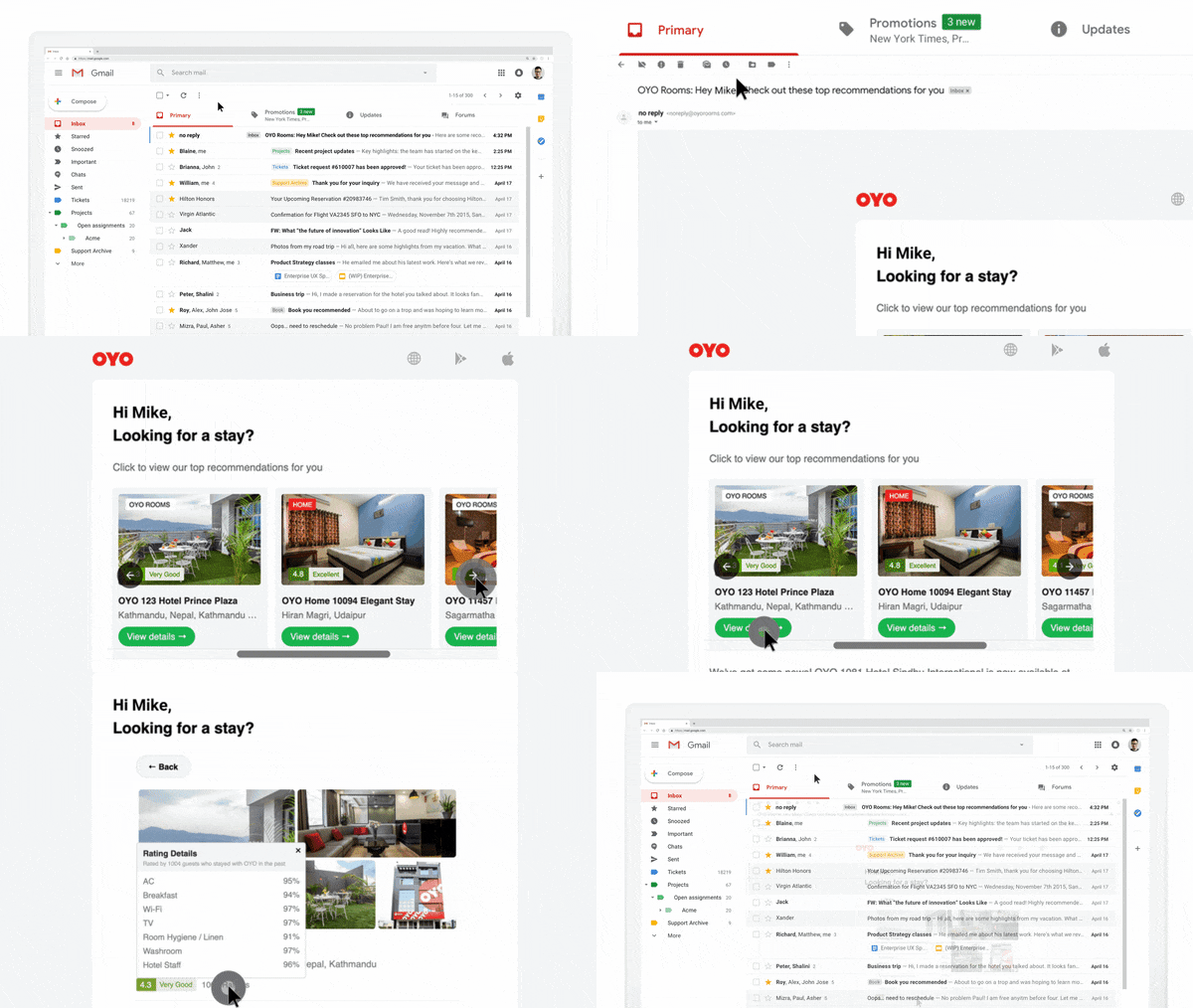
Similarly, you can check out Oyo Rooms hotels and rental listings right in Gmail itself. (Image: Google)
6/6
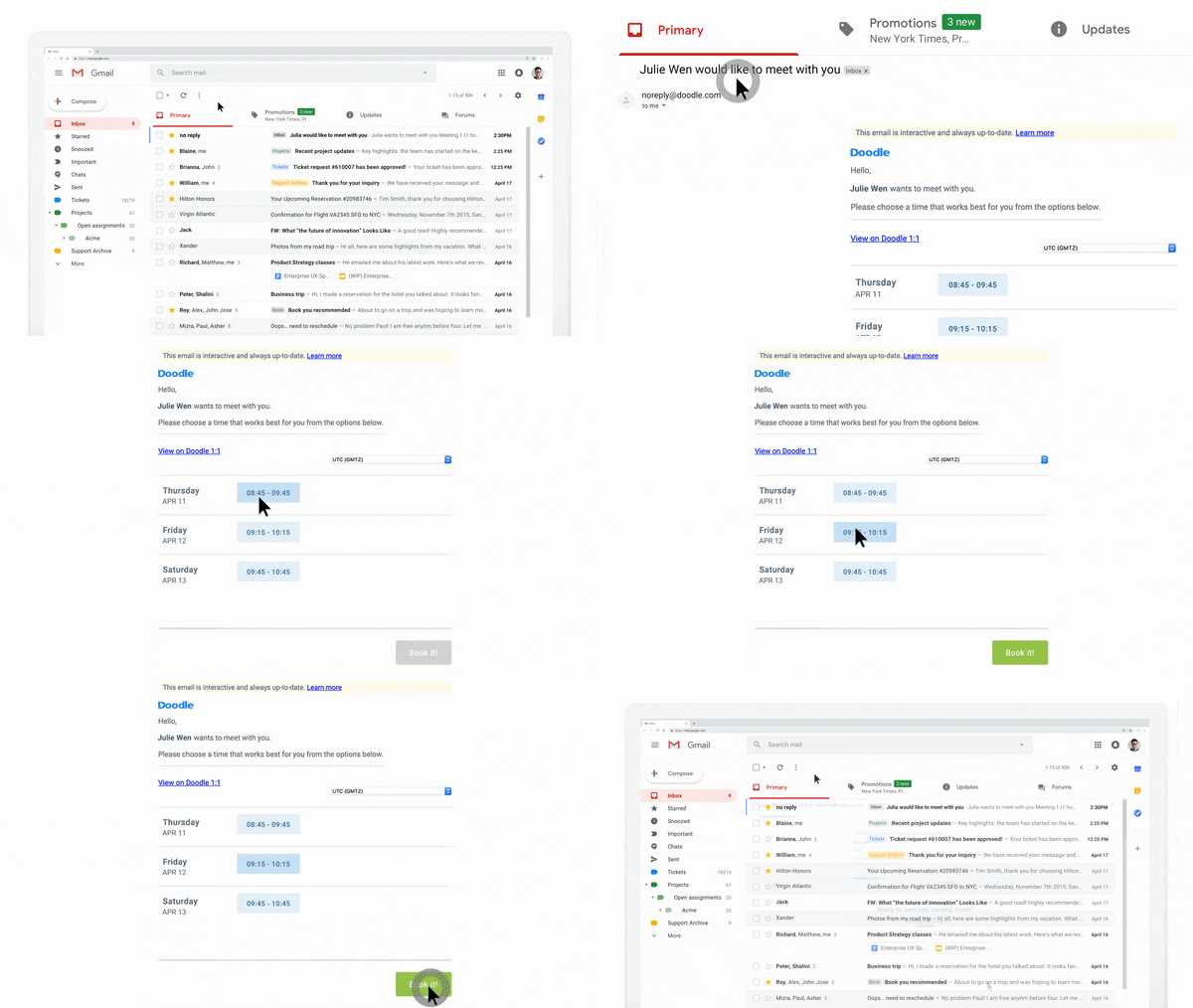
Gmail's dynamic email Doodle feature lets you respond to meeting requests within the email. No need to open more tabs. (Image: Google)
Discover the latest Business News, Budget 2025 News, Sensex, and Nifty updates. Obtain Personal Finance insights, tax queries, and expert opinions on Moneycontrol or download the Moneycontrol App to stay updated!



