

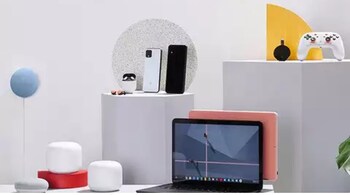
Google has introduced a dedicated page in its online store, providing a single hub for all your device needs. The new ‘Your Devices’ page provides quick access to information like Google Store purchase history and serves as a central location for managing your Google hardware. Moreover, the hub lists all the devices linked to a user’s Google account, with a thumbnail image for each one for easy selection.
Google’s ‘Your Devices’ page: Key features
As reported by Android Police last week, Google’s ‘Your Devices’ section will show all the Google devices associated with the account users are signed into. It currently lists both Pixel devices and Nest devices with a dedicated card for each device showing a thumbnail image, the current warranty status, the device's serial number or IMEI, and other peripheral options.
The new ‘Your Devices’ page streamlines the management of all the supported Google devices owned by the user. Moreover, through the page, we can check the warranty status, contact Google support, and even look for the location history of every device. This way Google Pixel and Nest users get a simple and efficient way to manage all the owned products in one place.
Further, if a Pixel or Nest user has activated Preferred Care for their device, the ‘View more’ tab will easily let them access enhanced warranty options. It also provides easy access to device-specific help documentation and allows contact to Google support. Additionally, if a user wants to add a new device, they simply need to select the ‘Add device button on the page and enter the IMEI or serial number to begin registration
Discover the latest Business News, Sensex, and Nifty updates. Obtain Personal Finance insights, tax queries, and expert opinions on Moneycontrol or download the Moneycontrol App to stay updated!





