

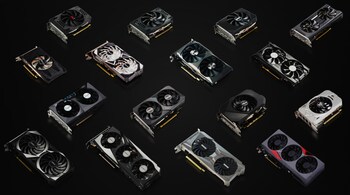
Nvidia has started to roll out an app profile update for its GPUs after users complained of low performance with chat application Discord running in the background.
In an official tweet, Nvidia explained the bug caused "some GeForce GPUs" not to reach their full clock speed if Discord was running in the background.
Also Read | ChatGPT ‘arms race’ adds US$4.6 billion to Nvidia founder’s fortune
The update will automatically be downloaded the next time a user logs in to Windows.
If you wish to apply the update manually, download the GeForce 3D profile manager from here, and click on Export SLI Profiles.
When the file explorer opens, select a path to save your profiles file. Once saved, navigate to the path, and open up the text file in a text editor like Notepad.
Also Read | Nvidia's Broadcast can now simulate eye contact
Now search for "Discord", and add the following line: Setting ID_0x50166c5e = 0x00000000. Now save your text file and exit.
Open up your GeForce 3D Profile Manager again, and this time click on Import SLI Profiles, select your updated text file and click on Open. Once the file is imported, close the application and restart your computer.
Discover the latest Business News, Sensex, and Nifty updates. Obtain Personal Finance insights, tax queries, and expert opinions on Moneycontrol or download the Moneycontrol App to stay updated!





