5 new image editing features of ChatGPT Image 1.5 you should know
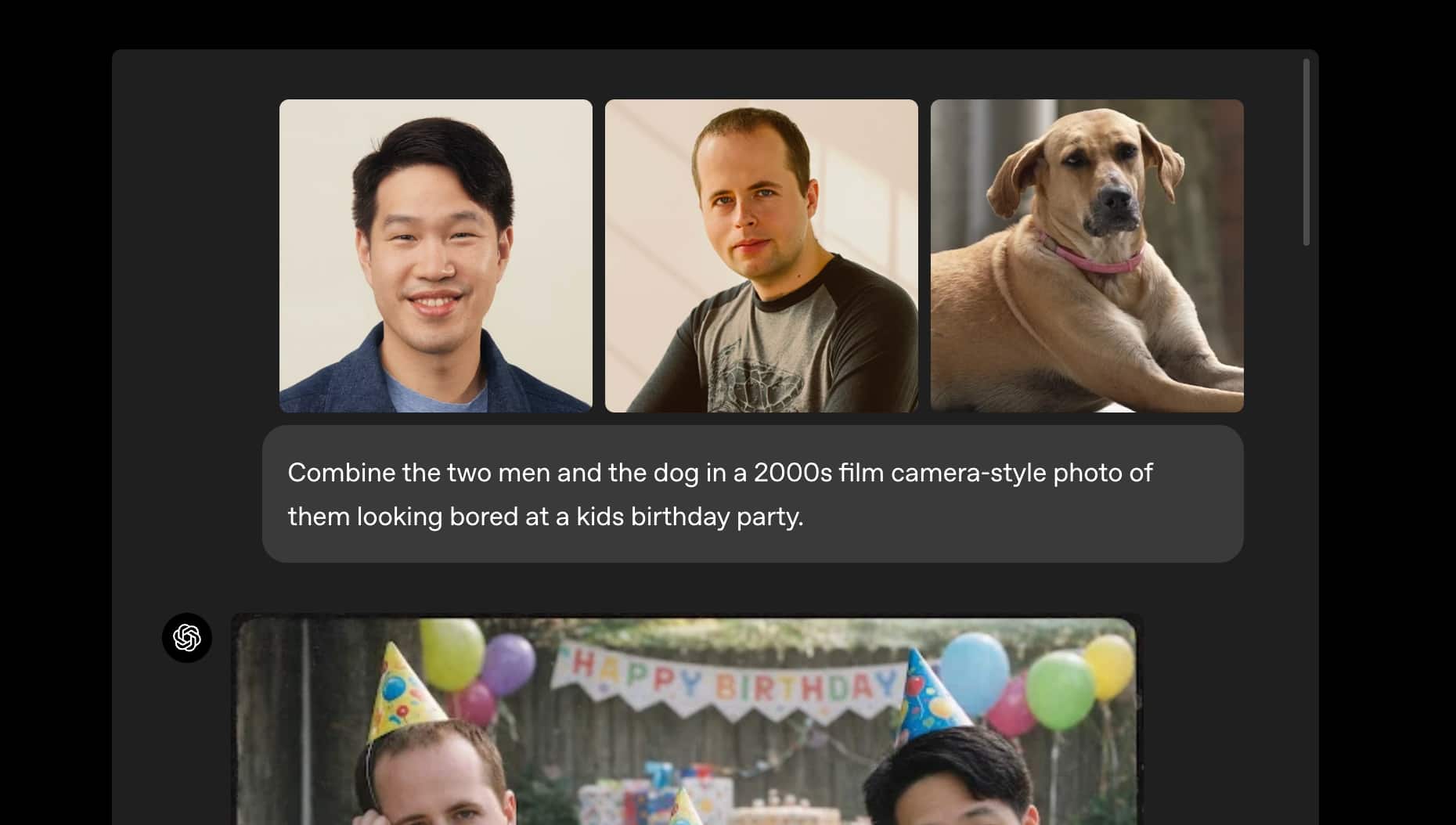
ChatGPT Image 1.5 introduces smarter image editing with precise control, consistent visual preservation, faster generation, and improved handling of objects, styles, and text across multi-step edits.
Precise edits with visual consistency ChatGPT Image 1.5 can now modify only the elements you specify while keeping lighting, composition, background, and facial likeness consistent across edits. This makes step-by-step image refinement far more reliable.
Multi-step editing without quality loss You can apply several edits sequentially—such as changing clothing, adding objects, or altering styles—without the image drifting from the original look. Each new edit builds cleanly on the previous result.
Advanced object addition and removal The model handles adding, removing, blending, and transposing objects more naturally. Removed elements no longer leave visual artifacts, and added objects better match shadows, perspective, and scene depth.
Style mixing at the element level Different parts of the same image can now be edited in different styles. For example, one subject can be converted into an illustrated or anime style while the rest of the scene remains photorealistic.
Improved text preservation and rendering in edits Text inside images—such as logos, posters, signage, or documents—stays clearer and more accurate during edits. This is especially useful when modifying branded visuals or layouts that include dense or small text.
Read the latest and trending tech news—stay updated on AI, gadgets, cybersecurity, software updates, smartphones, blockchain, space tech, and the future of innovation.