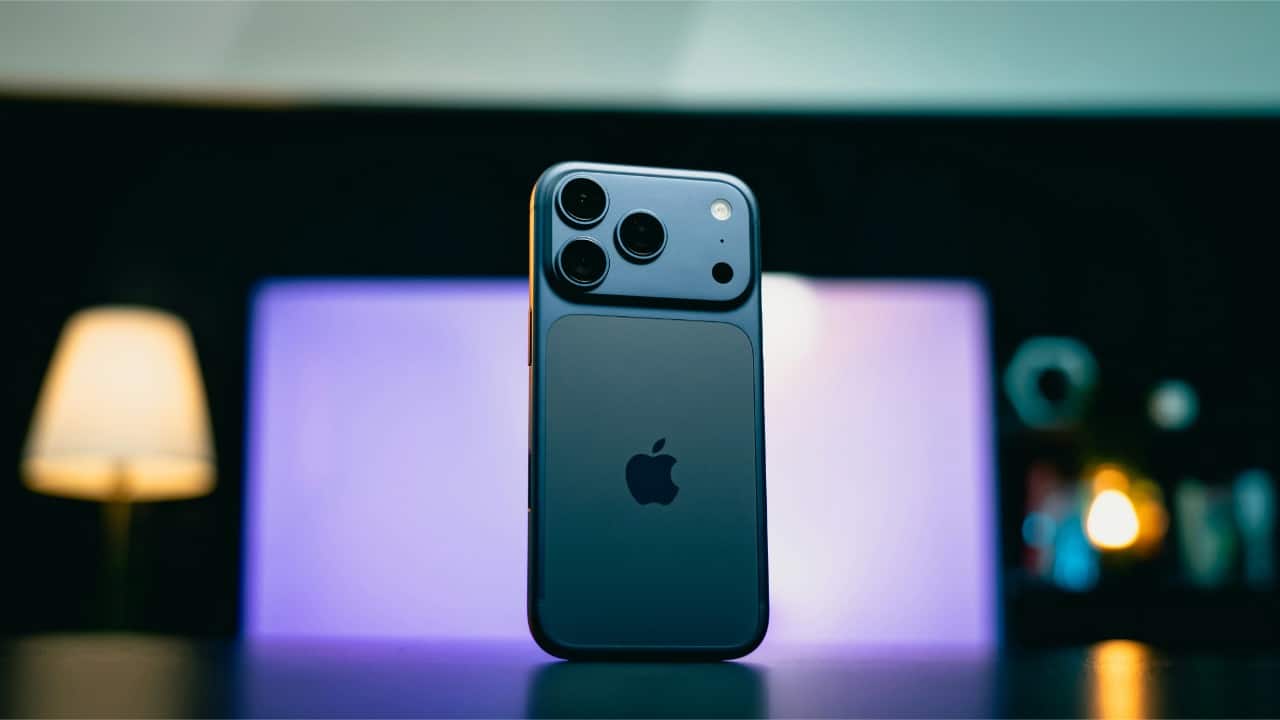
Use your phone’s built-in WiFi sharing option Most phones now let you share WiFi without typing the password. On Android, tap your connected WiFi network and choose “Share.” Your phone will generate a QR code your friend can scan. It is quick, secure and avoids spelling mistakes or sharing long passwords.
Let iPhone share the password automatically If you and your friend use iPhones, Apple makes WiFi sharing effortless. Keep both devices close, turn on Bluetooth and open the WiFi settings. When your friend tries to connect, your iPhone will pop up a message asking if you want to share the password. Tap “Share,” and that’s it.
Use a QR code generator for older phones If someone’s phone cannot scan the automatic QR code option, you can create one manually. Many free websites and apps let you generate a WiFi QR code. Enter your network name and password once, save the code and let friends scan it whenever they visit.
Share WiFi through a guest network Some routers allow you to set up a separate “Guest Network.” This lets friends connect to the internet without accessing your main devices or shared files. You can keep the main password private and simply share the guest network details whenever someone needs quick access.
Turn on temporary hotspot sharing If you don’t want anyone on your home WiFi at all, you can create a temporary hotspot on your phone. Set a simple password and share it verbally. Once your friend is done, turn off the hotspot. This keeps your main WiFi completely private and still helps them connect.
Ankita Chakravarti is a seasoned journalist with nearly a decade of experience in media. She specializes in technology and lifestyle journalism. She has worked with top Indian media houses like India Today, Zee News, The Statesman, and Millennium Post. Her expertise spans tech trends, phone launches, gadget reviews, and entertainment news. Ankita holds a Master's in Journalism and Mass Communication along with a degree in English Literature. She can be reached out at ankita.chakravarti@nw18.com