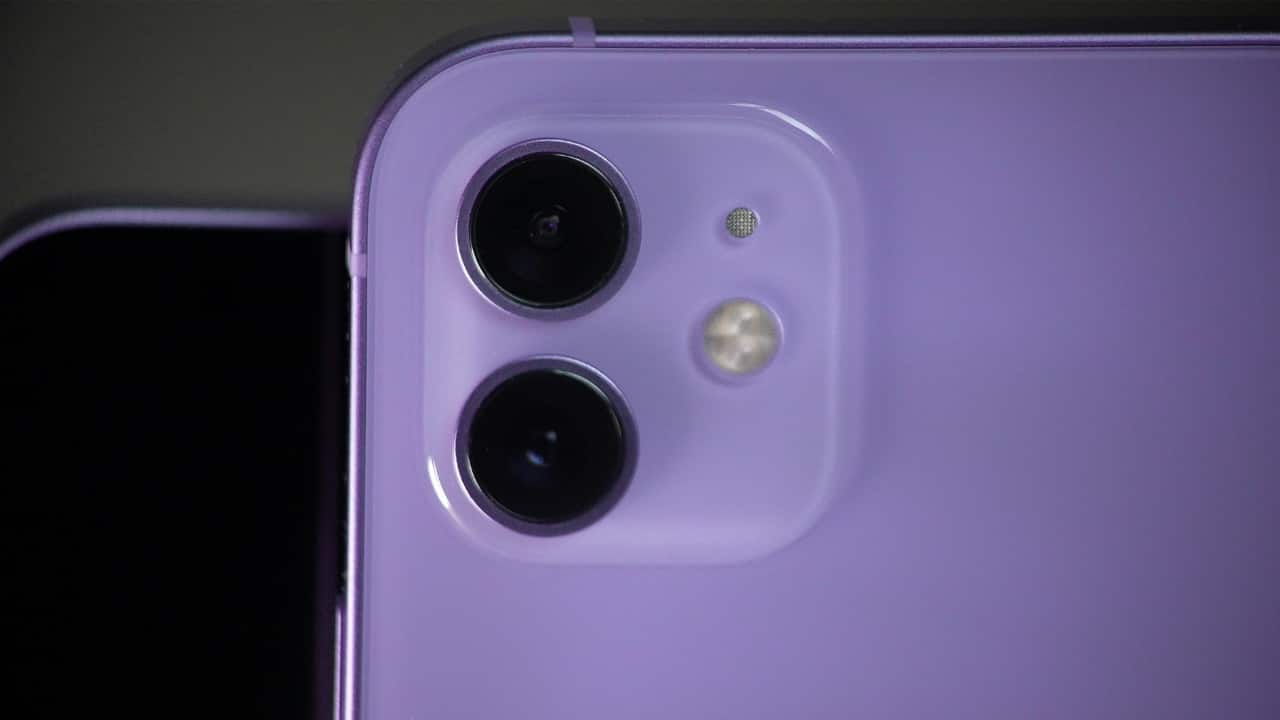
How to click DSLR-like portraits with your iPhone: Step-by-step guide
Want DSLR-like portrait photos on your iPhone? Follow these easy tips to capture stunning portraits with perfect background blur, lighting, and focus—no fancy camera needed!
Switch to Portrait Mode Start by opening your iPhone’s camera and selecting Portrait mode. This mode automatically blurs the background, making your subject pop. It creates that soft, professional-looking effect, similar to what you get with DSLR cameras, perfect for close-ups and portraits.
Use Natural Light Whenever Possible Good lighting is key. Stand near a window or go outside during early morning or late afternoon. Natural light softens your features and avoids harsh shadows. Avoid using the flash because it can make photos look flat and less professional.
Tap to Focus and Adjust Brightness Before clicking, tap on your subject’s face on the screen. This helps the camera focus perfectly. You can also swipe up or down to adjust the brightness, making sure the lighting looks just right before snapping the picture.
Experiment with Portrait Lighting Effects In Portrait mode, swipe through different lighting effects like Natural, Studio, or Contour Light. These add subtle changes to your photo, enhancing your subject’s look. Studio Light is great for a clean, sharp look, while Contour Light adds drama and depth to the face.
Edit for a Final Touch After clicking, head to the Photos app and tap Edit. You can adjust brightness, contrast, and even change the depth effect. A little editing sharpens your photo and gives it that polished, DSLR-like finish. Avoid over-editing to keep the portrait looking natural.
Read the latest and trending tech news—stay updated on AI, gadgets, cybersecurity, software updates, smartphones, blockchain, space tech, and the future of innovation.