-
My Account









How to turn a monthly budget with your bank's spend analyser
Most bank apps now categorise your spend automatically—here's how to turn the resulting information into a working monthly budget.




1/6

Start by looking at your last month's spend split
Log in to your bank's net banking website or mobile banking app and find the "Spend Analyser" or "Expense Tracker" link. All major banks like HDFC, ICICI, Axis, SBI, and Kotak offer this facility now. You'll be able to see your spend categorized into different groups such as groceries, utility bills, eating out, shopping, petrol, and so on. This instant overview provides you with an idea of what your money is spent on each month—much before you allocate a budget.
Log in to your bank's net banking website or mobile banking app and find the "Spend Analyser" or "Expense Tracker" link. All major banks like HDFC, ICICI, Axis, SBI, and Kotak offer this facility now. You'll be able to see your spend categorized into different groups such as groceries, utility bills, eating out, shopping, petrol, and so on. This instant overview provides you with an idea of what your money is spent on each month—much before you allocate a budget.
2/6

Tag or reorganize unclear transactions
Spend analysers tag by merchant name automatically, but these may not always be meaningful. Work through each category and relocate any that have been incorrectly tagged—for example, your air conditioning fix will turn up under "Shopping" instead of "Repairs." The more specific your tagging, the more useful your budget will be. Some banks will also enable you to include notes or define special categories.
Spend analysers tag by merchant name automatically, but these may not always be meaningful. Work through each category and relocate any that have been incorrectly tagged—for example, your air conditioning fix will turn up under "Shopping" instead of "Repairs." The more specific your tagging, the more useful your budget will be. Some banks will also enable you to include notes or define special categories.
3/6
Utilize the information to set monthly limits on each category
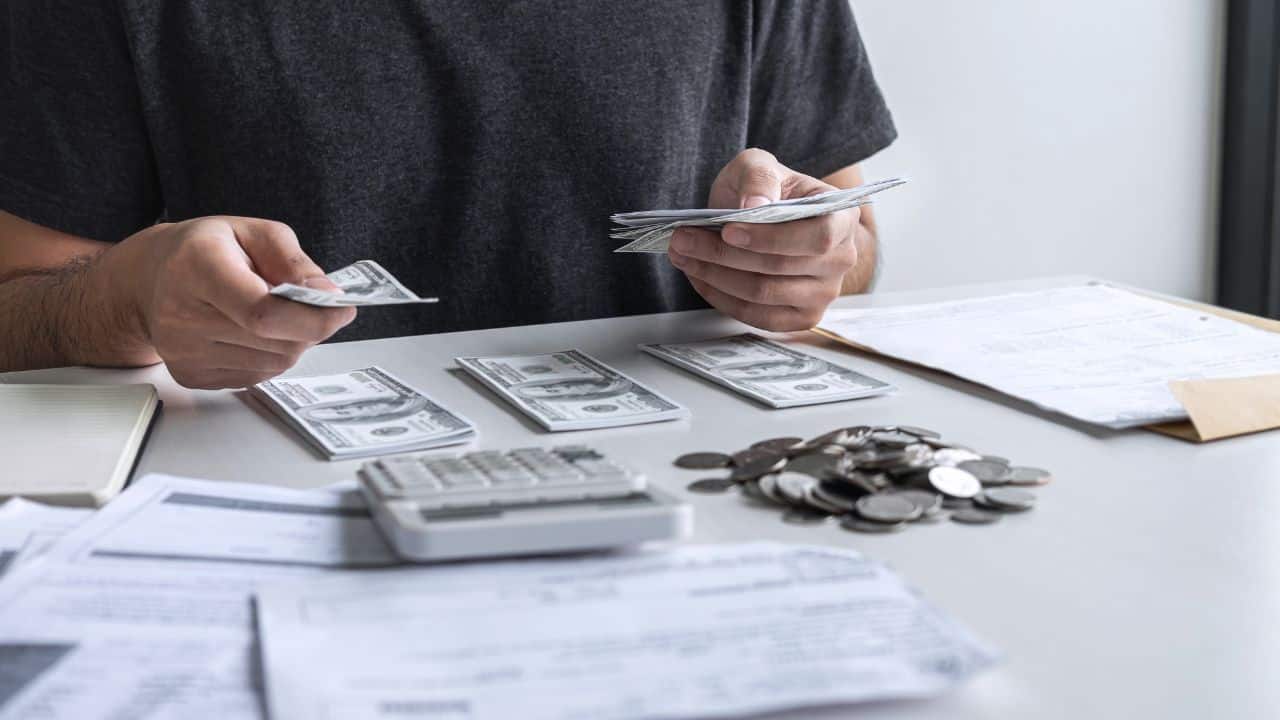
After you've got clean data, use it to set realistic budgets for each month. If last month you spent ₹12,000 on dining out and want to reduce it, set a limit of ₹8,000 this month. Set one for groceries, transport, subscriptions, and so on. Some apps let you enter these limits, and they'll remind you when you go over them. Leave some room for budgeting for unexpected expenses.
After you've got clean data, use it to set realistic budgets for each month. If last month you spent ₹12,000 on dining out and want to reduce it, set a limit of ₹8,000 this month. Set one for groceries, transport, subscriptions, and so on. Some apps let you enter these limits, and they'll remind you when you go over them. Leave some room for budgeting for unexpected expenses.
4/6

Track your spending weekly instead of monthly
Don't wait until month-end to check how your budget is doing. Monitor weekly via your bank app or personal finance manager. Weekly checks enable you to get back on track before you've overspent. If you've expended 80% of your fuel budget by the 20th of the month, you'll find that you need to cut spending back. Summaries are frequently available daily or weekly from most spend analysers by email or app notification.
Don't wait until month-end to check how your budget is doing. Monitor weekly via your bank app or personal finance manager. Weekly checks enable you to get back on track before you've overspent. If you've expended 80% of your fuel budget by the 20th of the month, you'll find that you need to cut spending back. Summaries are frequently available daily or weekly from most spend analysers by email or app notification.
5/6

Link multiple accounts for the big picture
If you have more than one bank or card, your budget will be as good as it is if all the accounts are considered. Most apps like Cred, Cube, or even banking aggregators like HDFC's MyCards allow you to link multiple bank accounts and cards. In this manner, your spend analyser collates all the data on a single dashboard and gives you the overall picture—no shocks.
If you have more than one bank or card, your budget will be as good as it is if all the accounts are considered. Most apps like Cred, Cube, or even banking aggregators like HDFC's MyCards allow you to link multiple bank accounts and cards. In this manner, your spend analyser collates all the data on a single dashboard and gives you the overall picture—no shocks.
6/6

Use insights to improve money habits
Your spend analyser does not just track expenses—it can actually improve your money habits. Leverage trends over previous months and cut discretionary expenses or increase savings. Certain apps even give you suggested savings goals according to your inflows and outgoings. The goal is not merely tracking—but changing how you spend.
Your spend analyser does not just track expenses—it can actually improve your money habits. Leverage trends over previous months and cut discretionary expenses or increase savings. Certain apps even give you suggested savings goals according to your inflows and outgoings. The goal is not merely tracking—but changing how you spend.
Discover the latest Business News, Budget 2025 News, Sensex, and Nifty updates. Obtain Personal Finance insights, tax queries, and expert opinions on Moneycontrol or download the Moneycontrol App to stay updated!



